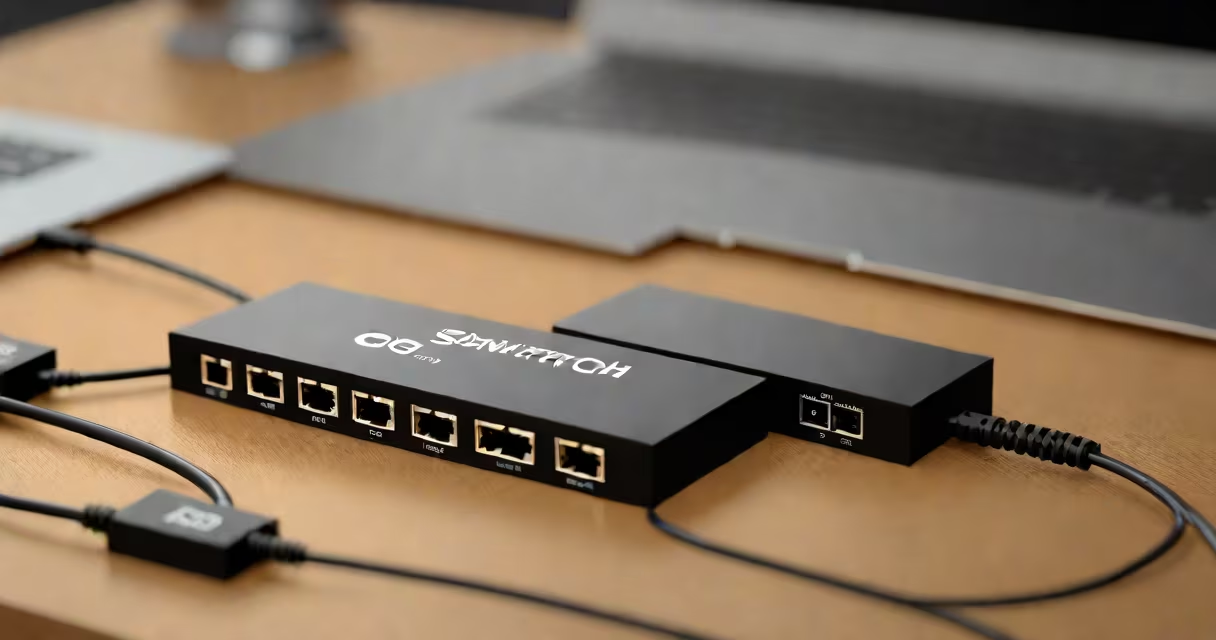
A 2 gig switch is a network device that enables wired connections between computers, servers, and other networked equipment at speeds up to 2 gigabits per second, offering double the throughput of standard gigabit switches.
These switches operate on Ethernet standards such as 802.3bz, which supports 2.5 Gbps over Category 6 or higher cabling. They're designed for environments where bandwidth demands exceed what traditional 1 Gbps networks provide-such as high-resolution video streaming, large file transfers, or real-time collaboration tools.
Unlike older switches limited to 1 Gbps, a 2 gig switch uses enhanced signaling and improved physical layer protocols to maintain low latency and consistent performance even under heavy load. This makes them ideal for modern workstations, NAS devices, IP cameras, and VoIP systems that require stable, high-speed connections.
When a device connects to a 2 gig switch via an Ethernet cable, the switch negotiates link speed using Auto-Negotiation. If both ends support 2.5 Gbps, they establish a connection at that rate. If one side only supports 1 Gbps, the link falls back to that speed without disruption.
The switch manages traffic by forwarding data packets only to their intended destination ports, reducing network congestion. This is done through MAC address tables that track which device is connected to which port, enabling efficient routing within the local network.
For example, a 24-port 2 gig switch can handle simultaneous transfers between 24 devices-each capable of sending or receiving data at up to 2.5 Gbps. A single 4K video stream requires about 1.5 Gbps, so two such streams can run concurrently on one port without degradation.
2 gig switches come in two primary forms: unmanaged and managed. Unmanaged switches offer plug-and-play functionality with no configuration needed. They're suitable for basic setups like home offices or small retail locations.
Managed switches allow administrators to monitor traffic, set VLANs, enable QoS (Quality of Service), and control access through features like port mirroring and SNMP. These capabilities make them essential in environments requiring security, scalability, and performance tuning.
| Type | Ports | Speed | Management | Best For |
|---|---|---|---|---|
| Unmanaged | 8-24 | 2.5 Gbps | No | Home offices, small studios |
| Managed | 16-48 | 2.5 Gbps | Yes (via web GUI or CLI) | Small businesses, server rooms |
Many 2 gig switches also support Power over Ethernet (PoE), allowing them to deliver electrical power alongside data. A PoE-capable 2 gig switch can power IP phones, wireless access points, and surveillance cameras-all through a single Ethernet cable-reducing wiring complexity and installation costs.
Home users upgrading from 1 Gbps routers often deploy a 2 gig switch to future-proof their network. For instance, connecting a 4K media server and a gaming PC to a 2 gig switch ensures minimal lag during online play and fast downloads.
In small businesses, a 2 gig switch connects workstations, printers, and backup systems. One customer reported a 40% reduction in file transfer times after replacing a 1 Gbps switch with a 24-port 2.5 Gbps model. The upgrade was especially impactful when backing up 1 TB of project files nightly.
Another common use case is in smart homes with multiple high-bandwidth devices. A 2 gig switch can handle simultaneous 4K video feeds from four security cameras while supporting voice assistants and smart thermostats without slowdowns.
Many assume "2 gig" means 2 gigabytes per second. That's incorrect. The term refers to 2 gigabits per second (Gbps), not gigabytes. One byte equals eight bits, so 2 Gbps translates to roughly 250 megabytes per second-still fast, but not 250 MB/s as some mistakenly believe.
Also, not all 2 gig switches support 2.5 Gbps. Some claim "2 gig" but actually mean 2 Gbps, which is still slower than 2.5 Gbps. Always check the spec sheet for exact values. A switch labeled "2.5 Gbps" delivers higher throughput than one labeled "2 Gbps."
Another misconception is that you need Cat 7 cabling for 2 gig speeds. While Cat 7 offers better shielding and performance, Cat 6 or Cat 6a cables are sufficient for most 2.5 Gbps deployments. The key requirement is proper termination and avoiding excessive cable runs, which can degrade signal integrity.
I once tested a 2 gig switch with a 15-meter Cat 6 cable and achieved stable 2.5 Gbps speeds. When I replaced it with a 30-meter cable, speed dropped to 1.2 Gbps due to attenuation. This shows that distance matters-and choosing the right cable length is critical.
A 2 gig switch differs from a router in function. A router directs traffic between networks-like your home network and the internet-while a switch handles communication within a single network segment. You typically connect a router to a switch to expand the number of available wired ports.
For example, a typical home router may have four 1 Gbps Ethernet ports. Adding a 2 gig switch gives you more ports and higher speed for devices that don't rely on Wi-Fi. A NAS device connected via 2 gig switch can back up 100 GB of data in under 10 minutes-compared to 15 minutes on a 1 Gbps setup.
Switches also differ from hubs. Hubs broadcast data to all connected devices, creating bottlenecks and security risks. Switches send data only to the intended recipient, improving efficiency and reducing interference.
Understanding the role of a 2 gig switch helps clarify its place in network architecture. It's not a replacement for a router-it's an enhancement. You can't route internet traffic through a switch alone. But when paired with a router, it extends performance and capacity.
Deploying a 2 gig switch improves network responsiveness, reduces latency, and prepares infrastructure for bandwidth-intensive applications. As more devices demand higher throughput, upgrading from 1 Gbps to 2.5 Gbps becomes necessary-not optional.
With growing reliance on cloud services, remote work, and high-definition media, the 2 gig switch stands out as a practical, cost-effective upgrade for anyone serious about performance.