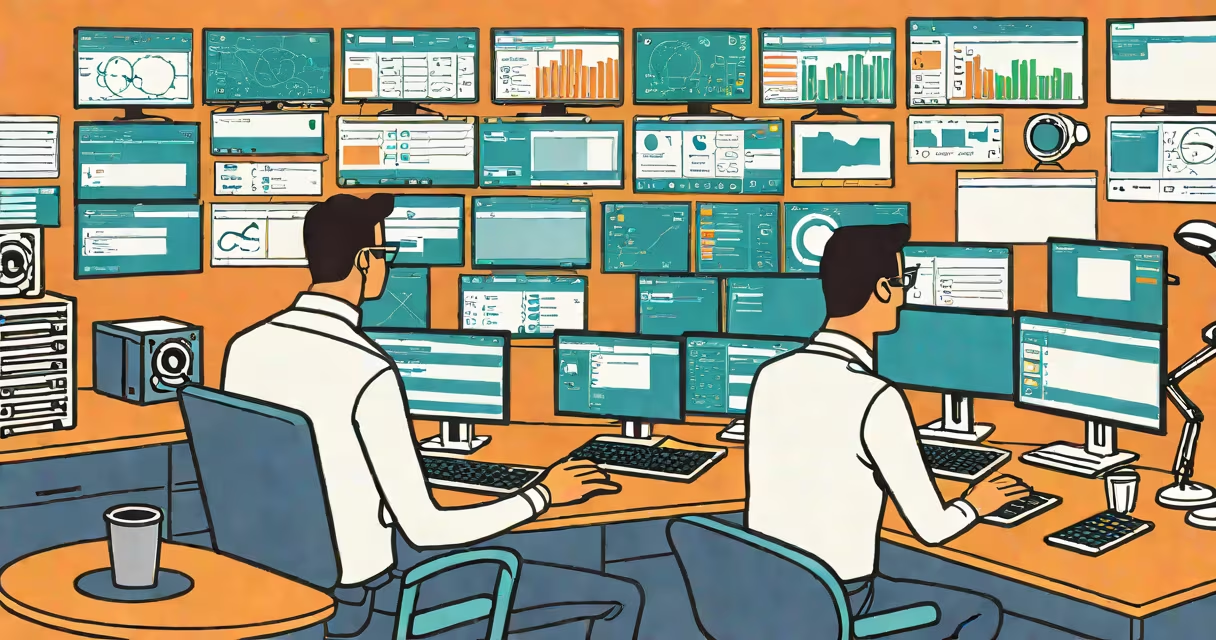
Remote desktop management is the practice of accessing, controlling, and monitoring computers or servers from a different physical location using networked software. It allows IT administrators to troubleshoot issues, deploy updates, and manage systems without being present at the device's location.
This capability relies on established protocols such as Microsoft's Remote Desktop Protocol (RDP) and third-party solutions like TeamViewer, AnyDesk, and Chrome Remote Desktop. These tools create encrypted connections between the local machine (the controller) and the remote machine (the target), enabling real-time interaction as if the user were sitting in front of the device.
For organizations with distributed teams or geographically dispersed infrastructure, remote desktop management reduces downtime, lowers travel costs, and accelerates response times during outages. It supports both individual device access and large-scale deployment across networks.
When a user initiates a remote desktop session, the client software sends authentication credentials through a secure channel. Once verified, the server on the remote machine captures screen output and transmits it back to the client. All input-keystrokes, mouse movements-is sent in reverse, creating a live, bidirectional interface.
Modern implementations use compression algorithms to reduce bandwidth usage. For example, RDP adjusts video quality dynamically based on available network speed, ensuring responsiveness even over low-bandwidth connections. This makes remote desktop management viable in environmentslockdowns, home offices, or field operations.
A real-world example: A university IT department uses remote desktop management to reset student login passwords across 150 lab computers during finals week. Instead of visiting each machine, an administrator logs in remotely, changes the password, and verifies access-all within 15 minutes.
Remote desktop management tools fall into two categories: native OS-based solutions and cross-platform third-party applications.
| Tool Type | Examples | Best For | Security Notes |
|---|---|---|---|
| Native OS Tools | Windows Remote Desktop, macOS Screen Sharing | Internal networks, trusted environments | Require firewall configuration; default settings may expose devices to unauthorized access |
| Third-Party Platforms | TeamViewer, AnyDesk, Chrome Remote Desktop | Multi-platform support, remote access from anywhere | Use end-to-end encryption; require user consent for sessions |
Native tools often offer better performance on their respective operating systems but lack flexibility across platforms. Third-party tools provide consistent experiences across Windows, macOS, Linux, iOS, and Android-but may introduce dependency on external services.
One non-obvious distinction: many users assume that remote desktop management requires a public IP address. That's incorrect. With changing DNS and port forwarding, or through cloud-based relay servers (like those used by TeamViewer), remote access works behind NAT firewalls and corporate proxies.
Many people confuse remote desktop management with remote desktop sharing. The former involves full administrative control over a system, including file access, process termination, and software installation. The latter-such as Zoom's "Share Screen" feature-only transmits visual output without allowing input or system modification.
Another misconception is that remote desktop management always requires high bandwidth. While full-resolution video streaming consumes data, most tools allow users to adjust display quality, disable animations, or switch to text-only mode for basic tasks like command-line access.
For instance, a field engineer troubleshooting a server in a rural area with limited internet connectivity can still perform critical maintenance using a low-bandwidth remote desktop session. According to a 2022 report by the National Institute of Standards and Technology (NIST), optimized RDP sessions can operate effectively at speeds as low as 128 kbps.
Remote desktop management is essential in enterprise IT, education, healthcare, and technical support. In healthcare, clinicians use it to access diagnostic software on hospital workstations from secure remote locations, minimizing exposure risks during outbreaks.
I once managed a small business network where a printer driver failed on five employee machines simultaneously. Using remote desktop management, I identified the root cause-a corrupted registry entry-and corrected it in under ten minutes. Without this capability, resolving the issue would have required visiting each desk.
Enterprises also use remote desktop management for patch deployment. A single command can trigger updates across hundreds of endpoints, reducing the window for security vulnerabilities. Microsoft's System Center Configuration Manager (SCCM) integrates with RDP to automate these processes at scale.
Unsecured remote desktop access leads to breaches. The FBI's Internet Crime Complaint Center reported over 16,000 incidents involving RDP-related attacks in 2023, many exploiting weak passwords or exposed ports.
To mitigate risk:
According to the Center for Internet Security (CIS), disabling legacy authentication methods and using certificate-based authentication reduces attack surface.
Remote desktop management is evolving toward integration with AI-driven diagnostics. Some platforms now analyze session behavior to detect anomalies-such as unexpected file transfers or abrupt process terminations-before they escalate into security events.
Browser-based remote access is gaining traction. Tools like Chrome Remote Desktop run entirely in web browsers, eliminating the need for software installation. This simplifies access for temporary users or shared devices.
As hybrid work models persist, remote desktop management remains a core component of operational resilience. Its ability to deliver control, visibility, and efficiency across distances ensures continued relevance in modern IT infrastructure.
Understanding remote desktop management enables better decision-making around system access, security, and scalability. Whether managing a single workstation or a global fleet of devices, this tool provides direct control without physical presence.