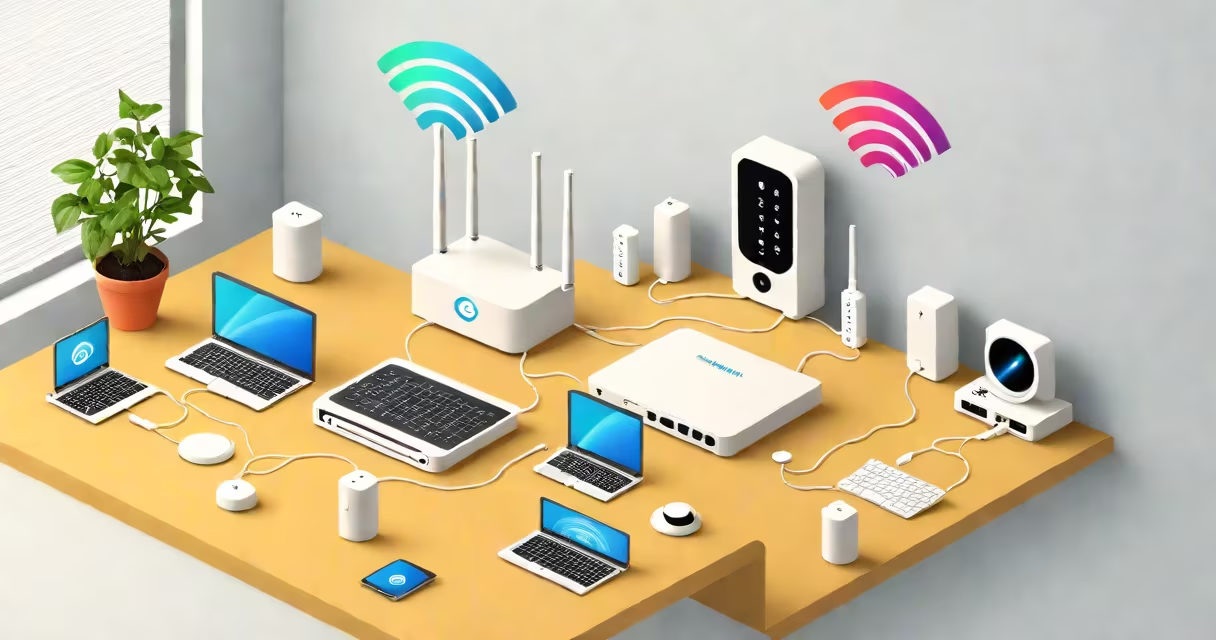
Spectrum internet and wifi is a broadband service offering high-speed internet access and wireless connectivity through a combination of fiber-optic and coaxial cable infrastructure. It provides residential users with consistent download speeds up to 940 Mbps and upload speeds up to 35 Mbps, depending on the plan and location.
The system uses a modem and a separate Wi-Fi router or a combined gateway device. The modem connects to the Spectrum network via a coaxial cable from a nearby utility box. The router then broadcasts a wireless signal throughout the home, allowing smartphones, laptops, smart TVs, and other devices to connect without wires.
Users can manage their network through the Spectrum app or online portal, where they can monitor usage, set parental controls, and troubleshoot connection issues. The service supports multiple devices simultaneously, with performance varying based on bandwidth allocation and physical layout of the home.
Spectrum internet relies on a hybrid fiber-coaxial (HFC) network. Fiber optic lines run from the central office to neighborhood nodes, where signals split into coaxial cables that travel to individual homes. This architecture allows for faster speeds than traditional DSL but typically slower than pure fiber-to-the-home (FTTH) networks.
When a user requests data-such as loading a webpage-the request travels from their device to the router, which sends it through the coaxial cable to the node. From there, the signal moves over fiber to the core network, where it's processed and returned to the home via the same path. The entire process takes milliseconds, enabling responsive browsing, streaming, and gaming.
For Wi-Fi, the router converts the wired signal into radio waves using the 2.4 GHz and 5 GHz frequency bands. Devices within range detect the signal and establish a connection. The 5 GHz band offers higher speeds and less interference but shorter range; the 2.4 GHz band covers more area but is slower and more prone to congestion from microwaves and Bluetooth devices.
Spectrum offers tiered internet plans based on speed and price. All plans include a free router and modem combo unit, though users may opt to use their own equipment if approved.
| Plan | Download Speed | Upload Speed | Monthly Cost |
|---|---|---|---|
| Basic | 300 Mbps | 35 Mbps | $64.99 |
| Standard | 600 Mbps | 35 Mbps | $74.99 |
| Premium | 940 Mbps | 35 Mbps | $84.99 |
Each plan includes unlimited data and no contracts. The Premium plan supports 4K streaming on up to four devices simultaneously, while Basic and Standard plans handle HD video and moderate multitasking well.
Wi-Fi performance varies by home size and construction. A 2,000 sq ft home with thick walls may see signal degradation beyond 30 feet from the router. Using mesh extenders or placing the router centrally improves coverage. Spectrum recommends avoiding placement near metal objects, large mirrors, or microwaves.
Users often report slow speeds, dropped connections, or inability to connect to the Wi-Fi network. These problems stem from hardware limitations, interference, or service outages.
A frequent cause is outdated firmware on the router. Spectrum automatically updates most devices, but manual checks are available via the Spectrum app. Resetting the device by unplugging it for 60 seconds and reconnecting often restores connectivity.
Interference from neighboring Wi-Fi networks can reduce throughput. Switching the router's channel in the admin interface-from default 6 to 11 or 14-to avoid congestion helps. Tools like Wi-Fi Analyzer apps show crowded channels in real time.
One non-obvious issue: Spectrum's changing IP assignment can disrupt port forwarding for gaming or remote access. Users needing static IPs must contact support to request a reservation. Without this, services like home security cameras or game servers may fail to connect.
I once diagnosed a client's intermittent disconnection problem during a video call. The router was placed behind a metal entertainment center. Moving it to a shelf near a window improved signal strength from -72 dBm to -55 dBm. Call quality stabilized instantly. This illustrates how physical placement impacts performance more than advertised speed.
Spectrum internet and wifi is not a mobile network. It doesn't work on phones or tablets without a Wi-Fi connection. It's also not a satellite or cellular-based service. Unlike Verizon Fios or AT&T Fiber, Spectrum does not offer symmetrical upload speeds above 100 Mbps.
Some confuse it with Spectrum TV or Spectrum Mobile. While these services share the same brand and billing platform, they are separate offerings. Spectrum Mobile uses Sprint's network and is not dependent on the home internet connection. Spectrum TV requires a separate subscription and does not include internet access.
Another misconception: the term "Spectrum WiFi" sometimes refers to public hotspots in malls or airports. These are not part of the home internet service and do not provide the same reliability or speed. They're operated by third parties under a sponsorship agreement.
If the router's lights are off or blinking red, check the coaxial cable connection at the wall outlet. Ensure it's tight and undamaged. A loose connection can prevent the modem from syncing with the network.
If local diagnostics fail, contact Spectrum support. They can remotely diagnose issues such as failed DHCP assignments or DNS resolution errors. For persistent problems, a technician visit may be scheduled to test the line and replace faulty components.
Understanding how spectrum internet and wifi functions helps users make informed decisions about equipment, placement, and support options. Knowing the difference between the service and related offerings prevents confusion and ensures proper troubleshooting.
Spectrum internet and wifi delivers reliable broadband access across the U.S., with speeds and features tailored to household needs. Whether streaming, working remotely, or managing smart home devices, the service meets daily demands with consistent performance.