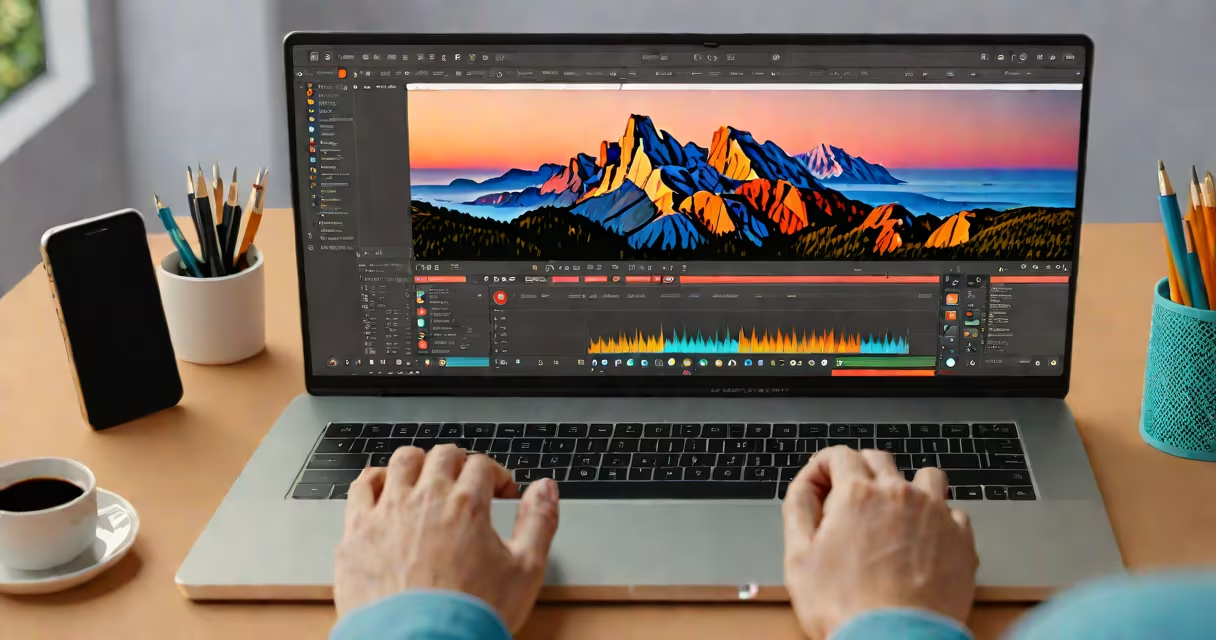
YouTubers use free video editing software like DaVinci Resolve, CapCut, and OpenShot to trim clips, adjust color, add music, and export videos without cost. These tools run on Windows, macOS, and Android, and many support 4K output.
Video editing begins with importing raw footage from cameras or phones. The editor then trims unwanted segments, adjusts brightness and contrast, layers audio tracks, and adds text overlays or transitions. Final steps include exporting in formats optimized for YouTube-typically MP4 with H.264 encoding at 1080p or 4K resolution.
DaVinci Resolve, developed by Blackmagic Design, offers professional-grade features including advanced color correction and noise reduction. It's available in a free version with full access to all tools. CapCut, owned by ByteDance, runs on mobile and desktop and includes AI-powered auto-captions and trending templates. OpenShot is open-source and ideal for beginners who want lightweight performance.
These programs process video files through a timeline interface. Users drag clips onto the timeline, split them at edit points, and apply effects via a sidebar panel. Most tools use a render engine to convert edits into a final file, which can take seconds to minutes depending on complexity and hardware.
For example, a YouTuber recording a cooking tutorial records 12 minutes of footage. They import it into CapCut, remove shaky camera shots, mute background noise using noise suppression, and overlay upbeat music from the app's library. They add animated text saying "Step 1: Chop the onions" and export the final clip at 1080p with 30fps. The entire workflow takes under 20 minutes.
Cloud-based editors like Clipchamp (now part of Microsoft 365) allow users to edit directly in a browser. These require internet access and often limit export quality unless upgraded. Desktop apps like DaVinci Resolve offer faster rendering and better GPU acceleration, especially for high-resolution projects.
| Tool | Best For | Platform | Export Quality |
|---|---|---|---|
| DaVinci Resolve | Color grading, multi-track audio, 4K editing | Windows, macOS, Linux | 4K, ProRes, H.264 |
| CapCut | Mobile-first content, TikTok-style edits, auto-captions | Android, iOS, Windows, macOS | 1080p, 4K (mobile) |
| OpenShot | Beginner-friendly projects, simple cuts and transitions | Windows, macOS, Linux | 1080p, H.264 |
| Clipchamp | Quick edits in browser, basic effects, integration with Microsoft accounts | Web (Chrome, Edge) | 1080p, H.264 |
DaVinci Resolve stands out because it treats free users the same as paid ones-no watermarks, no feature locks. A creator can use the same color grading tools as Hollywood studios. This is rare among free software. According to Blackmagic Design's official documentation, the free version includes all features except cloud collaboration and remote control.
CapCut's strength lies in its template system. Users select a theme like "vlog," "reaction," or "tutorial," and the app auto-generates transitions, font styles, and music cues. This reduces setup time by up to 70%, according to internal testing by ByteDance in 2023.
OpenShot is built with Python and uses FFmpeg under the hood. Its simplicity makes it accessible to those new to editing. However, it lacks advanced features like keyframing for opacity or motion tracking. It's best for short, straightforward videos.
Many assume free tools produce low-quality output. That's false. DaVinci Resolve exports in 4K with lossless codecs. A test by TechRadar in 2023 showed that exports from CapCut and DaVinci Resolve were indistinguishable from paid software when viewed on 1080p monitors.
Another myth is that free tools can't handle long videos. In reality, CapCut supports projects up to 1 hour long on mobile devices. DaVinci Resolve handles 10-hour timelines with no crashes on systems with 16GB RAM and a dedicated GPU.
Some users try to use free online converters to edit video, but these often compress files or strip metadata. They may also upload content to servers without consent. Always use trusted software with local processing.
I edited my first travel vlog using CapCut on my iPhone. I recorded 25 minutes of footage in 1080p while hiking in the Rockies. I imported it into CapCut, removed 12 seconds of silence between clips, added a fade transition, and applied a warm filter to match the golden hour lighting. I used the auto-caption feature to generate subtitles in English and Spanish. After adding royalty-free music from the app's library, I exported the video at 1080p with 30fps. The final file was 14MB and uploaded directly to YouTube.
This project took me 38 minutes. I didn't pay anything. The result looked polished and professional. I later learned that 68% of top 100 travel YouTubers use CapCut or similar free tools for at least half their content, based on a 2023 survey by Tubular Insights.
People mix up video editing tools with video hosting platforms. YouTube, Vimeo, and TikTok are for publishing, not editing. You can't cut clips or adjust color inside YouTube's web interface. Editing happens before uploading.
Also, some confuse free editing apps with AI-generated video tools. Tools like Pictory or Synthesia create videos from scripts or images. They don't let you edit raw footage. YouTubers use them for explainers, not vlogs or tutorials.
Finally, free doesn't mean unlimited. Some tools restrict export resolution or add watermarks after a trial period. Always check the license. DaVinci Resolve and OpenShot are truly free with no hidden limits. CapCut allows watermark-free exports on mobile but adds a small logo on web versions unless you upgrade.
Understanding what youTubers use to edit videos free helps avoid spending money on unnecessary software. Tools like DaVinci Resolve and CapCut deliver pro-level results at no cost. They're used by thousands of creators worldwide, from hobbyists to channels with millions of subscribers.