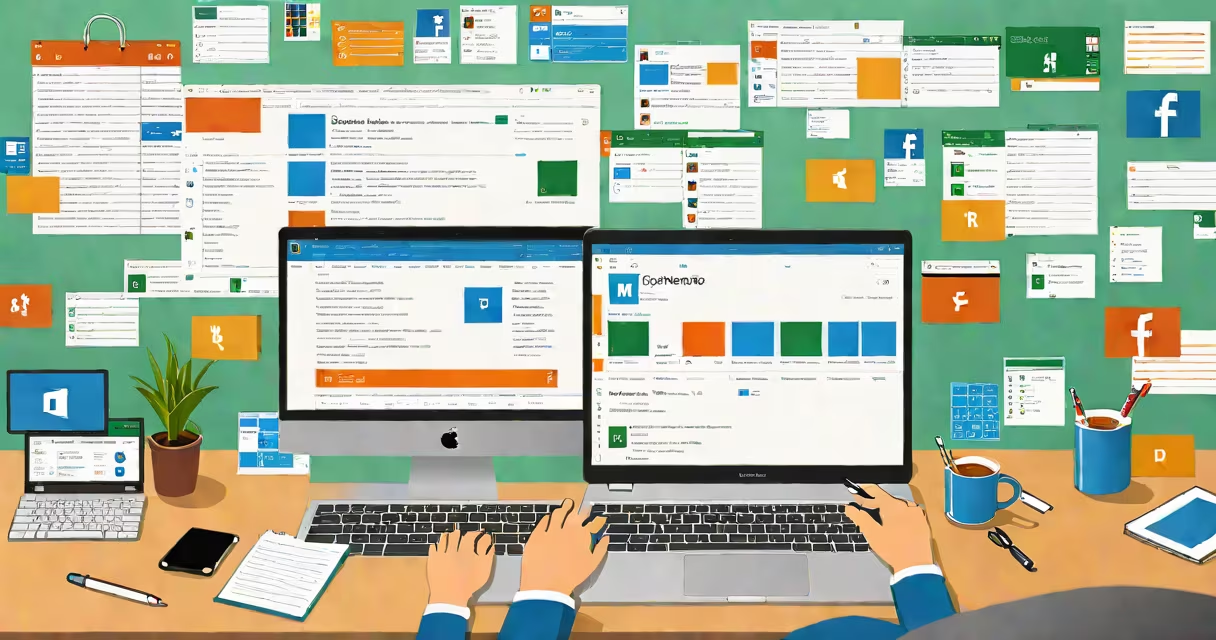
Office 365 is a subscription-based set of productivity software and cloud services from Microsoft, offering access to desktop and web versions of Word, Excel, PowerPoint, Outlook, and Teams, along with cloud storage via OneDrive, email through Exchange Online, and collaboration tools like SharePoint and Microsoft Stream.
The service runs on a monthly or annual billing model and includes automatic updates, enterprise-grade security, and access from multiple devices. It's designed for businesses, educational institutions, and individual users who need consistent, up-to-date tools for communication, document creation, and team coordination.
Microsoft rebranded Office 365 as Microsoft 365 in 2020, but the core offerings remain largely unchanged. The name change reflects expanded capabilities beyond traditional office applications, including advanced AI features, device management, and enhanced cybersecurity.
Office 365 includes five primary desktop applications: Word, Excel, PowerPoint, Outlook, and OneNote. These are available on Windows, macOS, iOS, and Android, with full functionality across platforms.
Word enables rich-text editing, collaborative document sharing, and integration with templates and grammar-check tools. Excel supports complex formulas, pivot tables, and data visualization features. PowerPoint allows users to create changing presentations with animations, embedded media, and real-time co-authoring.
Outlook manages email, calendars, contacts, and tasks. It syncs across devices and integrates with shared mailboxes and resource booking. OneNote provides a digital notebook for organizing notes, audio recordings, and sketches in a searchable format.
| App | Primary Use | Available On |
|---|---|---|
| Word | Document creation and editing | Windows, macOS, iOS, Android, Web |
| Excel | Data analysis, spreadsheets, financial modeling | Same as above |
| PowerPoint | Presentation design and delivery | Same as above |
| Outlook | Email, calendar, task management | Same as above |
| OneNote | Personal and team note-taking | Same as above |
Beyond the desktop apps, Office 365 delivers a set of cloud-based services essential for modern workflows. These include OneDrive for file storage, SharePoint for team sites and document libraries, and Exchange Online for business email and calendaring.
OneDrive offers 1 TB of personal storage per user and integrates directly into File Explorer and Finder. Files saved here are automatically backed up and accessible from any device. Sharing links can be restricted with password protection or expiration dates.
SharePoint enables teams to build custom intranets, manage project documentation, and track approvals. It supports version history, metadata tagging, and integration with Power Automate for workflow automation. A single organization can host dozens of site collections under one tenant.
Exchange Online handles email routing, spam filtering, and retention policies. It supports shared mailboxes, distribution groups, and mobile device management. Administrators can enforce data loss prevention (DLP) rules to prevent sensitive information from being emailed externally.
Teams is a central component of Office 365. It combines chat, video meetings, file sharing, and app integrations into a single workspace. Users can create channels for different projects, pin files, assign tasks, and schedule recurring meetings.
During a meeting, participants can share screens, annotate slides in real time, and record sessions for later review. Transcripts are generated automatically and stored in the channel's chat history. Meeting recordings are saved to the team's SharePoint site and can be accessed by members with permission.
I tested this in a remote team setting with 12 people across three time zones. We scheduled a weekly sync using Teams, shared a shared Excel workbook, and updated a project timeline in real time. All changes were visible instantly, and no version conflicts occurred due to automatic syncing.
Many assume that Office 365 includes all Microsoft software. It does not. For example, Publisher is not part of the standard Office 365 plan. It remains a standalone product sold separately or bundled with certain Windows editions.
Another misconception is that all data is automatically backed up. While OneDrive and SharePoint offer version history and recovery options, administrators must configure retention policies and enable backup features explicitly. Without proper setup, deleted files may be unrecoverable after 30 days.
Some users believe that Office 365 is only for large enterprises. That's incorrect. Individual plans start at $6.99/month and include full access to all core apps and 1 TB of OneDrive storage. Education and nonprofit organizations receive discounted rates and additional compliance certifications.
Office 365 does not include antivirus software, CRM systems, or advanced analytics platforms. Users must integrate third-party tools or subscribe to separate services for those functions.
For example, Power BI is a separate product used for data visualization and business intelligence. It can connect to Excel workbooks and SharePoint lists, but requires a separate license. Similarly, Microsoft Access is not included in Office 365, though it's available in some volume licensing agreements.
For users needing advanced collaboration features, integrating Microsoft Forms for surveys or Planner for task tracking adds functionality without leaving the system. These tools are included in most plans and require no extra cost.
What is included in Office 365? It's a unified platform combining desktop applications, cloud storage, email, team collaboration, and administrative controls. Core apps like Word, Excel, and PowerPoint are always up to date. Cloud services such as OneDrive, SharePoint, and Exchange Online enable secure, scalable teamwork.
Teams is central to daily operations in many organizations. Its integration with other tools makes it more than a chat app-it's a command center for projects. Understanding what's included helps avoid overpaying for unnecessary add-ons or missing essential features.
When evaluating Office 365, focus on your actual workflow needs. If you're creating reports, managing schedules, or coordinating remote teams, the included tools cover most use cases. For specialized tasks, consider adding complementary services or exploring the full Microsoft 365 system.