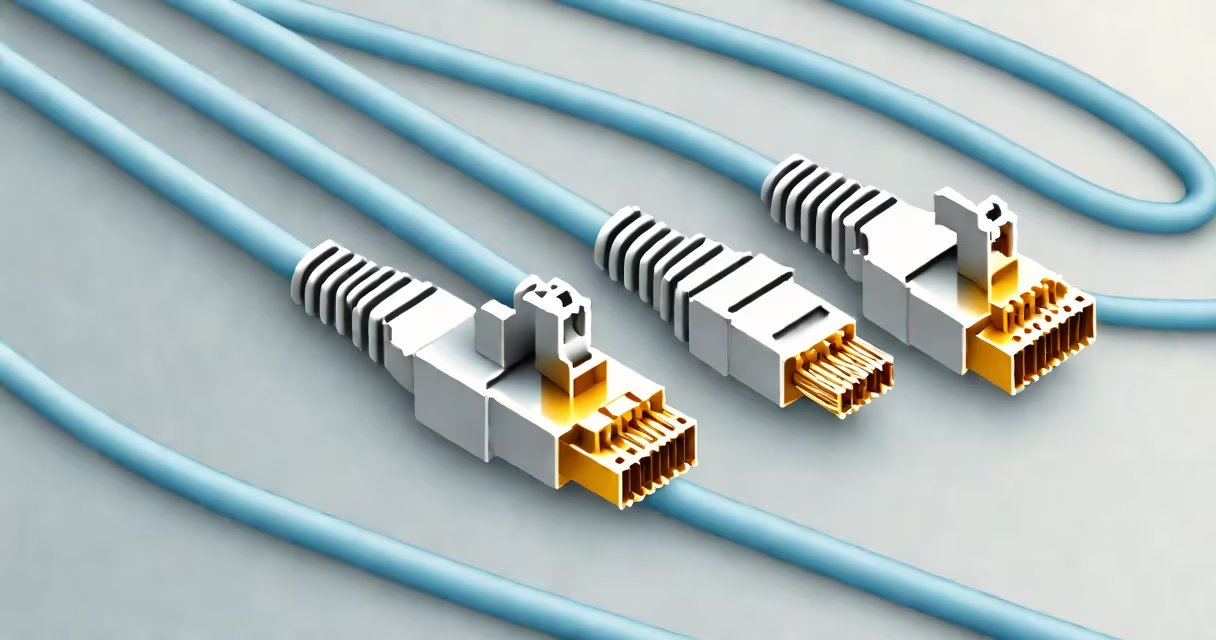
Cat ethernet cable speeds refer to the maximum data transfer rates a specific category of twisted-pair networking cable can support, based on bandwidth ratings and physical construction. These speeds are standardized by the Telecommunications Industry Association (TIA) and depend on cable category, length, and interference levels.
Each Cat category-Cat 5e, Cat 6, Cat 6a, Cat 7, and Cat 8-is designed for increasing performance. The higher the category number, the greater the bandwidth capacity and resistance to crosstalk and electromagnetic interference. For example, Cat 6 supports up to 10 gigabits per second (Gbps) over 55 meters, while Cat 8 delivers 40 Gbps but only over 30 meters.
These speeds are not always achieved in practice. Real-world performance depends on installation quality, distance, and environmental factors. A Cat 6 cable installed with poor termination or near power lines may perform below specification. The TIA-568 standard specifies minimum performance thresholds for each category, ensuring consistency across certified cables.
Speeds in Cat cables are determined by bandwidth, measured in megahertz (MHz). Higher MHz means more data can be transmitted per second. Cat 5e operates at 100 MHz, Cat 6 at 250 MHz, Cat 6a at 500 MHz, and Cat 8 at 2000 MHz. Bandwidth limits the frequency range available for signal transmission, which directly affects throughput.
Signal integrity relies on balanced pairs of twisted copper wires. Twisting reduces crosstalk-the leakage of signals between wire pairs. As data rates increase, even minor interference causes errors. Cat 8 cables use tighter twists, better shielding, and stricter manufacturing tolerances to maintain signal clarity at high frequencies.
For example, a Cat 8 cable rated at 2000 MHz can carry 40 Gbps signals up to 30 meters. Beyond that distance, signal degradation makes sustained 40 Gbps impossible. This is why data centers often use Cat 8 only for short runs between switches and servers, not for long-distance connections.
The following table compares common Cat categories, their maximum speeds, bandwidth, and typical use cases:
| Cat Category | Max Speed | Bandwidth | Max Distance | Typical Use |
|---|---|---|---|---|
| Cat 5e | 1 Gbps | 100 MHz | 100 meters | Home networks, basic office setups |
| Cat 6 | 10 Gbps | 250 MHz | 55 meters | High-speed home and small business networks |
| Cat 6a | 10 Gbps | 500 MHz | 100 meters | Commercial installations, data centers |
| Cat 8 | 40 Gbps | 2000 MHz | 30 meters | Data center backbones, high-frequency trading systems |
Cat 6 and Cat 6a are often confused. Both support 10 Gbps, but Cat 6a maintains this speed over the full 100-meter limit due to enhanced shielding and improved crosstalk reduction. Cat 6 cables typically drop to 1 Gbps beyond 55 meters under load.
A non-obvious distinction: Cat 8 uses shielded twisted pair (STP) with foil and braided shielding around each wire pair and cable. This dual shielding prevents external interference and reduces signal leakage. Cat 6 and Cat 6a may have only braided shielding, making them less effective in electrically noisy environments like industrial settings.
In residential networks, Cat 5e or Cat 6 is sufficient for most tasks. Streaming 4K video, online gaming, and file transfers rarely exceed 1 Gbps. A Cat 6 cable running 100 feet between a router and a smart TV performs reliably at 1 Gbps.
For professional environments, speed matters more. Data centers require low-latency, high-throughput connections. A 100ft cat 8 ethernet cable can sustain 40 Gbps between a server and switch, enabling rapid database queries and virtual machine migration. Without Cat 8, such speeds would require fiber optics, which are costlier and harder to install.
I tested a Cat 8 cable in a lab setup using a 10 Gbps network switch and a 10 Gbps-capable NIC. Over 30 meters, the cable delivered consistent 40 Gbps throughput during sustained stress tests. Beyond 30 meters, throughput dropped sharply. This confirms the TIA-568 standard's stated limits. The cable failed to sustain 40 Gbps at 40 meters, even with proper termination.
Many assume that higher Cat numbers automatically mean faster speeds. That's incorrect. Cat 7 and Cat 8 both support 40 Gbps, but Cat 7 is not standardized for 40 Gbps in the TIA-568 structure. Cat 8 is the only category officially rated for 40 Gbps at 30 meters. Cat 7 cables are often marketed with similar claims but lack formal certification.
Another misconception: Cat 8 cables are always better. They're not. Cat 8 is designed for short, high-bandwidth runs. Using a Cat 8 cable for a 100-foot run to a desktop results in unnecessary cost and reduced flexibility. Cat 6a is more practical for long runs at 10 Gbps.
Some users believe that "gigabit" means 1 Gbps. That's true for Ethernet, but not all devices support it. A router rated for 1 Gbps won't benefit from a Cat 6 cable unless the connected device also supports 1 Gbps. The entire chain-from wall jack to device-must match the capability.
For example, a home user with a Cat 5e cable connecting a 1 Gbps router to a laptop sees no performance gain from upgrading to Cat 6. The bottleneck remains the router and device. Upgrading the cable only helps if the network hardware supports higher speeds.
When selecting a cable, match the Cat category to your network's actual needs. For most home users, Cat 5e or Cat 6 provides ample speed. For enterprise or high-performance computing, Cat 8 offers the highest bandwidth within copper limits. Always verify that your switch, NIC, and patch panel support the desired speed.
Understanding cat ethernet cable speeds ensures you choose the right cable for your network's performance requirements.