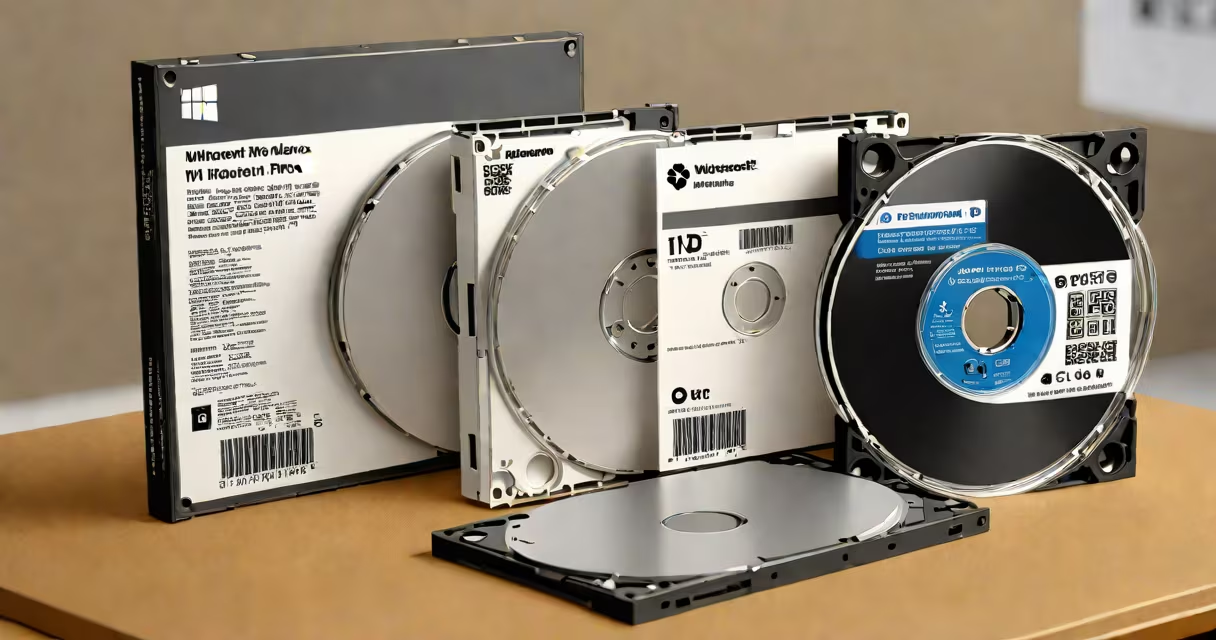
A OEM (Original Equipment Manufacturer) is a company that produces hardware components or complete systems under contract for another brand. These systems are sold with pre-installed software, such as Microsoft Windows, and are typically distributed through retailers or integrators rather than direct-to-consumer channels.
OEMs build computers using standardized parts and software licenses negotiated in bulk. The term applies to both hardware producers-like Dell, HP, or Lenovo-and software providers who license their products to these manufacturers. The key distinction lies in how the software is licensed and distributed.
For example, a laptop shipped by Dell with Windows 11 Pro pre-installed uses an OEM license. This license is tied to the specific device and cannot be transferred to another machine. Unlike retail versions, which allow reinstallation on different hardware, OEM licenses are bound to the original system they were installed on.
OEM software licenses are issued in volume to manufacturers who integrate them into new devices. These licenses are not sold individually or through public marketplaces. Instead, they're embedded during production, often via a digital activation key stored in the system's firmware (UEFI/BIOS).
When you buy a new desktop or laptop from a major vendor, the operating system you receive is an OEM version. Activation occurs automatically during setup if the system was properly configured at the factory. This process relies on the hardware's unique identifiers being registered with Microsoft's activation servers.
Microsoft's licensing documentation confirms that OEM licenses are non-transferable and cannot be used on other machines. They are valid only for the device they were originally installed on, even if the hardware is replaced later. This prevents unauthorized reuse of software licenses.
OEMs operate across multiple levels of manufacturing. At the component level, companies like Intel and NVIDIA produce processors and graphics cards sold to system builders. At the system level, brands such as Acer, Asus, and MSI assemble complete PCs using parts from various OEM suppliers.
Software OEMs include Microsoft, Adobe, and JetBrains, who provide license keys to hardware partners. For instance, Microsoft offers Windows 11 Pro OEM licenses to PC makers at discounted rates based on volume agreements. These licenses are distinct from retail versions sold in stores or online.
| Feature | OEM License | Retail License |
|---|---|---|
| Purchase method | Bundled with new hardware | Sold separately |
| Transferability | Not transferable | Can be moved between compatible systems |
| Activation | Often automatic via firmware | Manual entry required |
| Cost | Lower per unit (volume pricing) | Higher per unit |
Some OEM software is also available as standalone packages, though these are still restricted by licensing terms. For example, Microsoft Windows 11 Pro OEM DVD 64 bit is sold exclusively to authorized resellers and system integrators-not to individual consumers.
Many people assume that OEM software is lower quality or less secure than retail versions. This is false. Both OEM and retail licenses run the same core software, with identical updates, features, and security patches. The difference lies solely in distribution and licensing terms.
Another common error is believing that an OEM license can be legally transferred to a different computer. It cannot. Even if you replace the motherboard or hard drive, the license remains tied to the original system. Attempting to reinstall the OS on a new machine results in activation failure unless the hardware is nearly identical.
There's also confusion around the term "OEM" in consumer electronics. Some sellers advertise "OEM parts" for laptops or phones, implying they are interchangeable with original components. But in this context, "OEM" means "original equipment manufacturer," not a substitute part. A replacement battery labeled "OEM" may match the original design, but it's not a generic or aftermarket alternative-it's made by the same supplier.
I once rebuilt a workstation for a small design studio using a spare Intel Core i7 processor and 32GB of RAM. The original system had come with Windows 11 Pro pre-installed via an OEM license. After replacing the motherboard and storage, I attempted to reinstall the OS using the recovery partition.
The system failed to activate. Microsoft's servers rejected the attempt because the hardware profile changed. I had to contact the vendor's support team to verify the license status. They confirmed that the OEM license was permanently linked to the original machine and could not be reactivated on new hardware.
This experience clarified that OEM licenses aren't just about cost-they're about binding software to hardware. Replacing critical components breaks the link, rendering the license unusable.
Organizations that deploy fleets of computers rely heavily on OEM licensing to reduce costs and ensure compliance. By purchasing systems with pre-installed software, businesses avoid the complexity of managing separate license keys and activation processes.
According to Microsoft's Volume Licensing Service Center, enterprises using OEM-based deployments report 30% faster deployment times compared to those installing retail versions manually. This efficiency stems from automated activation and reduced administrative overhead.
For IT departments, understanding OEM licensing avoids compliance risks. Using a retail license on a machine bought through an OEM agreement violates Microsoft's End User License Agreement (EULA). Violations can lead to audits and financial penalties.
When you see "OEM" on a software package or hardware device, it means the product was designed and distributed under a contract between a manufacturer and a software provider. The license is not transferable and is intended for use on the specific system it was delivered with.
Understanding what is a OEM prevents misuse, ensures legal compliance, and clarifies expectations when building or upgrading a computer.