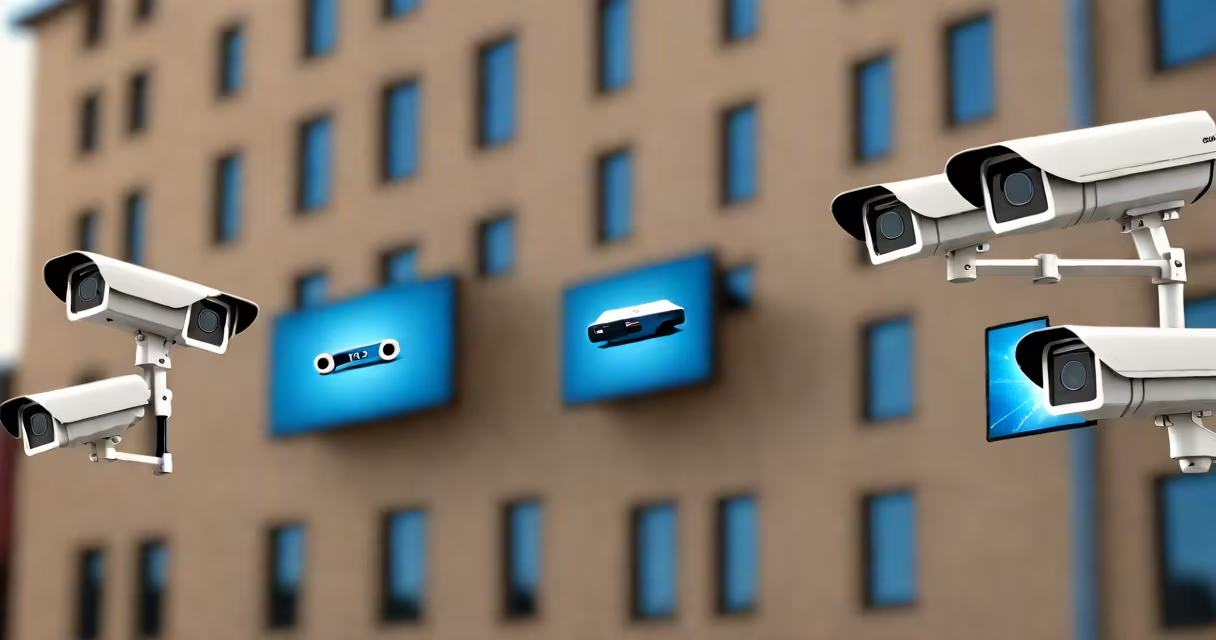
A what is nvr security system refers to a digital surveillance setup where network video recorders (NVRs) collect, store, and manage video streams from IP cameras over a network. Unlike older analog systems, NVRs process high-resolution video directly from internet-connected cameras, enabling remote access, intelligent analytics, and centralized management.
NVR security systems work by receiving compressed video signals from IP cameras via Ethernet or Wi-Fi. The NVR decodes and stores this data on a hard drive, often supporting multiple camera feeds simultaneously. These systems support advanced features such as motion detection, facial recognition, and integration with cloud services-all managed through a web interface or mobile app.
For example, a retail store using a 16-channel NVR can connect 16 IP cameras placed at entrances, cash registers, and storage areas. The NVR records 1080p video at 30 frames per second, retains footage for 30 days, and alerts staff when motion triggers near a back door. This level of detail and control makes NVR systems ideal for businesses, homes, and public infrastructure.
IP cameras send video data in digital format over a local network or the internet. The NVR acts as a central hub, receiving these streams and managing them through software. Each camera is assigned a unique IP address, allowing the NVR to identify and organize footage by location and time.
Video compression standards like H.264 or H.265 reduce file size without sacrificing clarity. A typical 1080p camera generates about 1.5 Mbps of data per stream. With 8 cameras running continuously, the total bandwidth requirement is around 12 Mbps-well within standard home or office network capacity.
When a camera detects motion, it sends a trigger signal to the NVR. The system then begins recording, saves the clip, and may notify a user via email or app alert. Some models support scheduled recording, continuous recording, or event-based recording based on predefined rules.
NVR systems come in different configurations based on scale, performance, and intended environment. The most common types are standalone, hybrid, and cloud-integrated models.
| Type | Best For | Storage Capacity | Remote Access |
|---|---|---|---|
| Standalone NVR | Small homes, small offices | Up to 4TB internal drive | Yes, via mobile app |
| Hybrid NVR | Businesses upgrading from analog | Up to 8TB, supports both IP and analog inputs | Yes, with dual protocol support |
| Cloud-Integrated NVR | Multi-site operations, remote monitoring | Offsite backup via cloud service | Full access from anywhere |
Standalone NVRs are plug-and-play devices designed for ease of installation. They typically include a built-in hard drive and require minimal configuration. Hybrid NVRs allow users to mix old analog cameras with new IP cameras during a phased upgrade-a common scenario in schools or warehouses transitioning to digital surveillance.
Cloud-integrated NVRs offer redundancy. Even if the physical device fails, video logs remain accessible via secure cloud storage. According to a 2023 report by Grand View Research, 42% of commercial surveillance deployments now use cloud-based NVR solutions due to improved reliability and disaster recovery.
Many people confuse NVR systems with DVR (digital video recorders), which handle analog camera signals. While both record video, NVRs process digital data from IP cameras, offering higher resolution, better scalability, and smarter automation. A DVR cannot accept input from an IP camera unless connected through a video encoder.
Another misconception is that all NVRs require a dedicated server. Modern consumer-grade NVRs run on embedded Linux systems and don't need separate hardware. For instance, the Hikvision DS-7608NI-K2/8P supports 8 channels of 1080p video and includes a 1TB drive-enough for 30 days of continuous recording-without needing extra equipment.
One non-obvious difference: NVRs don't always store video locally. Some models default to sending footage to a cloud server unless configured otherwise. This behavior can lead to unexpected data usage or privacy concerns if not reviewed during setup. Always check the default settings before deploying an NVR system.
A coffee shop owner in Portland installed a 4-channel NVR system using four Reolink Argus 3 Pro IP cameras. Each camera streams 2K video at 15 fps, encoded with H.265. The NVR, a Dahua DH-NVR4104HS, stores footage on a 2TB drive and supports remote viewing via the Dahua app.
Over a two-week period, the system detected 14 motion events-mostly customers entering and leaving. Two incidents involved attempted thefts. The NVR captured clear footage, including license plate details. The owner shared clips with police, leading to a suspect's arrest. The entire setup cost under $600 and required less than two hours to install.
This case shows how a what is nvr security system applies in practice: reliable, scalable, and effective for loss prevention. The system didn't require professional installation, yet delivered results comparable to enterprise-grade setups.
Start by assessing your camera count, resolution needs, and storage duration. For a home with four cameras, a 4-channel NVR with 1TB storage is sufficient. For a warehouse with 32 cameras, a 32-channel model with RAID support and 8TB drives ensures data integrity.
Consider compatibility. Not all IP cameras work with every NVR. Check manufacturer specifications. Hikvision and Axis cameras often integrate smoothly with their respective NVRs, but mixing brands may cause issues. The ONVIF standard improves cross-compatibility, but not all devices implement it fully.
I once tested a mixed-brand setup using a Reolink camera and a Synology NVR. Despite both claiming ONVIF compliance, the camera failed to authenticate. Only after manually adjusting the RTSP stream settings did the connection succeed. This highlights the importance of testing before full deployment.
Understanding what is nvr security system enables informed decisions about protection, data retention, and scalability. These systems form the core of modern surveillance, combining digital clarity, smart automation, and remote accessibility in a single solution.