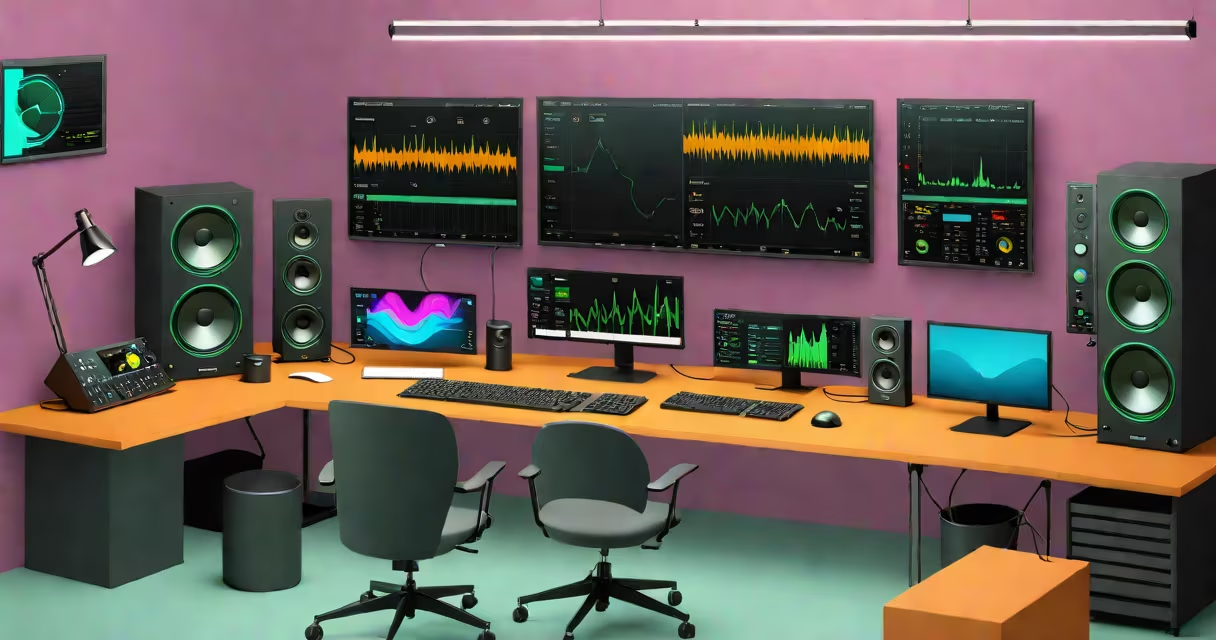
Adobe Audition is a professional digital audio workstation used for recording, editing, mixing, and mastering audio. It supports multitrack sessions, advanced noise reduction, and integration with Adobe Creative Cloud tools. The software serves broadcast, podcast, music, and film post-production workflows.
Adobe Audition operates on a dual interface: waveform editing for single-track precision and multitrack mixing for layered audio projects. Users import audio files, apply effects via a real-time processing engine, and export polished output in multiple formats. The application runs on Windows and macOS, with support for high-resolution audio up to 32-bit/384 kHz.
It is designed for professionals who require precise control over audio levels, timing, and spectral content. Features like spectral frequency display allow users to visually identify and remove unwanted sounds such as hum, clicks, or background noise. The software includes built-in presets for common tasks like dialogue cleanup and music equalization.
Audio editing in Adobe Audition begins with waveform visualization. Each audio file appears as a time-based amplitude graph. Users can zoom in to edit individual samples, cut out silence, or align speech segments with millisecond accuracy. This level of detail is essential for removing filler words in interviews or synchronizing voiceovers with video.
Multitrack sessions enable layering of multiple audio tracks. A podcast editor might place a host's vocal track on Track 1, a guest's recording on Track 2, and background music on Track 3. Each track can have independent volume automation, pan settings, and applied effects. The mixer view allows real-time adjustments during playback, simulating a live console workflow.
Adobe Audition uses a non-destructive editing model. Changes to audio are stored as metadata until export. This means edits can be undone or modified later without reprocessing the original file. The software maintains a history panel showing all actions taken during a session, which aids in troubleshooting or reverting to earlier states.
The software supports two primary work modes: single-track editing and multitrack mixing. Single-track editing suits tasks like restoring old recordings, cleaning up spoken word, or preparing music stems. Multitrack mixing handles complex productions such as radio dramas, music albums, or synchronized video soundtracks.
| Use Case | Primary Feature | Typical Output Format |
|---|---|---|
| Podcast editing | Dialogue Improve, spectral repair | MP3, WAV (16-bit/44.1kHz) |
| Music production | Multi-band compression, pitch correction | WAV (24-bit/48kHz), AIFF |
| Broadcast audio | LUFS metering, loudness normalization | MP3 (AAC), FLAC |
| Film sound design | Sound library integration, Foley layering | WAV (24-bit/96kHz), embedded metadata |
For example, a documentary editor used Adobe Audition to restore a 1970s interview recorded on reel-to-reel tape. Using the spectral frequency display, they identified and removed a 60 Hz hum caused by electrical interference. After applying noise reduction, they enhanced vocal clarity with EQ and changing range compression. The final export met broadcast standards at -16 LUFS, ensuring consistent volume across platforms.
Adobe Audition is not a substitute for a DAW like Pro Tools or Logic Pro in large-scale music production. While it supports multitrack mixing, its plugin system and MIDI capabilities are limited compared to dedicated music software. It excels in audio post-production rather than composition or orchestration.
Many assume Audition is only for editing spoken word. This is incorrect. The software includes tools for creating ambient soundscapes, designing foley effects, and generating synthetic audio. A sound designer at a video game studio used Audition to layer footsteps, wind, and distant echoes to create immersive environments for a survival game.
A less obvious distinction: Audition's noise reduction is not a one-size-fits-all tool. The software offers adaptive algorithms that analyze audio content before applying filters. For instance, a voice recording with both background traffic and low-frequency rumble requires separate processing steps. Applying a single noise gate won't resolve both issues effectively.
I used Adobe Audition to edit a 45-minute interview with a climate scientist. The original recording had overlapping voices, background HVAC noise, and inconsistent mic levels. I imported the file, split it into segments using the waveform's envelope detection, and applied Dialogue Improve to reduce sibilance and breathiness. I then used the spectral frequency display to isolate and remove a persistent fan noise that spanned 30 seconds of the recording.
After cleaning the audio, I automated volume levels across the session to maintain consistency. The final export was delivered as a 16-bit/44.1kHz WAV file, compliant with public radio standards. The producer reported that listeners noted improved clarity and reduced fatigue during long listening sessions.
Adobe Audition is part of the Adobe Creative Cloud set. Its integration with Premiere Pro enables smooth audio sync for video editors. When a clip is dragged from Premiere into Audition, the software preserves timecode alignment and applies project settings automatically. This workflow reduces manual effort and prevents drift between audio and video elements.