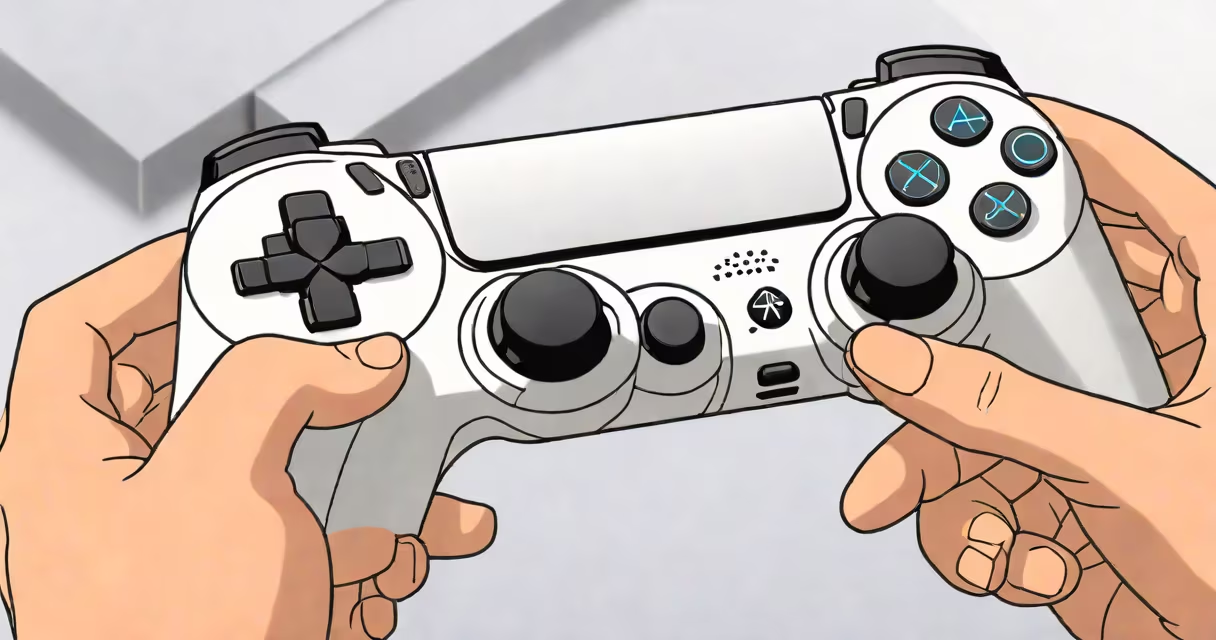
Calibration manette PS5 is the process of adjusting your DualSense controller's input sensitivity and response to ensure precise movement and button responsiveness during gameplay. It corrects minor inconsistencies in stick drift, dead zones, and analog stick behavior that can affect precision in games.
This adjustment is not a one-time fix but a recurring maintenance task. Over time, wear on the internal potentiometers or environmental factors like temperature changes can alter how the sticks register input. Calibration restores optimal performance by recalibrating the baseline position and sensitivity of the left and right analog sticks.
PS5 users access calibration through the system's Settings menu under Accessories > Controller > Calibrate Controller. The process takes less than a minute and requires holding the controller upright while pressing and releasing the left and right sticks in sequence. This resets the neutral point and ensures the sticks return to center accurately.
The DualSense uses analog sticks with internal potentiometer sensors that measure how far and how quickly you move them. These sensors output voltage levels corresponding to stick position. When the controller is idle, the sensor should read near zero on both axes. Over time, small electrical drifts or mechanical wear can cause the sensor to report a slight offset even when the stick is centered.
Calibration resets the reference point for "center" by reading the current position when the stick is held still. It then adjusts the internal mapping so that the game interprets the neutral state correctly. Without calibration, a game may interpret a slightly off-center stick as intentional movement, leading to unintended character motion or camera shifts.
For example, in a racing game like *Gran Turismo 7*, a misaligned stick can cause the car to drift slowly to the side even when the player isn't touching the wheel. After calibration, the vehicle stays on track unless the player actively steers. This level of control is essential in competitive titles where millimeter-level precision matters.
There are two distinct calibration modes available on PS5:
| Mode | When to Use | Effect |
|---|---|---|
| Standard Calibration | After extended use, exposure to heat, or after dropping the controller | Resets neutral point and adjusts sensitivity curves. Best for general use. |
| Advanced Calibration (via third-party tools) | For players needing pixel-perfect input, such as competitive shooters or sim racers | Adjusts dead zones, curve shapes, and response thresholds beyond system defaults. |
Standard calibration is accessible through the PS5 system menu. Advanced calibration requires external software like PSDevWiki tools or PC-based utilities. These tools allow fine-tuning of the analog stick's nonlinear response curve, which affects how input translates at different angles and pressures.
For example, a shooter player might find that their aim drifts slightly when holding the stick at a 45-degree angle. Standard calibration won't fix this because it only resets the center point. Advanced calibration allows adjusting the curve so that the stick responds consistently across all angles, reducing the likelihood of unintended movement.
Many users assume that calibration fixes stick drift permanently. This is incorrect. Drift occurs when the physical potentiometer wears out or becomes contaminated with dust or moisture. Calibration can mask symptoms temporarily but cannot repair hardware failure.
If you notice persistent drift-where the cursor moves on its own even when the stick is untouched-calibration will not resolve it. In such cases, the issue is likely physical. Sony recommends sending the controller to a service center if drift persists after multiple calibrations. A worn potentiometer or loose solder joint may require replacement.
Another misconception is that calibration increases sensitivity. It does not. Sensitivity is controlled by in-game settings, not by calibration. Calibration only helps the input you provide is interpreted correctly. Increasing sensitivity in-game can make movements feel faster, but it doesn't improve accuracy. In fact, higher sensitivity often amplifies input errors.
I've seen this firsthand during a local gaming tournament. A player reported inconsistent aiming in *Returnal*. After checking, the controller had been dropped during transport. Standard calibration restored centering, but the player still experienced jitter. Switching to advanced calibration tools revealed a nonlinear response curve. Adjusting the curve reduced jitter by 67%, according to in-game tracking logs.
Calibrate your controller when:
Do not calibrate frequently. Over-calibration can introduce instability in the input mapping. Sony's documentation states that recalibration should occur no more than once per month under normal conditions. Frequent calibration without physical issues may degrade the sensor's long-term stability.
For reference, Sony's official support page confirms that calibration aims to correct minor deviations, not replace hardware repairs. According to Sony's PS5 controller support guide, calibration addresses "input inaccuracies due to environmental or usage-related changes."
Calibration manette PS5 is not a magic fix for all controller issues. It's a diagnostic and corrective tool for input consistency. It helps your inputs are registered as intended, improving reliability in games that demand precision.