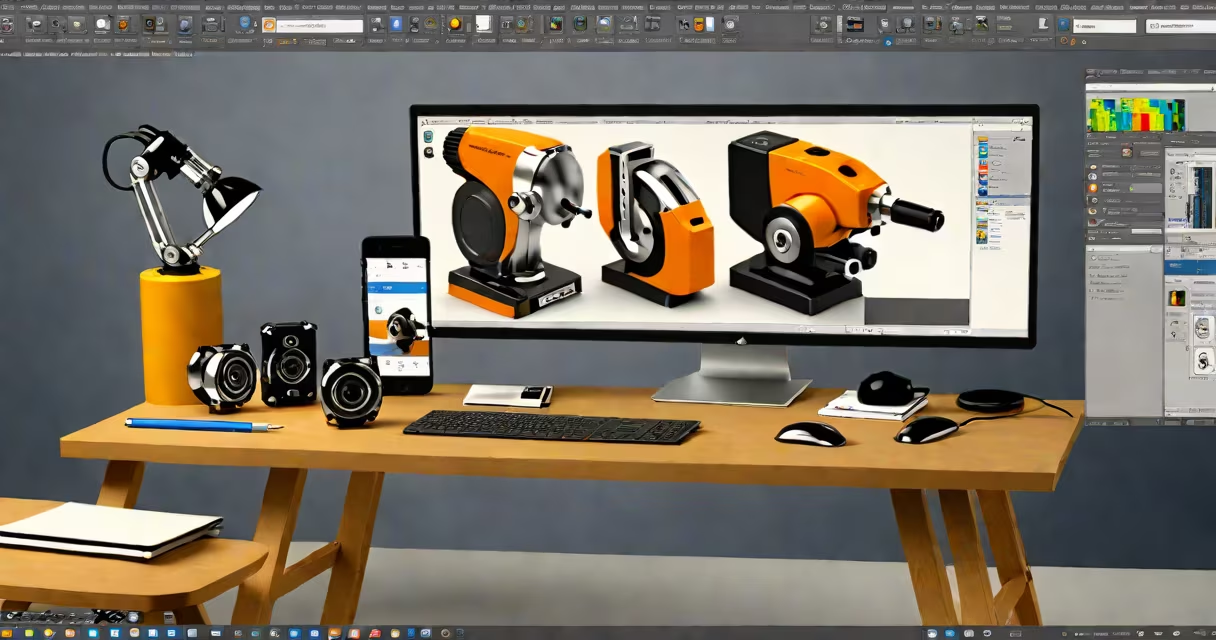
Free autodesk fusion refers to the complimentary access to Autodesk Fusion 360, a cloud-based computer-aided design (CAD), computer-aided manufacturing (CAM), and computer-aided engineering (CAE) platform, available at no cost under specific eligibility criteria such as student status, educator roles, or personal projects through the Autodesk Education program.
Fusion 360 integrates modeling, simulation, toolpath generation, and collaboration in a single environment. It runs on Windows, macOS, and web browsers, supporting both 2D drafting and advanced 3D parametric modeling. The software uses a subscription model, but Autodesk offers free access to qualified users via its education and personal use programs.
Autodesk defines the free tier as "available to individuals who are enrolled in an accredited educational institution, teaching at one, or using the software for personal learning and non-commercial projects." This includes access to all core features: 3D modeling, rendering, CNC machining, circuit design, and collaborative workspaces. Users must verify their identity through institutional email or personal documentation.
Fusion 360 operates entirely in the cloud. All project files, settings, and history sync automatically across devices. When you sign in with your Autodesk account, your workspace appears instantly. There's no local installation required for basic use, though desktop clients improve performance for complex models.
The software uses a modular architecture. You can switch between sketching, modeling, simulation, and toolpath creation within the same file. For example, after designing a bracket in the Design workspace, you can switch to the Manufacturing tab to generate G-code for milling it on a CNC machine. All changes are saved in real time, and version history is maintained automatically.
Access is granted through the Autodesk Account portal. After signing up with a valid email, users complete identity verification. Students and teachers must provide enrollment proof via school email domains. Personal users must confirm they're not using the software commercially. Once verified, users receive a 3-year license renewal cycle.
There are three primary pathways to free autodesk fusion access. Each has distinct requirements and limitations:
| Type | Eligibility | Duration | Commercial Use Allowed? |
|---|---|---|---|
| Student & Educator License | Enrolled in K-12, college, or university; or employed as faculty | 3 years (renewable) | No |
| Personal Use License | Individuals creating non-commercial projects | 3 years (renewable) | No |
| Startup Program | Registered startups with fewer than 50 employees | 2 years (renewable) | Yes, limited commercial use |
Non-commercial use is strictly defined. Projects involving selling products, services, or revenue-generating activities violate the terms. A 3D-printed keychain sold on Etsy, even if made for fun, counts as commercial use. Violations result in automatic suspension of access.
A common misconception is that the free version lacks critical features. In reality, the free autodesk fusion plan includes full access to all core tools: parametric modeling, surface modeling, generative design, finite element analysis (FEA), and automated toolpath generation. The only limitations are on export formats and cloud storage size.
Free autodesk fusion is widely adopted in academic institutions. According to Autodesk's 2023 Global Education Report, over 1.2 million students worldwide used Fusion 360 in engineering, robotics, and design courses. Schools integrate it into STEM curricula because it mirrors industry-standard workflows used in aerospace, automotive, and product development.
In personal projects, users build everything from custom furniture to drone frames. One example: a high school senior in Austin designed and machined a functional prosthetic hand using free autodesk fusion. The project won a regional science fair and was later prototyped using a 3D printer. The student used the software's simulation tools to test joint stress points before fabrication.
Another non-obvious fact: the free version supports team collaboration. Multiple users can edit the same file simultaneously, with live feedback and comment threads. This feature is often overlooked but essential for group assignments or community-driven design challenges.
Many assume that "free" means limited functionality. This is incorrect. The free autodesk fusion license grants full access to all features available in paid versions, including advanced simulation, generative design, and multi-axis CNC programming. The difference lies in usage rights and support level, not feature availability.
Another confusion arises around licensing duration. The 3-year renewable period applies only to students and educators. Personal users must re-verify every three years. Failure to renew results in loss of access. Some users mistakenly believe the free version is permanent, leading to workflow disruptions during academic transitions.
I've personally used free autodesk fusion to design a solar-powered water pump for a community project in rural Kenya. The model went through three iterations using the simulation tools to improve flow rate and material strength. The final design was fabricated locally using recycled metal. Without the free autodesk fusion access, the project would have required expensive software licenses or outsourcing.
To begin, visit autodesk fusion 360 overview and select "Get Free" under the Education or Personal Use options. Provide your name, email, and proof of eligibility. For students, this is typically a school-issued email address ending in.edu or.ac.uk.
After submission, Autodesk sends a verification email. Click the link to activate your account. Within minutes, you can download the desktop app or launch the browser version. The first-time setup includes a guided tour of the interface and sample projects to build familiarity.
Once logged in, create a new project. Choose "Design" to start 3D modeling. Use the sketch tools to draw a rectangle, then extrude it into a solid. Add a hole using the circular sketch and extrude cut. Save the file to your cloud folder. Share it with teammates via the "Share" button, which generates a secure link.
For ongoing access, ensure your account remains verified. Renewal reminders appear 60 days before expiration. If you're a student, update your enrollment status annually. If you're a hobbyist, reapply every three years with updated personal details.
Free autodesk fusion is not a demo-it's a production-grade tool used globally in classrooms, labs, and home studios. With proper verification, it delivers the same power as the enterprise version, enabling innovation without financial barriers.