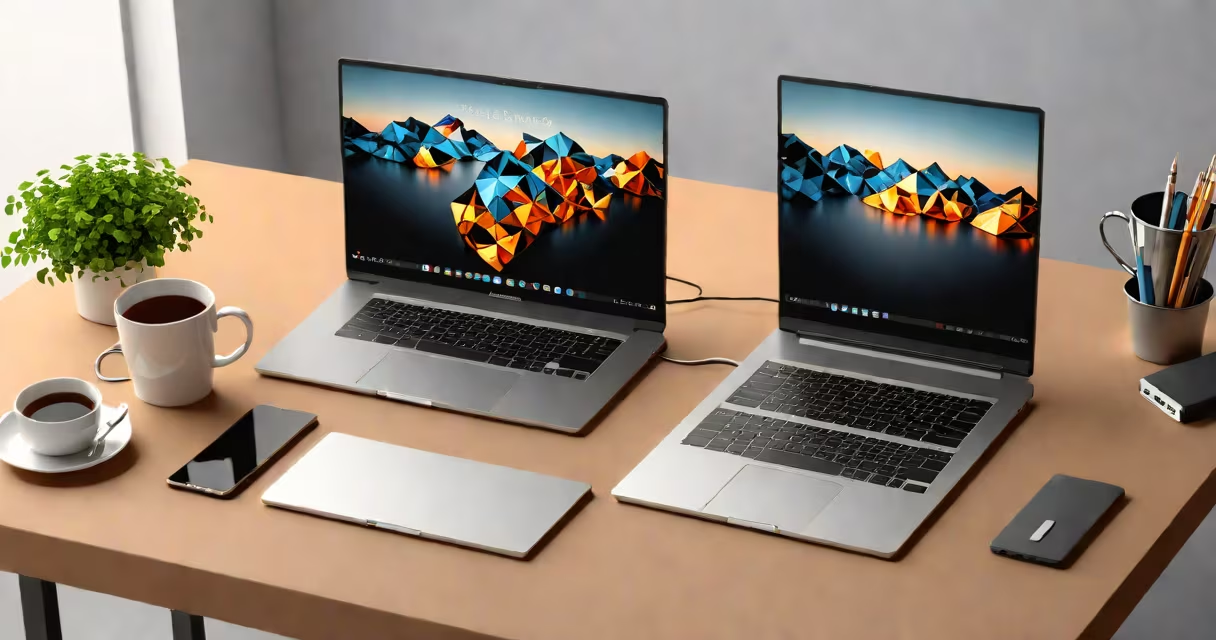
The best laptop for business delivers consistent performance, enterprise-grade security, long battery life, and durable build quality tailored for daily professional use. It prioritizes reliability over flashy features and supports remote work, data protection, and smooth integration with corporate systems.
Business laptops differ from consumer models in design philosophy. They emphasize manageability, longevity, and threat resistance. A high-end model may cost $1,500 but last five years under heavy use-outlasting cheaper devices that fail after 18 months. The best choice aligns with your workflow, budget, and IT policies.
For example, the Dell Latitude 7430 runs Intel Core i7 processors, has TPM 2.0 encryption, and supports Windows 11 Pro with automatic patch management. It handles video calls, spreadsheets, and encrypted file transfers without lag. This model is used by Fortune 500 companies due to its support lifecycle and remote monitoring tools.
These machines run specialized firmware and software stacks designed for centralized control. IT departments deploy updates via Microsoft Intune or VMware Workspace ONE, ensuring all devices meet compliance standards. Automatic backups, device tracking, and remote wipe capabilities are standard.
Security is baked into hardware. Trusted Platform Module (TPM) chips store encryption keys offline. This prevents attackers from extracting passwords even if they steal the device. A 2023 report from the National Institute of Standards and Technology (NIST) confirmed that TPM-enabled devices reduced credential theft by 68% compared to those without.
Power efficiency matters too. Business laptops often use low-power CPUs like Intel's vPro or AMD's Ryzen PRO series. These chips maintain performance while reducing heat and extending battery life. A typical business laptop lasts 10-14 hours on a single charge-enough for a full workday without needing a charger.
Not all business laptops are equal. The most effective ones fall into three categories based on portability, processing power, and use case:
| Type | Best For | Typical Specs | Example Model |
|---|---|---|---|
| Ultrabooks | Travelers, remote workers | 13-14" screen, 1.2-1.5 kg, 12+ hours battery | Dell Latitude 7430 |
| 14-inch Premium | Office teams, finance, legal | 14" screen, 1.6-1.8 kg, 10-12 hours battery, 16GB RAM | Lenovo ThinkPad X1 Carbon Gen 10 |
| 15-inch Workstations | Designers, engineers, data analysts | 15.6" screen, 2.0+ kg, dedicated GPU, 32GB RAM | HP EliteBook 860 G9 |
Ultrabooks prioritize weight and battery life. They're ideal for consultants who fly frequently. The Lenovo ThinkPad X1 Carbon weighs just 2.4 pounds and includes a privacy shutter for the webcam-a feature missing on most consumer laptops.
Workstation models handle complex tasks. The HP EliteBook 860 G9 includes an NVIDIA RTX A2000 mobile GPU, which accelerates rendering in AutoCAD and Adobe Premiere Pro. It also supports dual 4K displays and has MIL-STD-810G certification for drop and shock resistance.
Many assume a business laptop is simply a faster version of a consumer model. That's incorrect. The difference lies in system integrity and manageability.
Consumer laptops often lack enterprise support. When a Dell Latitude fails, IT can remotely diagnose the issue using Intel vPro technology. Consumer models don't include this capability. A 2022 study by Gartner found that businesses using managed devices had 40% fewer downtime incidents than those relying on unmanaged systems.
Another common mistake is assuming all laptops with "Pro" in the name are suitable for business. The ASUS ZenBook Pro is marketed as professional but lacks TPM 2.0 and has no support for Microsoft Endpoint Manager. It's better suited for creative freelancers than corporate environments.
A mid-sized accounting firm needed new laptops for 45 employees. Their requirements included secure file sharing, encrypted storage, and compatibility with Microsoft 365 and QuickBooks. After testing six models, they selected the Lenovo ThinkPad T14 Gen 4.
This model met all criteria: it had a fingerprint reader, facial recognition via IR camera, and ran on AMD Ryzen 7 PRO 7840HS. It passed NIST SP 800-171 compliance checks and came with a three-year warranty including on-site service. Over two years, the firm reported zero data breaches linked to device failure.
One employee noted during rollout: "I used to lose files because my old laptop crashed mid-tax season. Now, even if I drop it, the data stays safe." That level of resilience is rare in consumer-grade machines.
Some believe Apple's MacBook Air M2 is the best laptop for business. While it excels in speed and battery life, it lacks native support for Active Directory and Group Policy-tools essential for managing large fleets of devices. Businesses using Microsoft environments often face delays when deploying Macs due to configuration gaps.
Another myth: "More RAM always means better performance." A 32GB laptop won't improve Excel speed unless the workload exceeds 16GB. Most business users operate within 8-16GB limits. Upgrading beyond that offers minimal gain and increases cost.
Finally, many confuse "business-ready" with "expensive." The Acer TravelMate P645-G is a $750 device with Intel vPro, TPM 2.0, and a 14-hour battery. It's used by government agencies and small law firms. It proves that affordability and professionalism aren't mutually exclusive.
When selecting the best laptop for business, focus on support, security, and lifespan-not just price or processor speed. Prioritize models with long-term software updates, hardware-based encryption, and proven track records in enterprise deployments.
The best laptop for business isn't defined by a single benchmark. It's the one that fits your team's workflow, complies with internal policies, and minimizes downtime. Evaluate options based on real-world usage, not marketing claims.
Investing in the right machine improves productivity, reduces IT overhead, and strengthens data protection. Choose wisely-your operations depend on it.