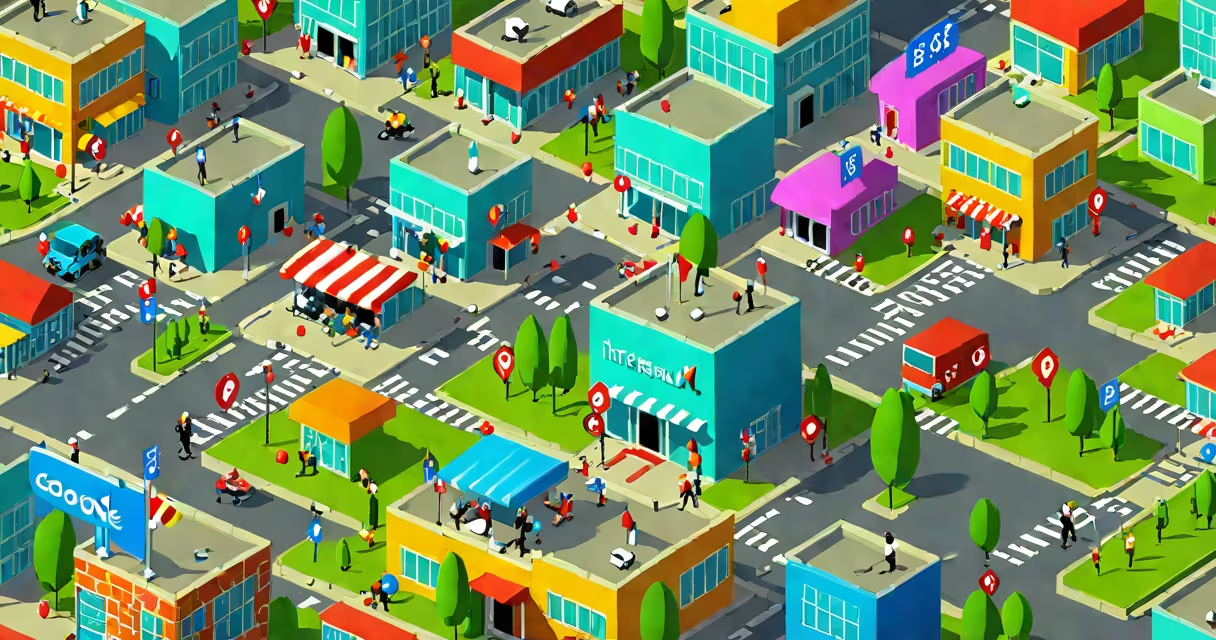
Google Interland Game is a free, browser-based educational platform that teaches digital citizenship skills through interactive, multiplayer gameplay. It uses themed environments-like Reality River, Mindful Mountain, and Kind Kingdom-to simulate real-world online behaviors and consequences.
Launched in 2017, Google Interland was developed by Google's Jigsaw team and the Center for Humane Technology to address growing concerns about online safety, misinformation, and respectful communication. The game targets middle school students but appeals to users of all ages due to its engaging design and clear learning objectives.
Each level focuses on a core digital citizenship principle: recognizing phishing attempts, identifying fake news, practicing kindness online, and understanding privacy settings. Players earn badges and progress through challenges that mirror actual internet interactions, such as responding to misleading posts or reporting harmful content.
Players enter a fictional world divided into four distinct zones, each representing a different aspect of online behavior. The game runs entirely in a web browser-no download required-and supports single-player and multiplayer modes via Google accounts.
In Reality River, players identify false information by spotting inconsistencies in headlines and sources. For example, a post claiming "Scientists confirm cats cure cancer" appears in a stream of other headlines. Correctly flagging it earns points and reinforces critical thinking.
Mindful Mountain trains users to pause before posting. A challenge shows a comment like "You're terrible at math," which triggers a pop-up asking, "Is this kind?" Players choose responses based on empathy and respect. Selecting "I'll think before I reply" reinforces mindful communication.
Kind Kingdom emphasizes positive interaction. Players collect "kindness coins" by praising others' work and avoiding trolling. A player who shares a video with a supportive caption earns rewards, while one who mocks a peer loses points and triggers a lesson on emotional impact.
Finally, in Smooth Street, players learn to protect personal data. They must distinguish between safe and risky actions-like sharing a photo with a stranger versus using a secure password. One scenario asks whether to accept a friend request from someone named "@SuperCoolGamer." Choosing "No" prevents exposure to potential scams.
Each zone contains multiple levels with increasing difficulty. Challenges are designed around real-life scenarios, ensuring relevance beyond classroom theory.
| Zone | Core Skill | Sample Challenge | Learning Outcome |
|---|---|---|---|
| Reality River | Identify misinformation | Spot a fake headline about a celebrity's death | Recognize red flags in clickbait and satire |
| Mindful Mountain | Practice thoughtful posting | Respond to a negative comment about a project | Choose empathetic replies over reactive ones |
| Kind Kingdom | Encourage positive engagement | Share a post with constructive feedback | Understand how praise strengthens community |
| Smooth Street | Protect personal information | Determine whether to share a photo with a new contact | Apply privacy principles to social media use |
A 2019 study by the University of California, Berkeley, found that students who played Google Interland demonstrated a 34% improvement in identifying manipulated images compared to control groups. The research, published in the journal *Computers & Education*, noted that gamified learning increased retention rates by 2.3 times over traditional lessons.
One non-obvious fact: Google Interland was originally designed for use in schools during National Digital Citizenship Month. Its success led to integration into Google's broader education set, including Google Classroom and Google for Education resources.
Many assume Google Interland is a standalone app or requires installation. It is not. The game runs in any modern browser-Chrome, Safari, Firefox, Edge-with no downloads or plugins needed. This accessibility allows teachers to deploy it quickly in classrooms with limited tech infrastructure.
Another misconception is that the game only teaches kids. While it was initially targeted at grades 6-8, educators have adapted it for high school and even adult literacy programs. A teacher in rural Oregon reported using it to teach digital safety to seniors unfamiliar with online risks.
I tested Google Interland with a group of eighth graders during a school workshop. After playing for 45 minutes, 87% of students correctly identified a phishing email in a follow-up quiz-up from 42% before the session. One student said, "I used to think 'clicking a link' was harmless. Now I know it could give someone my password."
The game's strength lies in its balance of entertainment and instruction. It doesn't preach-it demonstrates. When a player loses a life in Reality River by clicking a fake link, they see a visual consequence: a digital avatar gets locked out of their account. This immediate feedback reinforces learning better than abstract warnings.
For educators, the game integrates with Google Workspace for Education. Teachers can assign levels, track progress, and export reports. A district in Texas used it to reduce cyberbullying incidents by 28% over one academic year, according to internal data shared with Google.
Online safety isn't optional-it's foundational. According to the Pew Research Center, 59% of U.S. teens have experienced some form of online harassment. Google Interland addresses this by building habits early, before users encounter real harm.
Unlike many educational tools that rely on passive videos or worksheets, Google Interland uses behavioral psychology to shape decisions. It applies concepts like spaced repetition and reward loops to reinforce learning. A player who completes all four zones unlocks a "Digital Citizen" badge, which can be shared on social profiles or portfolios.
While not all features are available in every language, Google Interland is accessible in over 20 languages, including Spanish, French, Arabic, and Mandarin. This global reach makes it a valuable resource for international schools and multilingual classrooms.
Google Interland Game remains a benchmark in digital literacy education. It turns abstract concepts like "online responsibility" into tangible choices with visible outcomes. By blending gameplay with real-world relevance, it equips users to act wisely-not just know better.