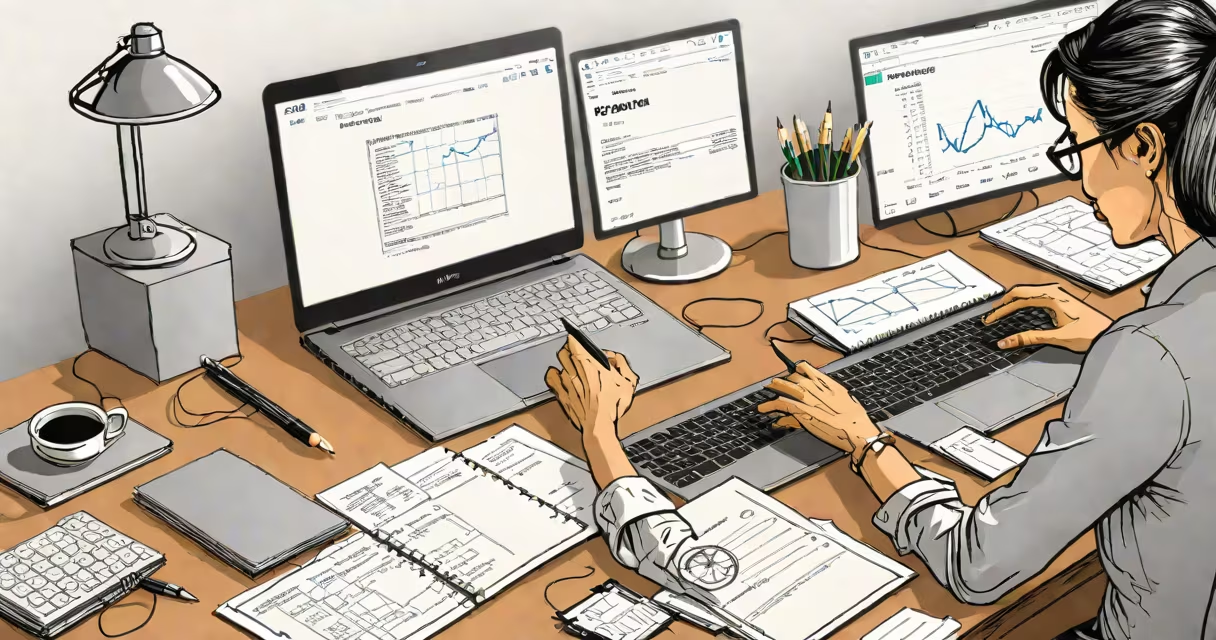
How do you do your own taxes online? You complete your federal and state tax returns using IRS-approved tax preparation software, uploading income documents and claiming eligible deductions. The process requires accurate records, correct forms, and careful review before submission.
Online tax filing begins with selecting a tax preparation platform. Popular options include TurboTax, H&R Block, and FreeTaxUSA. These programs guide users through a series of questions about income, deductions, credits, and filing status. Each step adjusts the tax calculation in real time, showing changes to your refund or balance due.
Once you enter your information, the software checks for errors, missing data, and eligibility for credits like the Earned Income Tax Credit (EITC) or Child Tax Credit. After reviewing the summary, you sign electronically and submit the return to the IRS. Most platforms offer e-filing directly to the IRS, which processes returns within 21 days on average.
Online tax preparation uses interactive software to replace paper forms. Instead of filling out Form 1040 by hand, you answer questions in a digital interface. The program calculates totals automatically and flags inconsistencies.
For example, if you report $65,000 in wages but claim $12,000 in charitable donations, the software may prompt you to verify documentation. If your itemized deductions exceed 10% of adjusted gross income, the system alerts you to potential audit triggers.
After completing the form, you can choose to e-file. This sends encrypted data directly to the IRS. The IRS confirms receipt within 24 hours. If approved, the refund is deposited via direct deposit in 1-3 weeks. If additional review is needed, the IRS contacts you by mail.
Not all tax software offers the same level of support. Basic versions handle standard W-2 income and common deductions. Advanced versions include features for self-employment, investment income, and business expenses.
| Software Type | Best For | Cost | Key Feature |
|---|---|---|---|
| Free versions | Single filers with W-2 income under $73,000 | $0 | IRS Free File access |
| Standard editions | Most individuals with straightforward returns | $30-$50 | Guided interview with error checking |
| Advanced editions | Self-employed, investors, or those with complex deductions | $70-$120 | Support for Schedule C, capital gains, and retirement contributions |
Some platforms integrate with bank accounts to auto-import 1099s and W-2s. TurboTax's "Import My Data" feature pulls information from financial institutions using secure APIs. This reduces manual entry and lowers the risk of typos.
A non-obvious fact: IRS-approved software must pass annual audits by the IRS's Tax Software Compliance Program. Platforms like H&R Block and TaxAct undergo testing to ensure they generate accurate Form 1040s. The IRS publishes a list of certified tools annually.
Even experienced users make errors. The most frequent issue is incorrect filing status. Claiming "married filing jointly" when you're legally separated leads to penalties. Software often asks for marriage date and separation status to prevent this.
Another mistake is overstating deductions. In 2023, 14% of taxpayers claimed home office deductions without meeting the 500-square-foot minimum requirement. The IRS flagged these returns for review. Software now includes pop-up warnings when users select deductions that don't match their reported space usage.
I once filed my own taxes using FreeTaxUSA during tax season. I entered my W-2 and 1099-INT correctly but forgot to update my address on the form. The IRS sent a notice to my old address. I caught it during the review phase because the software displayed a red flag for mismatched mailing addresses. I corrected it before submission.
"Doing your own taxes online" is not the same as hiring a CPA or using a tax preparer's services. Online software provides templates and calculations, but it doesn't offer legal advice or representation during audits. If you're audited, you'll need to respond independently unless you've paid for professional support.
Also, online filing does not eliminate the need to keep records. The IRS requires retention of tax documents for at least three years. This includes pay stubs, receipts for deductions, and confirmation emails from e-filing platforms. Some software stores copies in cloud accounts, but you should back up your files locally.
Many assume that free software is sufficient for all returns. That's false. Free versions exclude advanced features like foreign income reporting or estate planning. If you have rental property or capital gains above $10,000, you'll need a higher-tier version or professional help.
If your situation involves multiple sources of income, investments, or business operations, online tools may not cover all scenarios. The IRS reports that 38% of returns with Schedule C (profit/loss from business) require adjustments beyond basic software capabilities.
For example, if you earned $45,000 from freelance work and $28,000 from a side gig, you must calculate self-employment tax. Standard software may not apply the correct rate unless you enable the business module. Without it, you could underpay by $3,000 or more.
After filing, track your return using the IRS's "Where's My Refund?" tool. Enter your Social Security number, filing status, and exact refund amount. The tool updates daily and shows processing stages.
Finally, remember: how do you do your own taxes online? With accuracy, organization, and the right tool. Start with a free version if your income is simple. Upgrade only if your return includes complex elements. Always double-check numbers before signing.
Understanding how to do your own taxes online reduces reliance on intermediaries and increases control over your financial records. Use trusted software, maintain documentation, and review every line. The process becomes routine with practice.