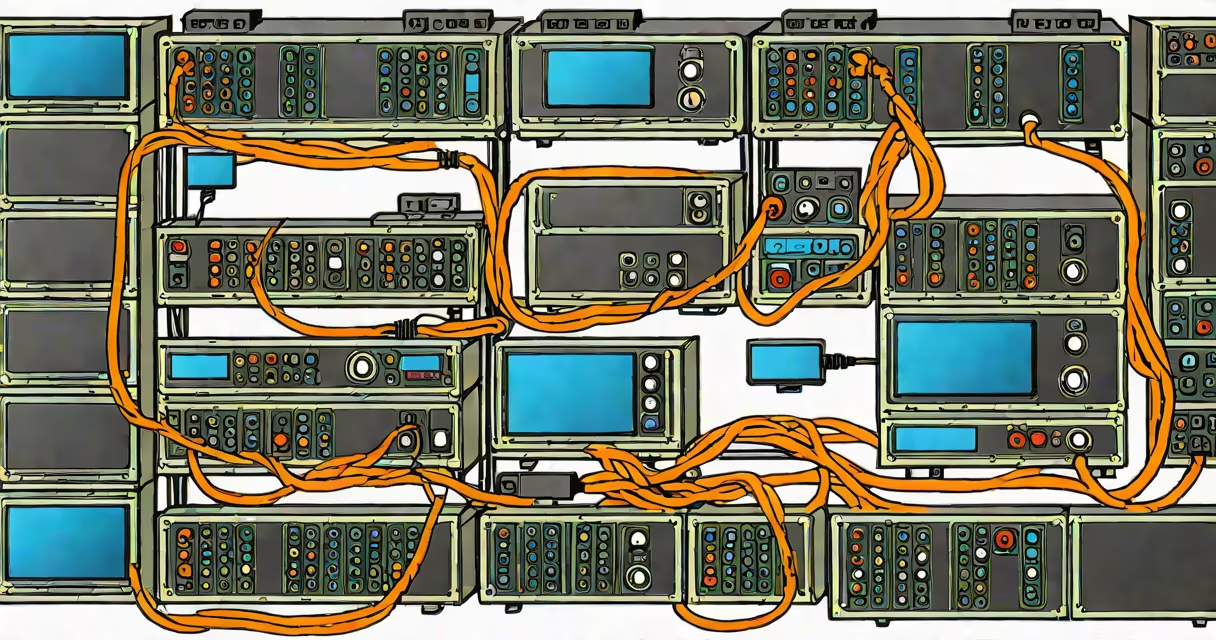
A PoE switch delivers both network data and electrical power through a single Ethernet cable, eliminating the need for separate power supplies or outlets. It supports devices such as IP cameras, wireless access points, and VoIP phones by complying with IEEE 802.3af or 802.3at standards.
PoE switches operate by injecting low-voltage DC power onto standard Cat5e or Cat6 Ethernet cables. The switch detects whether a connected device supports PoE and supplies power only if required. This prevents damage to non-PoE devices and ensures energy efficiency. A typical 802.3af-compliant switch provides up to 15.4 watts per port, while 802.3at (PoE+) offers up to 30 watts.
For example, a 12-port PoE switch can power twelve IP security cameras using only one power outlet and a single network connection. This reduces cabling complexity and installation time compared to running separate power lines. The switch manages power distribution intelligently, shutting off power to inactive ports to save energy.
When a PoE-enabled device connects to a PoE switch, the switch performs a handshake process called Power Sourcing Equipment (PSE) detection. It first checks for the presence of a compatible Powered Device (PD). If detected, the switch sends a low-power test voltage to verify compatibility. Only after successful verification does it apply full power.
This negotiation happens automatically within milliseconds. Devices that do not support PoE remain unaffected. A non-PoE device plugged into a PoE port draws no power unless the switch is misconfigured or faulty. Modern PoE switches use IEEE 802.3af (PoE), 802.3at (PoE+), and newer 802.3bt (PoE++) standards, which allow up to 90 watts per port.
Power delivery occurs over unused wire pairs in Cat5e and higher cables. In 10/100 Mbps networks, power is sent on pairs 4-5 and 7-8. For Gigabit Ethernet, power can be delivered on all four pairs simultaneously, increasing available power. This dual-use design enables efficient power and data transmission without requiring additional wiring.
Switches are categorized by their PoE standard, port count, and management capability. The most common types are unmanaged, managed, and smart PoE switches.
| Type | Power Standard | Use Case | Example Application |
|---|---|---|---|
| Unmanaged | 802.3af or 802.3at | Small offices, basic surveillance | Four-port PoE switch powering two IP cameras and a phone |
| Managed | 802.3at or 802.3bt | Enterprise networks, high-density deployments | 24-port PoE switch managing 20 access points in a warehouse |
| Smart | 802.3af or 802.3at | Remote sites, small businesses | 12-port PoE switch with VLAN support for segmented traffic |
Unmanaged PoE switches require no configuration. They plug in and work. These are ideal for small-scale setups where simplicity matters. Managed switches offer advanced features like Quality of Service (QoS), port mirroring, and VLANs. They're used in environments needing traffic control and monitoring.
Smart switches sit between the two. They offer basic configuration tools via web interface but lack full command-line access. They're suitable for users who want some control without complex setup. For example, a retail store might use a smart PoE switch to assign different VLANs for staff, customers, and security systems.
Deploying a PoE switch streamlines network infrastructure. It's especially useful in locations where electrical outlets are scarce or inconvenient. Common applications include video surveillance, unified communications, and IoT deployments.
Security systems benefit. An IP camera placed on a ceiling near a wall requires only one Ethernet cable. The PoE switch powers the camera and transmits video data. This cuts installation costs by 30-50% compared to running separate power lines, according to a 2022 study by the Belden network solutions team.
VoIP phones also rely on PoE. A desk phone connected to a PoE switch receives both internet connectivity and power. When a power outage occurs, the switch can be paired with a UPS (uninterruptible power supply) to maintain service. This ensures communication stays active during emergencies.
Another key use is in Wi-Fi deployments. Access points installed in ceilings or hallways often lack nearby outlets. A PoE switch allows them to be powered via the same cable used for data. This enables consistent coverage in large buildings without costly electrical upgrades.
Many assume that any Ethernet switch can deliver power. That's incorrect. Only PoE-capable switches have the internal circuitry to inject power safely. Plugging a PoE device into a non-PoE switch results in no power delivery. Conversely, connecting a non-PoE device to a PoE switch may cause issues if the switch lacks proper detection.
Some believe PoE switches consume excessive electricity. In reality, they draw power only when devices are connected and active. Idle ports consume minimal energy. Modern PoE switches include power-saving modes that reduce consumption by up to 40% during low-usage periods, per Cisco Systems' technical documentation.
Another myth is that PoE causes signal degradation. This is false. Properly rated cables (Cat5e or better) handle both data and power without interference. Signal loss remains under 1 dB per 100 meters, well within acceptable limits for standard network performance.
I installed a 12-port PoE switch in a small office to replace a mix of standalone power adapters and network hubs. The setup included six IP cameras, four VoIP phones, and two wireless access points. All devices were connected via Cat6 cables to the switch.
The switch was placed in a central rack. I ran a single Ethernet cable from the main router to the switch's uplink port. Power was supplied via a standard wall outlet. Within five minutes, all devices came online. Cameras displayed live feeds, phones registered with the server, and Wi-Fi signals covered the entire floor.
Before this, each camera had a separate power adapter and a dedicated cable run. The new system reduced cabling by 70% and eliminated three power strips. Maintenance became simpler-when a camera failed, I could check the switch's LED status and identify the affected port instantly.
Understanding the meaning of Poe switch clarifies its role in modern networking. It's not just a hub-it's a power and data enabler that simplifies infrastructure, reduces cost, and improves reliability. Whether deploying a home security system or a corporate network, choosing the right PoE switch ensures smooth operation.