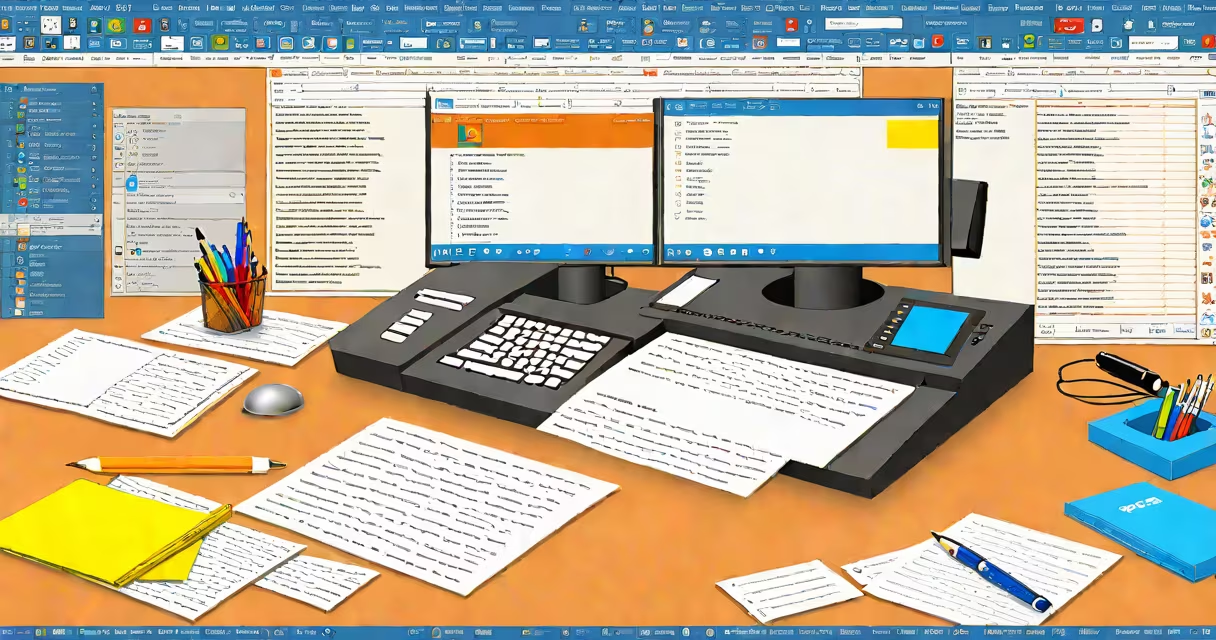
MS Word processing software is a desktop application developed by Microsoft for creating, editing, and formatting textual documents. It is part of the Microsoft Office set and serves as the standard tool for writing letters, reports, essays, and structured documents across personal, educational, and professional environments.
At its core, MS Word processes text using a WYSIWYG (What You See Is What You Get) interface. This means formatting applied on-screen appears exactly as it will in print or export. The software supports rich text features such as font styling, alignment, bullet points, tables, headers, footnotes, and embedded images. It also includes advanced tools like spell check, grammar suggestions, track changes, and collaboration features in newer versions.
Word processing software differs from basic text editors like Notepad because it handles complex layouts, styles, and metadata. While Notepad saves plain text files, MS Word saves documents in .docx format-a compressed XML-based structure that preserves formatting, embedded objects, and document properties.
When you open a document in MS Word, the program loads the file's content and formatting instructions into memory. These instructions are stored in a structured format within the .docx file, which is actually a ZIP archive containing multiple XML files and resources.
As you type, the software updates the internal document model in real time. It applies formatting rules based on your selections-such as changing font size or applying bold-to both the visual display and the underlying document structure. When you save, the program compresses the updated model into a new .docx file.
Behind the scenes, MS Word uses a rendering engine to draw text and layout elements on screen. It calculates line breaks, hyphenation, page breaks, and pagination dynamically. This allows users to see how their document will look when printed or exported to PDF.
MS Word processing software includes several integrated systems:
For collaborative work, MS Word integrates with cloud services like OneDrive and SharePoint. Multiple users can edit the same document simultaneously, with changes visible in real time and conflicts resolved through merge tools.
Microsoft offers several editions of Word, each tailored to different user needs:
| Version | Primary Use | Platform | Key Features |
|---|---|---|---|
| Word for Windows (2021/2024) | General office and academic use | Windows | Full feature set, integration with Outlook and Excel |
| Word for Mac | Mac users needing cross-platform compatibility | macOS | Same core features, optimized for Apple hardware |
| Word Online | Quick edits via browser | Web (any OS) | Lightweight, real-time collaboration, limited formatting options |
| Word Mobile | On-the-go editing | Android, iOS | Touch-friendly interface, offline access, simplified tools |
Each edition maintains consistent behavior across platforms through shared cloud storage and synchronization. However, advanced features like mail merge, macros, and custom templates are only available in the desktop versions.
Many people assume MS Word is simply a "text editor." That's incorrect. Unlike plain text editors, Word stores formatting and structural data separately from raw text. A.docx file contains metadata about fonts, margins, styles, and embedded media-information lost in a.txt file.
Another misconception is that Word is outdated due to the rise of web-based tools. According to a 2023 report by Statista, Microsoft Word remains the most widely used word processor globally, with over 1.5 billion active installations across devices. Its dominance persists due to deep integration with enterprise systems, support for complex document workflows, and backward compatibility with legacy files.
A lesser-known fact: Word documents can contain hidden content. Metadata such as author name, revision history, and comments may persist even after deleting visible text. Tools like Microsoft's Document Inspector (available in the File > Info menu) allow users to remove this data before sharing sensitive documents.
Consider a university student preparing a 15-page research paper. They start by setting up a template with 12-point Times New Roman, double spacing, and 1-inch margins-all done via the Styles pane. As they write, they insert citations using the References tab, which automatically generates a bibliography in APA format.
They add a table summarizing survey results, apply shading to header rows, and insert a chart from an Excel spreadsheet. After completing the draft, they run a spelling and grammar check. The software flags a passive construction in the methodology section and suggests a more concise alternative.
MS Word processing software is not just a tool for typing-it's a full environment for structuring, refining, and delivering written content. Its ability to handle complex formatting, collaborate across teams, and integrate with other productivity tools makes it indispensable in modern workflows. preparing a grant proposal, understanding how MS Word functions ensures accurate, professional results.
For detailed setup and troubleshooting, explore this guide.