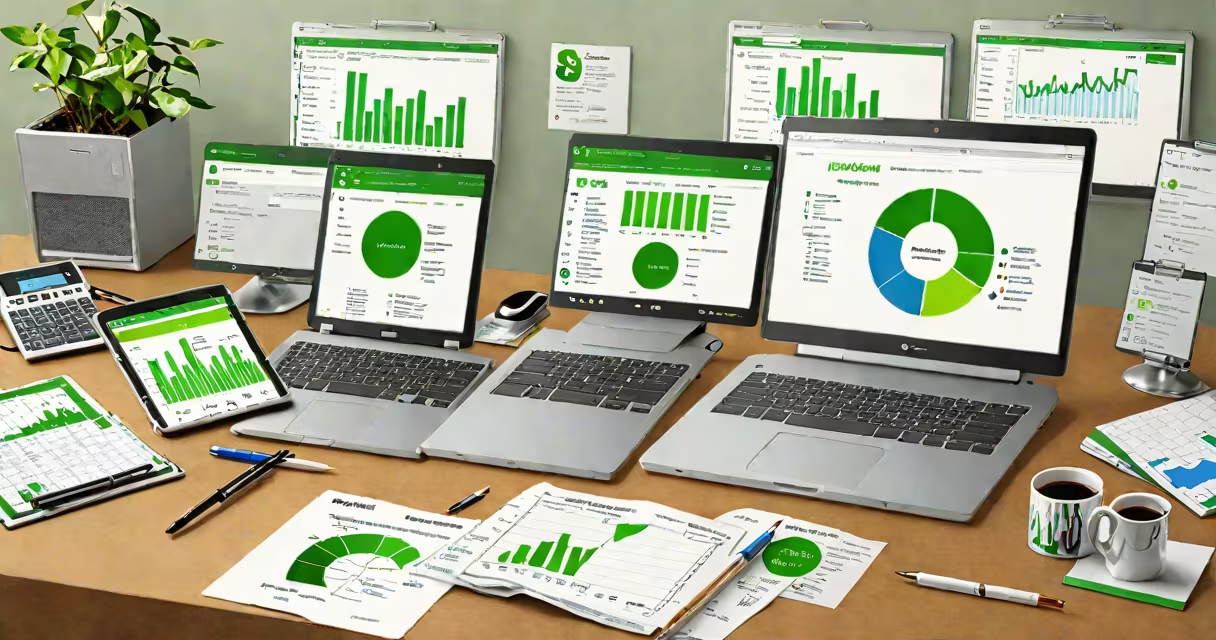
QuickBooks Enterprise Platinum is a premium version of Intuit's accounting software tailored for medium to large businesses with complex financial workflows, multiple users, and advanced reporting needs. It includes all features of the standard QuickBooks Enterprise set plus enhanced performance, expanded user limits, and priority support.
This version is not available through standard retail channels. It requires a direct sales engagement with Intuit or a certified reseller. It targets organizations that have outgrown QuickBooks Pro and QuickBooks Online Advanced, particularly those managing hundreds of transactions monthly, supporting multiple departments, or operating across several locations.
Unlike basic accounting platforms, QuickBooks Enterprise Platinum supports up to 30 concurrent users, handles databases exceeding 10GB, and enables real-time collaboration across teams. It integrates natively with over 600 third-party apps via the Intuit App Store, including inventory systems, payroll providers, and CRM tools.
QuickBooks Enterprise Platinum runs on Windows-based desktops and uses a client-server architecture. Data is stored locally on a company's internal server or network-attached storage (NAS), which allows faster processing than cloud-only models. This setup reduces latency during month-end closes and enables offline access for remote staff.
The software uses a relational database structure with SQL Server backend. This design allows for granular control over permissions, audit trails, and custom fields. For example, a manufacturing firm can track material costs per production batch using custom fields tied to job numbers and inventory adjustments.
When a user enters a transaction-say, a $12,500 invoice to a client-the system updates the accounts receivable ledger, triggers automatic aging reports, and logs the action with timestamp and user ID. These records are accessible via built-in dashboards showing revenue trends, cash flow forecasts, and departmental profitability.
Enterprise Platinum adds capabilities beyond the standard Enterprise offering. The most notable upgrades include:
These features make it viable for firms managing subsidiaries, international branches, or regulated industries such as healthcare and finance. A construction company with five project sites, for instance, can assign separate ledgers per site while generating unified profit-and-loss summaries.
Many assume QuickBooks Enterprise Platinum is a cloud product. It is not. While Intuit offers cloud versions of QuickBooks, Enterprise Platinum remains a desktop-first solution. Cloud migration requires a separate, paid service called QuickBooks Enterprise Cloud Hosting, which hosts the software on secure servers managed by third parties.
Another error is equating "Platinum" with "best." The Platinum tier is not universally superior. For small businesses with fewer than 10 employees and low transaction volume, the standard QuickBooks Online plan may offer better value due to lower upfront cost and automatic updates.
A third misconception is that Platinum includes unlimited integrations. It doesn't. While it supports over 600 apps, only those approved by Intuit are officially supported. Third-party plugins not vetted by Intuit may cause data corruption or sync failures.
In 2022, a regional HVAC contractor with 42 employees and six service centers switched from QuickBooks Pro to QuickBooks Enterprise Platinum. They processed 1,200 invoices monthly, tracked 27,000 parts in inventory, and maintained 12 separate job files.
Before the switch, their accounting team spent 18 hours weekly reconciling discrepancies between job costing reports and bank feeds. After migrating to Enterprise Platinum, they reduced reconciliation time to 6 hours using automated import rules and custom fields for labor vs. material cost tracking.
They also implemented role-based access: field technicians could view only their assigned jobs, supervisors saw department-wide KPIs, and executives accessed consolidated P&Ls. The system's ability to export data to Excel with changing filtering cut report generation time by 65%.
| Feature | Standard Enterprise | Enterprise Platinum |
|---|---|---|
| Max concurrent users | 15 | 30 |
| Database size limit | 5 GB | 10 GB+ |
| Support response time | 8 hours | 4 hours |
| Custom field count | 100 | 250 |
| Multi-location reporting | Basic | Advanced (real-time consolidation) |
These differences reflect a clear upgrade path for organizations experiencing growth-related strain on their existing systems.
I observed a deployment at a logistics firm in Portland, Oregon, where the IT manager reported that after switching to Enterprise Platinum, their year-end close process dropped from 14 days to 7. The reduction came from improved data indexing and faster report rendering. One bottleneck-the inability to filter purchase orders by vendor category-was resolved using a custom report builder tool included in Platinum.
Use QuickBooks Enterprise Platinum if your business:
For smaller operations, QuickBooks Online Plus or Advanced may be sufficient. The Platinum tier is not cost-effective unless the business has specific scalability or security requirements.
Intuit recommends reviewing licensing options annually. The Platinum version is priced at $1,500 per year for the first 30 users, with additional licenses at $50 each. Annual maintenance includes software updates, security patches, and access to the full support queue.
Understanding QuickBooks Enterprise Platinum means recognizing it as a strategic investment-not just a tool. It's built for scale, complexity, and control. Organizations that implement it early in their growth phase avoid costly migrations later.