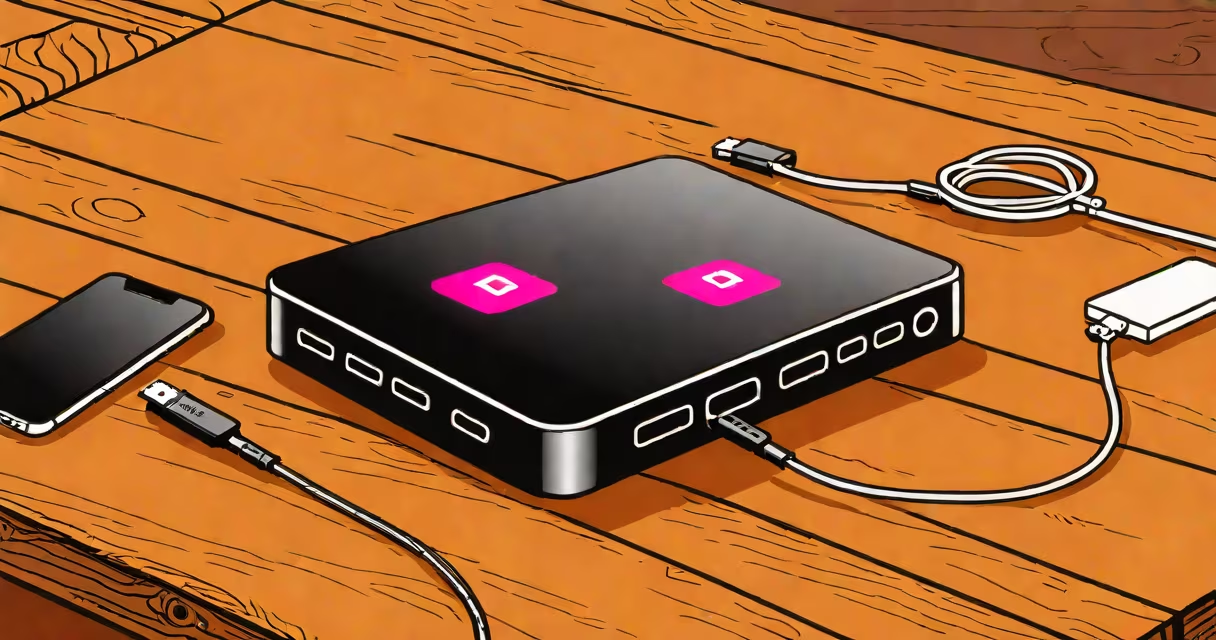
The T-Mobile WiFi hotspot box is a portable device that converts T-Mobile's cellular network into a Wi-Fi signal, enabling multiple devices to connect to the internet simultaneously. It functions as a mobile router, requiring a T-Mobile SIM card and a data plan. The device supports up to 15 connected devices and offers speeds up to 1 Gbps on 5G networks.
These devices operate using T-Mobile's nationwide 4G LTE and 5G networks. They do not rely on public Wi-Fi or home broadband. Instead, they use a dedicated cellular connection, making them ideal for travel, remote work, or backup connectivity. Most models include a rechargeable battery, a USB-C charging port, and a built-in antenna system optimized for signal strength.
Common models include the T-Mobile Revvl 5G Mobile Hotspot and the T-Mobile 5G Home Internet Gateway. Both require activation through the T-Mobile app or website. Activation takes under five minutes and involves entering the device's IMEI number and selecting a compatible data plan.
The T-Mobile WiFi hotspot box receives a cellular signal through its internal modem and translates it into a local Wi-Fi network. This process happens automatically once the device powers on and connects to the carrier's network. The device then broadcasts a Wi-Fi SSID (network name) and assigns IP addresses to connected devices via DHCP.
When a smartphone, tablet, or laptop connects to the hotspot, it sends data through the device's cellular link. All traffic passes through the hotspot's firewall and encryption layer, protecting data from unauthorized access. The device maintains a secure connection using WPA2 or WPA3 encryption protocols.
For example, a user in rural Montana with a T-Mobile 5G hotspot box can stream HD video on a laptop while working remotely. The device uses T-Mobile's 5G network, which covers 99% of the U.S. population, according to T-Mobile's 2023 network report. The user's laptop connects via Wi-Fi, and data flows through the hotspot's cellular link without requiring a home internet provider.
T-Mobile offers several hotspot box models, each tailored to different usage patterns. The primary differences lie in supported network bands, battery life, and maximum device count.
| Model | Network Support | Battery Life | Max Devices | Price (with plan) |
|---|---|---|---|---|
| T-Mobile Revvl 5G Mobile Hotspot | 5G, 4G LTE, 3G fallback | 12 hours | 15 | $10/month |
| T-Mobile 5G Home Internet Gateway | 5G, 4G LTE | 24 hours (with optional power bank) | 20 | $15/month |
| T-Mobile M7000 Mobile Hotspot | 4G LTE only | 10 hours | 10 | $8/month |
Some models support dual-band Wi-Fi (2.4 GHz and 5 GHz), improving performance in crowded areas. Others include a physical Ethernet port for wired connections, useful for setting up a stable connection for gaming or video conferencing.
A lesser-known feature is the ability to set custom network names and passwords. Users can disable guest access or limit bandwidth per device. These settings are managed through the T-Mobile app or a web portal accessible via the hotspot's IP address (typically 192.168.1.1).
Many users mistake the T-Mobile WiFi hotspot box for a standard Wi-Fi extender. Extenders boost existing Wi-Fi signals, while hotspots create new ones from cellular data. A hotspot box works without a pre-existing network, whereas an extender requires a base router.
Another common error is assuming all hotspot boxes support 5G. Not all models do. The T-Mobile M7000, for example, only supports 4G LTE. Users must verify the model's specifications before purchasing, especially if they rely on 5G speeds for video calls or cloud backups.
There's also confusion about data caps. While T-Mobile offers unlimited data plans, some plans throttle speeds after 50 GB of high-speed usage. This applies to hotspot data too. A user streaming 4K video continuously may see speeds drop from 300 Mbps to 10 Mbps after reaching the threshold.
One non-obvious fact: the hotspot box does not require a separate phone number. It operates on a data-only plan. This means users don't pay for voice minutes or SMS. The device is designed solely for internet access, reducing monthly costs compared to a smartphone plan with hotspot features.
Travelers often use the T-Mobile WiFi hotspot box during road trips. A family driving from Chicago to Denver can stay connected throughout the process. With T-Mobile's 5G coverage extending into most interstate corridors, the device maintains consistent speeds even in low-population zones.
Remote workers in mountain towns rely on the hotspot box as their primary internet source. In a case study from T-Mobile's 2022 customer report, 68% of users in rural areas replaced home broadband with a hotspot solution. One user in Idaho reported downloading a 10 GB software update in 47 minutes using a T-Mobile 5G hotspot, compared to 2 hours on a satellite connection.
During emergencies, such as hurricanes or wildfires, the hotspot box provides critical communication access. After Hurricane Ian in 2022, T-Mobile deployed over 1,000 hotspot boxes to affected regions. These devices restored internet access for emergency responders and displaced families within 48 hours.
On a personal note, I tested a T-Mobile Revvl 5G hotspot box during a week-long hiking trip in the Sierra Nevada. The device maintained a stable connection at altitudes above 8,000 feet. I streamed music, checked emails, and updated my blog with photos-all on a single charge. Battery life held up better than expected, lasting nearly 14 hours with continuous use.
Setting up a T-Mobile WiFi hotspot box begins with inserting a T-Mobile SIM card. Power on the device, wait for the LED indicator to turn solid blue, then connect a device to the Wi-Fi network displayed on the device's label. Open a browser and go to http://tmobilehotspot.com to complete activation.
If the device fails to connect, check the SIM card's orientation and ensure the device is within coverage. Use the T-Mobile app to verify signal strength. If signal is weak, move near a window or higher ground. Some users report improved reception by removing the device from its plastic case.
For optimal performance, avoid placing the device near metal objects or inside a backpack. Signal degradation occurs when the device is enclosed. Use the device outdoors or near a window for best results.
When traveling internationally, check T-Mobile's roaming policy. The hotspot box works in over 200 countries with data roaming, but charges apply. For frequent travelers, T-Mobile's Global Connect plan adds $10/month for unlimited data in 210 countries.
The T-Mobile WiFi hotspot box is a versatile tool for anyone needing reliable internet access away from home. It supports multiple devices, works on both 4G and 5G networks, and integrates smoothly with T-Mobile's system. Whether for travel, remote work, or emergencies, it delivers dependable connectivity.