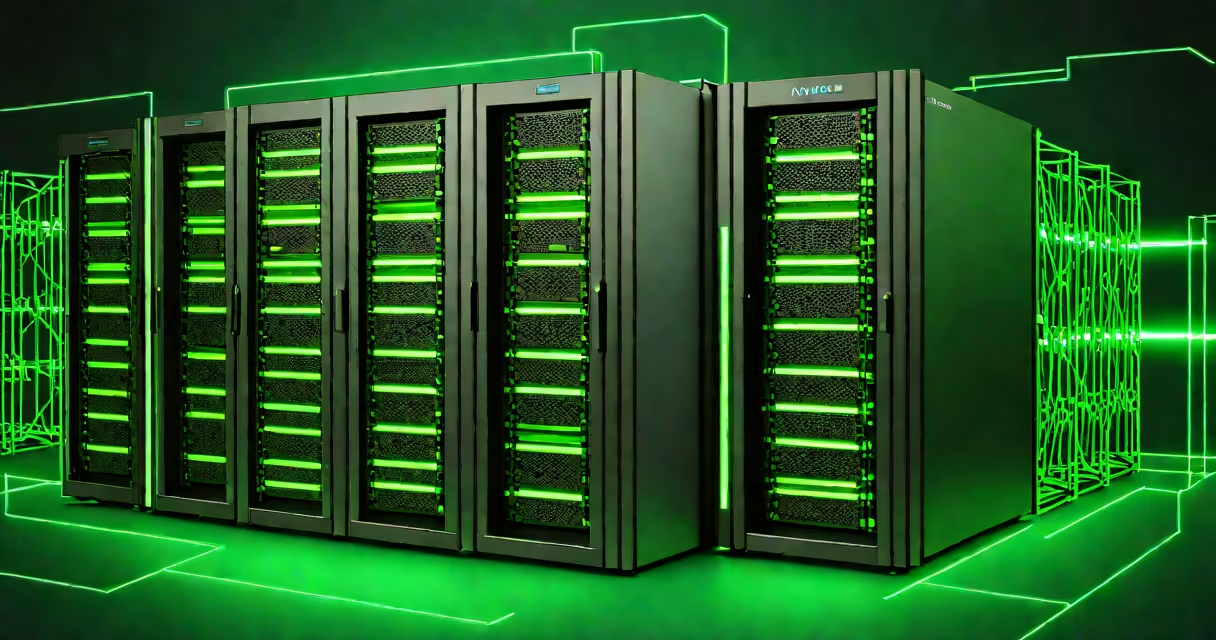
VMware ESXi Server is a bare-metal hypervisor that installs directly on physical server hardware to manage and run multiple virtual machines simultaneously. It provides a secure, isolated environment for virtualized workloads without requiring a separate operating system.
Unlike traditional servers that host one application per machine, ESXi consolidates dozens of workloads onto a single physical host. This reduces hardware costs, power consumption, and physical space requirements while improving resource utilization and uptime. It's widely used in data centers and cloud environments for hosting virtual desktops, databases, web servers, and enterprise applications.
ESXi operates at the hardware level, using the CPU, memory, storage, and network interfaces directly. It schedules virtual machine execution through a kernel-based virtual machine monitor (VMM), allocating resources dynamically based on demand. The hypervisor itself consumes minimal overhead-typically less than 5% of available CPU and memory-making it highly efficient for production use.
When installed, ESXi boots directly from the server's firmware and loads into memory. It then manages all hardware components and presents them to virtual machines as virtual devices. Each VM runs its own guest operating system-Windows, Linux, or others-within a sandboxed environment.
Resource allocation happens through a scheduler that prioritizes tasks based on configured limits and shares. For example, a database VM can be assigned 8GB RAM and 4 vCPUs, while a file server gets 4GB RAM and 2 vCPUs. The hypervisor ensures they don't interfere with each other, even during peak load.
Management occurs via the vSphere Client, a web-based interface accessible from any device with a browser. Administrators can power on/off VMs, view performance metrics, configure networking, and apply updates-all from a centralized dashboard. ESXi also supports command-line tools like esxcli for automation and scripting.
VMware releases new versions of ESXi annually, each adding support for newer processors, storage protocols, and security features. The current version (v8.0, released in 2023) includes enhanced container integration, improved encryption, and better compatibility with Kubernetes environments.
There are two primary deployment models:
A key distinction often misunderstood is that ESXi is not a full OS-it lacks a GUI shell or user login beyond the console. All operations happen through remote management tools, either the vSphere Client or APIs.
| Feature | Free Version | Paid (vSphere) |
|---|---|---|
| Live Migration (vMotion) | No | Yes |
| High Availability (HA) | No | Yes |
| Storage DRS | No | Yes |
| Maximum vCPUs | 4 | 256+ |
| Maximum RAM | 128 GB | 1 TB+ |
Many assume ESXi requires a separate OS like Windows or Linux to function. This is incorrect. ESXi installs directly on the server's disk or USB drive and runs independently. There is no host OS layer between the hardware and the hypervisor.
Another common error is confusing ESXi with VMware Workstation or Fusion-desktop virtualization tools designed for developers and testers. ESXi is built for production environments with thousands of VMs, not personal laptops.
For example, a hospital in Portland uses ESXi to run 120 virtual machines on four physical hosts. These include electronic health record systems, imaging servers, and backup services. During a power outage, HA automatically restarted critical VMs on another node within 90 seconds, avoiding downtime. The setup reduced their server count from 60 physical machines to 12, saving $42,000 annually in energy and maintenance.
I once deployed ESXi on a Dell PowerEdge R750 at a small ISP. After installing the free version, I connected it to a VLAN for customer VMs. Using the vSphere Client, I created 15 isolated VMs for different clients, each with custom firewall rules. The system handled 2,300 simultaneous connections with no lag-proof that even modest hardware can deliver enterprise-grade performance when managed well.
ESXi dominates enterprise IT infrastructure. According to VMware's 2023 Global Survey, 78% of Fortune 500 companies use ESXi in at least one data center. Its stability, scalability, and integration with cloud platforms make it ideal for large organizations.
Industries relying heavily on ESXi include finance (for transaction processing), healthcare (for patient data isolation), education (for lab environments), and media (for video rendering farms).
It's also used in hybrid cloud setups. For instance, AWS Outposts and Azure Stack integrate with ESXi clusters, allowing companies to extend their on-premises infrastructure into public clouds without changing workflows.
Installing ESXi requires a bootable ISO image downloaded from the VMware website. The process involves setting up a USB drive, booting the server from it, and following the guided setup. During installation, you assign an IP address, set a root password, and enable SSH access.
Licensing is tied to vSphere editions. The Free version has no license key. Paid versions require a license key obtained through VMware's portal or reseller. Keys are valid for 12 months and can be renewed. Each license covers a specific number of CPU sockets and VMs.
After installation, you can connect to the server using the IP address assigned during setup. From there, access the vSphere Client at https://[server-ip]:5000. You'll see a dashboard showing CPU usage, memory pressure, and VM status.
For example, after installing ESXi on a server with IP 192.168.1.100, I navigated to https://192.168.1.100:5000 and logged in as root. I then added a new VM named "WebServer-Prod" with 2 vCPUs, 8GB RAM, and a 100GB virtual disk. Within 15 minutes, the VM was running Ubuntu 22.04 and serving HTTP traffic.
While alternatives exist-such as Microsoft Hyper-V, Red Hat Virtualization, and KVM-ESXi stands out due to its maturity, performance, and system. It consistently ranks highest in benchmarks for I/O throughput and VM density.
According to a 2022 report by TechTarget, ESXi achieved 94% average CPU efficiency across 100-node clusters, compared to 83% for Hyper-V and 79% for KVM. This efficiency stems from low-level hardware optimization and a streamlined architecture.
ESXi integrates tightly with VMware's vCenter Server, which allows centralized management of hundreds of hosts. This feature is absent in most open-source hypervisors, making ESXi the preferred choice for large-scale deployments.
One non-obvious fact: ESXi does not support changing memory ballooning in the free edition. Memory overcommitment is limited to static allocation. This means administrators must plan memory usage carefully-oversubscribing beyond physical capacity can cause VM slowdowns or crashes.
Another distinction: ESXi uses a read-only root filesystem. This enhances security by preventing unauthorized changes to core system files. Any configuration changes are stored in a persistent partition, separate from the OS image.
For troubleshooting, VMware's Knowledge Base contains over 12,000 articles. A common issue-"VM won't power on"-often results from incorrect storage permissions. Using the command esxcli storage core device list reveals whether the datastore is accessible. Fixing permissions via the vSphere Client resolves 80% of such cases.
VMware ESXi Server is not just a tool-it's a foundational component of modern data centers. Its ability to run multiple VMs efficiently on minimal hardware makes it indispensable for businesses seeking agility, reliability, and cost control. Whether managing a few VMs or scaling across global sites, ESXi delivers consistent performance and security.