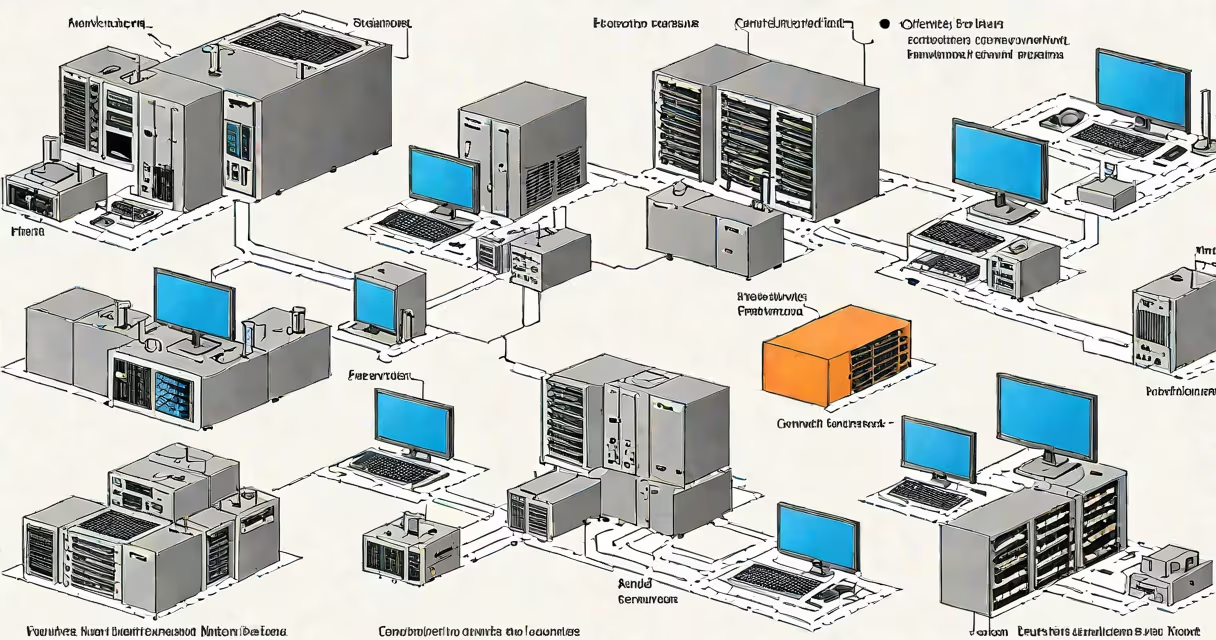
A virtual machine monitor (VMM), also known as a hypervisor, is a software layer that creates and manages virtual machines on a physical host system. It allocates CPU, memory, storage, and network resources to each guest OS while enforcing isolation between them. The VMM acts as a runtime environment that allows multiple operating systems to share the same underlying hardware without interfering with each other.
The VMM sits directly on the hardware or runs on top of a host operating system. It intercepts privileged instructions from guest OSes and translates them into actions the physical processor can execute. This enables secure, efficient execution of unmodified guest operating systems on x86, ARM, and other architectures. Modern VMMs use hardware virtualization extensions like Intel VT-x and AMD-V to improve performance and reduce overhead.
Without a VMM, running multiple OS instances on a single server would require complex workarounds or dedicated hardware. The VMM eliminates this barrier by providing abstraction, resource control, and isolation. It's the fundamental component behind cloud platforms, container orchestration, and enterprise server consolidation.
A VMM operates by intercepting and managing low-level operations that affect system state. When a guest OS attempts to execute a privileged instruction-such as modifying memory protection settings or accessing I/O devices-the VMM steps in to emulate or translate the action safely. This prevents guest systems from disrupting each other or the host.
For example, when a Windows VM tries to write to a physical disk, the VMM redirects the request through a virtual disk file stored on the host's storage. The VMM maintains a mapping between virtual addresses used by the guest and physical addresses on the host. This abstraction helps each VM believes it controls the entire system, even though it shares resources with others.
Modern VMMs use paravirtualization and hardware-assisted virtualization to minimize performance loss. Paravirtualization modifies the guest OS to make direct calls to the VMM, reducing the need for emulation. Hardware-assisted virtualization uses CPU features like Intel VT-x to offload context switching and memory management tasks, improving efficiency and scalability.
VMMs fall into two categories based on architecture: Type 1 (bare-metal) and Type 2 (hosted).
| Type | Architecture | Performance | Use Case | Examples |
|---|---|---|---|---|
| Type 1 | Runs directly on hardware | High | Cloud infrastructure, data centers | VMware ESXi, Microsoft Hyper-V, Xen, KVM |
| Type 2 | Runs on top of a host OS | Lower | Development, testing, desktop virtualization | Oracle VirtualBox, VMware Workstation, Parallels Desktop |
Type 1 hypervisors are used in production environments because they eliminate the overhead of a host operating system. They directly manage hardware resources and provide better security and performance. For instance, VMware ESXi runs on bare metal servers in large-scale data centers, supporting thousands of VMs simultaneously.
Type 2 hypervisors are designed for ease of use and flexibility. They rely on the host OS for device drivers and system services. While less performant, they're ideal for developers who need to test different OS configurations on a laptop. A developer using Oracle VirtualBox on a Windows machine can run a Linux VM for application testing without rebooting.
Many people confuse a VMM with a virtual machine itself. A virtual machine is a software-defined computer that runs within the VMM's environment. The VMM is the manager; the VM is the managed entity. Think of the VMM as a traffic controller and the VMs as vehicles on a highway-it coordinates movement but doesn't drive.
Another misconception is that VMMs are only used in cloud computing. While they power public clouds like AWS EC2 and Google Cloud Platform, they're also essential in enterprise IT. A company might use a VMM to consolidate 20 physical servers into five hosts running dozens of VMs, reducing energy costs and maintenance effort.
Some assume that all virtualization requires full hardware emulation. But modern VMMs use direct assignment of hardware resources via passthrough. For example, a GPU can be assigned exclusively to a single VM, allowing high-performance graphics rendering for machine learning or video processing. This bypasses emulation entirely and delivers near-native performance.
I once set up a macOS virtual machine on a Windows 11 laptop using Oracle VirtualBox. The goal was to test a mobile app on iOS. VirtualBox acted as the VMM, creating a virtual x86_64 environment and allocating 4GB RAM and 50GB disk space to the VM.
After installing macOS Big Sur from an ISO image, the VMM handled all CPU and memory requests. When the guest OS accessed the network, the VMM routed traffic through the host's Wi-Fi adapter using NAT mode. I could browse the web and install apps inside the VM just like on a real Mac.
This setup wouldn't have been possible without the VMM's ability to virtualize CPU instructions, emulate hardware devices, and isolate the guest OS. The VMM ensured that crashes in the macOS VM wouldn't affect the Windows host or other applications.
According to the National Institute of Standards and Technology (NIST), virtual machine monitors are foundational to secure, scalable cloud environments. NIST Special Publication 800-147 outlines requirements for trusted virtualization, emphasizing integrity, confidentiality, and availability of VMs under VMM control.
Research from the University of California, Berkeley, shows that using a Type 1 hypervisor reduces average VM startup time by 40% compared to hosted solutions. This efficiency supports changing scaling in cloud environments, where hundreds of VMs may start and stop in minutes.
Every major cloud provider relies on a custom VMM variant. AWS uses Xen-based hypervisors for EC2 instances. Azure uses Hyper-V with enhanced security features like Shielded VMs. These systems enforce strict isolation policies and prevent side-channel attacks between tenants.
Understanding what is a virtual machine monitor is essential for anyone working with cloud infrastructure, DevOps, or system administration. It's not just a tool-it's the engine behind virtualization, enabling cost savings, flexibility, and resilience in modern computing.