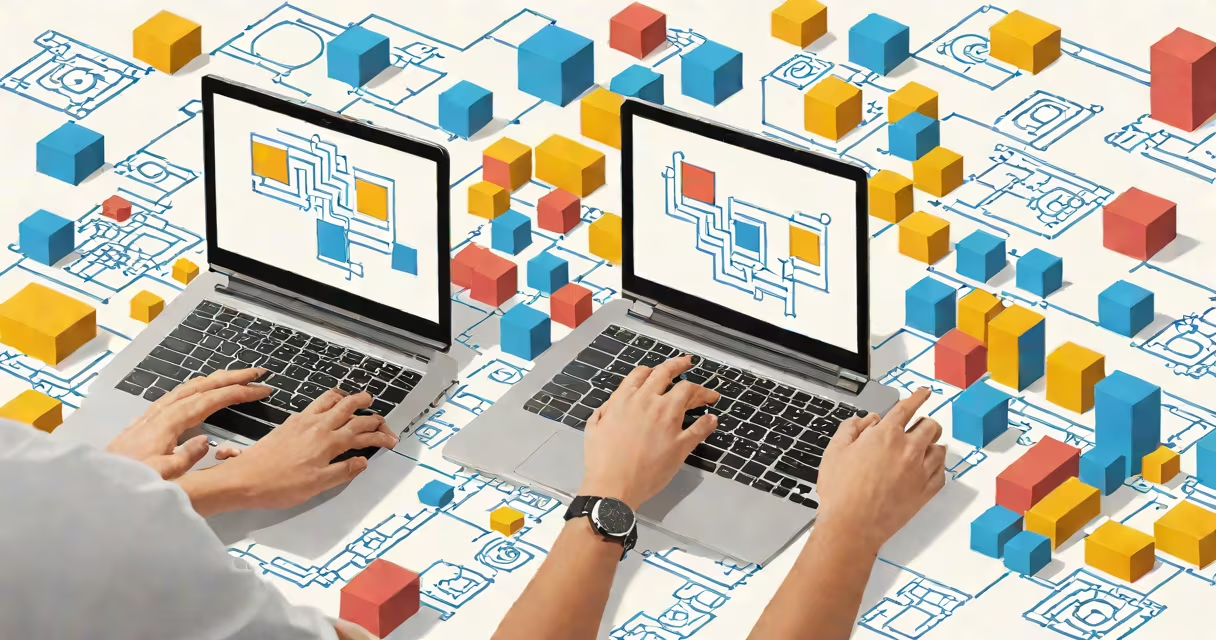
Visual programming is a method of creating software using graphical elements-like blocks, icons, or flowcharts-instead of written code. It allows users to build logic and control sequences by connecting visual components, making programming accessible to people without formal coding experience.
Instead of typing syntax like "if (x > 5) { do something }", a visual programmer drags a condition block, sets the comparison, and connects it to an action block. The system translates these connections into executable instructions behind the scenes.
This approach is widely used in education, game development, robotics, and rapid application prototyping. Tools like Scratch, Blockly, and LabVIEW operate entirely through visual interfaces, reducing the cognitive load of memorizing syntax and debugging typos.
Visual programming systems break down complex processes into modular, reusable components. Each component represents a function, input, output, or control structure. Users arrange these components on a canvas and link them via connectors to define execution order.
For example, in a simple animation project, a user might place a "start" block, connect it to a "move forward" block set to 100 steps, then attach a "turn right" block with a 90-degree setting. When run, the program moves a character forward and turns it right-no typing required.
The underlying engine interprets the layout and sequence as machine-readable logic. This translation happens automatically, so users don't need to understand low-level operations like memory allocation or assembly language.
Visual programming varies by domain and complexity. Here are common forms:
| Type | Use Case | Example Tools | Key Feature |
|---|---|---|---|
| Block-Based | Education, beginners | Scratch, Blockly | Drag-and-drop blocks with syntax validation |
| Flowchart-Based | Business logic, automation | Node-RED, Zapier | Graphical representation of data flows and triggers |
| Diagram-Based | Engineering, simulation | LabVIEW, Simulink | Real-time data processing and hardware integration |
| Code-Like Visual | Advanced development | Unity's Visual Scripting, Unreal Engine Blueprints | Full programming features with visual syntax |
Block-based tools like Scratch are designed for children and early learners. They enforce correct syntax by only allowing compatible block shapes to snap together. This prevents malformed expressions and reduces frustration during learning.
Flowchart-based systems such as Node-RED are used in Internet of Things (IoT) applications. A user defines a sensor trigger, then routes data through transformation and decision nodes to send alerts or activate devices-without writing a single line of JavaScript.
LabVIEW, developed by National Instruments, enables engineers to design test systems and automate measurements using visual diagrams. It's used in aerospace, automotive testing, and medical device calibration.
Many assume visual programming is limited to simple tasks or lacks power. That's incorrect. Advanced systems support loops, functions, variables, event handling, and even custom modules.
For example, Unity's Visual Scripting tool supports object-oriented concepts like inheritance and polymorphism. Developers can create reusable scripts for game mechanics-such as player health systems or enemy AI behaviors-using only visual nodes.
A key misunderstanding is that visual programming is "not real programming." But according to the Association for Computing Machinery (ACM), "visual programming languages are Turing-complete," meaning they can compute any problem solvable by a traditional algorithm. This was confirmed in research published in *ACM Transactions on Programming Languages and Systems* (2019).
Another myth is that visual tools are slower or less efficient. In reality, many visual environments generate optimized code under the hood. LabVIEW compiles visual diagrams into highly efficient machine code for real-time embedded systems.
Visual programming excels in domains requiring rapid iteration and collaboration between non-coders and developers.
In classrooms, Scratch enables students aged 8 to 16 to learn computational thinking. According to MIT's Media Lab, over 70 million projects have been created in Scratch since 2007, with 60% of users reporting improved problem-solving skills.
Industries use visual tools to prototype quickly. A team designing a smart home dashboard might use Node-RED to wire up temperature sensors, motion detectors, and lighting controls in under an hour-then deploy the logic to a Raspberry Pi.
I once built a weather alert system for a community garden using Blockly and a Raspberry Pi. The system monitored local forecasts, triggered email notifications when rain was predicted, and turned on irrigation only if soil moisture was below threshold. All logic was defined through blocks-no text editing involved.
These tools reduce the barrier to entry for innovation. A teacher with no coding background can teach programming basics using Scratch. A factory technician can debug a robotic arm's movement sequence using LabVIEW without needing a computer science degree.
Visual programming is not the same as no-code platforms. While both avoid text-based coding, no-code tools often restrict customization and focus on predefined workflows. Visual programming offers deeper control and extensibility.
Also, visual programming isn't limited to beginners. Professional developers use it for prototyping, debugging, and teaching. Engineers at NASA use LabVIEW to simulate spacecraft systems. Game studios use Unreal's Blueprints to design gameplay without writing C++.
Some confuse visual programming with diagramming tools like UML or flowcharts used in documentation. Those are descriptive, not executable. Visual programming creates working software-tools like Scratch produce running animations, not static images.
As you progress, try Node-RED for automating tasks based on events. Set up a rule that turns on lights when a door sensor activates. These tools run locally or in the cloud, with clear feedback on execution.
Visual programming isn't a replacement for text-based coding-it's a complement. Understanding both approaches gives you flexibility across projects, teams, and technologies.
Learning what is visual programming opens doors to faster creation, clearer logic, and broader participation in software development. hobbyist, visual programming offers a direct path to building functional software without mastering syntax.