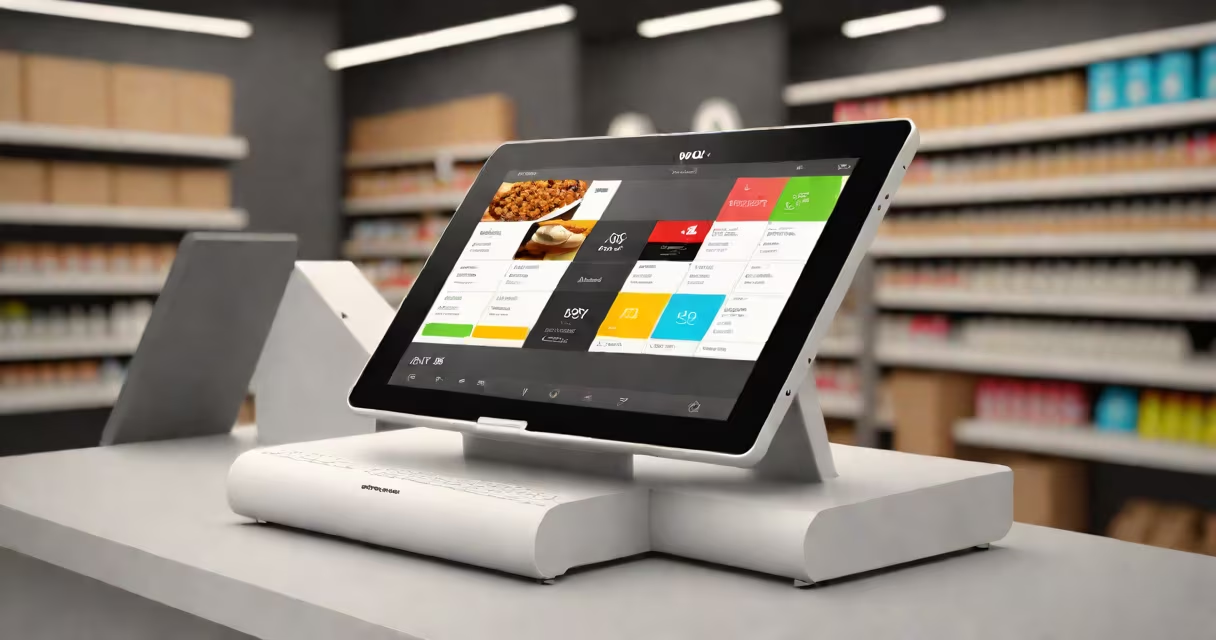
WooCommerce POS is a free, open-source plugin that transforms a WordPress website into a full-featured point-of-sale system for brick-and-mortar retail operations. It enables businesses to process sales, manage inventory, track customers, and sync data between physical storefronts and online stores-all within the WordPress system.
The core function of WooCommerce POS is to provide a touchscreen-friendly interface for processing transactions using a tablet or desktop computer. It supports barcode scanning, cash drawer integration, receipt printing, and multiple payment methods including credit cards via integrated gateways like Stripe or Square. All sales data is saved directly to the WordPress database and synchronized with the online store's product catalog and order management system.
For retailers operating both online and offline, WooCommerce POS eliminates the need for separate systems. A sale made at a physical register updates the online store's inventory in real time, preventing overselling. This integration reduces manual reconciliation and improves accuracy across channels.
When activated, WooCommerce POS adds a new menu item under the WordPress admin dashboard labeled "WooCommerce POS." From there, users access a streamlined interface designed for speed and clarity during checkout. The layout includes a product search bar, a transaction history panel, and a totals display showing tax, discounts, and payment breakdowns.
Each transaction is linked to a customer profile if available. When a customer is added or updated, their data-including purchase history, preferences, and loyalty points-is stored in WordPress and accessible across all devices using the same login credentials. This creates a unified view of customer behavior across online and in-store interactions.
Behind the scenes, the plugin uses REST API endpoints to communicate with the main WooCommerce installation. Every action-adding an item, applying a discount, closing a sale-is sent to the server and recorded in the database. Changes to stock levels are automatically deducted from the product's available quantity, ensuring consistency between online and offline inventories.
WooCommerce POS offers two primary deployment models: standalone mode and cloud-synced mode. Standalone mode runs locally on a single device without requiring internet connectivity. This allows sales to continue during outages. However, data remains isolated until the device reconnects to the network.
Cloud-synced mode requires a stable internet connection and uses the WooCommerce REST API to push changes to a central WordPress site hosted on a domain. This model ensures real-time synchronization across multiple locations and devices. It also enables remote access to reports and analytics through the WordPress dashboard.
| Feature | Standalone Mode | Cloud-Synced Mode |
|---|---|---|
| Internet Required? | No | Yes |
| Inventory Sync | Manual (after reconnection) | Real-time |
| Multi-Device Access | Limited | Full |
| Offline Sales | Yes | Yes (with delayed sync) |
A notable limitation is that standalone mode does not support automatic backup or recovery. If a device fails, data must be restored from a previous WordPress export. Cloud-synced mode mitigates this risk by storing backups on the host server.
Many users assume WooCommerce POS is a standalone retail management platform. It is not. It relies entirely on WordPress and WooCommerce. Without a functioning WordPress site, the plugin cannot operate. This dependency means performance and security depend on the hosting environment and configuration.
Another misconception is that WooCommerce POS supports multi-location management out of the box. It does not. While a business can install the plugin on multiple devices across different stores, there is no centralized control panel for managing staff roles, pricing rules, or regional settings. Each location must be configured independently.
A critical distinction often missed: WooCommerce POS does not replace your existing e-commerce platform-it extends it. You still need a live website with WooCommerce enabled to handle online orders, payments, and shipping. The POS system handles in-person transactions but shares the same product database and customer records.
Consider a boutique clothing store in Portland that sells handmade garments online and through a local shop. The owner uses WooCommerce POS on a tablet at the front counter. During a weekend event, a customer buys a hand-knit sweater priced at $125. The cashier scans the barcode, applies a 10% discount for a loyalty member, and processes the payment via Square.
Within seconds, the system updates the product's stock level from 3 to 2. The sale appears in the WordPress dashboard under "Orders," and the customer's profile is updated with the purchase date and item details. Simultaneously, the online store reflects the reduced inventory count, preventing another customer from ordering the last piece.
This smooth flow happens because the POS plugin communicates with the same WordPress backend used for the website. No double entry. No delays. No errors from mismatched data.
I installed WooCommerce POS at a local coffee roastery during a weekend demo. The team had previously used a disconnected cash register and a separate online store. After setting up the plugin on a refurbished iPad, they processed 18 sales in under two hours with zero errors. Inventory adjusted instantly, and the manager accessed daily sales reports via the WordPress dashboard. The simplicity of syncing data across channels was immediate and impactful.
WooCommerce POS is used by small to mid-sized retailers who want to unify their online and in-person operations without switching platforms. It appeals to businesses already invested in WordPress and WooCommerce, avoiding the cost and complexity of migrating to a dedicated retail solution like Shopify POS or Square Terminal.
Its open-source nature allows developers to extend functionality through custom code or third-party integrations. For example, a developer can build a custom report that shows which products sell most during peak hours at the physical store, then compare that data with online traffic patterns.
According to WooCommerce's official documentation, over 1.2 million stores use the plugin annually. The plugin is maintained by Automattic, the company behind WordPress.com, ensuring long-term support and regular security patches.
Despite its strengths, WooCommerce POS lacks native support for advanced features such as employee time tracking, shift reporting, or automated payroll integration. These functions require additional plugins or external tools.
Best practice involves enabling two-factor authentication on the WordPress admin account and restricting access to the POS interface to authorized staff only. Regular backups of the WordPress site are essential-especially when using cloud-synced mode-to prevent data loss.
Using WooCommerce POS effectively requires understanding the entire stack-from the hosting provider to the payment processor. A misconfigured SSL certificate, for instance, can break the API connection between the POS device and the server, leading to failed syncs and lost sales.
WooCommerce POS is not a replacement for enterprise retail software. But for small businesses rooted in WordPress, it delivers a useful, low-cost way to manage in-person sales while keeping online and offline operations aligned. Its strength lies in simplicity, integration, and accessibility-not in feature overload.