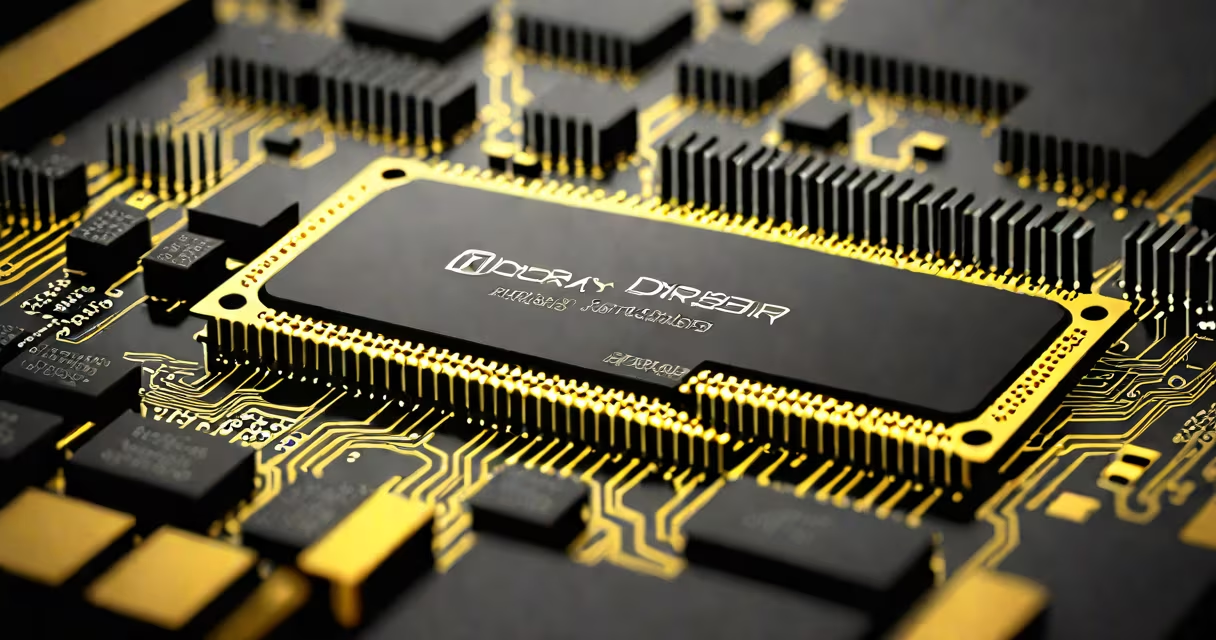
DDR4 SDRAM memory is a type of volatile computer memory that stores data temporarily while a system is powered on, offering higher speeds and lower voltage than earlier DDR3 standards. It serves as the primary working memory for CPUs in desktops, laptops, and servers.
DDR4 SDRAM operates by transferring data in bursts across eight internal banks, using double data rate signaling to send data on both the rising and falling edges of the clock signal. This allows it to achieve higher bandwidth than single data rate systems. The standard runs at 1.2 volts, reducing power draw compared to DDR3's 1.5 volts, which improves efficiency in systems with high memory density.
Manufacturers label DDR4 modules with speed ratings such as 2133 MT/s, 2666 MT/s, or 3200 MT/s, indicating how many millions of transfers per second they support. Higher numbers mean faster data access, critical for gaming, video editing, and scientific computing. Modules also include timing specifications like CL16 or CL18, which measure latency-the delay between a command being issued and the data being available.
When a program runs, the CPU requests data from storage. The operating system loads portions of that data into DDR4 SDRAM memory for quick access. The memory controller on the CPU coordinates read and write operations across multiple memory channels, typically two or four per processor.
Data flows through a series of address and control lines. The memory module uses a row and column addressing scheme: the CPU sends a row address, waits for the row to be activated, then sends a column address to retrieve the specific data word. This process happens in nanoseconds-typically 10 to 20 ns per access depending on timing settings.
Modern motherboards support XMP (Extreme Memory Profile), a feature that automatically configures memory to run at advertised speeds beyond JEDEC default settings. Without XMP enabled, DDR4 modules often run at slower base speeds, limiting performance gains.
DDR4 SDRAM comes in several physical and electrical configurations. The most common form factor is DIMM (Dual In-line Memory Module), used in desktops and servers. Laptops use SO-DIMMs, smaller versions with the same pin layout but reduced size.
| Type | Form Factor | Standard Voltage | Typical Speed Range | Use Case |
|---|---|---|---|---|
| DDR4 DIMM | 133.35 mm × 31.25 mm | 1.2V | 2133-3600 MT/s | Desktops, workstations, servers |
| DDR4 SO-DIMM | 67.6 mm × 31.25 mm | 1.2V | 2133-3200 MT/s | Laptops, small form factor PCs |
| Registered DDR4 (RDIMM) | DIMM | 1.2V | 2133-3200 MT/s | Server and enterprise systems |
Registered DDR4 modules include a buffer chip between the memory controller and DRAM chips. This reduces electrical load on the memory bus, allowing more modules per channel-up to 8 DIMMs per channel in server platforms. Unregistered (UDIMM) modules are cheaper and faster for consumer use.
Some high-end DDR4 modules support ECC (Error-Correcting Code), which detects and corrects single-bit errors in data. ECC is standard in servers and workstations but rare in consumer-grade RAM due to cost and compatibility requirements.
DDR4 SDRAM is not the same as RAM in general. While "RAM" is a broad term covering all types of volatile memory-including SRAM and flash-based variants-DDR4 specifically refers to a generation of Synchronous Changing Random-Access Memory.
Many users assume that higher speed always equals better performance. In practice, the CPU, storage, and graphics card limit system responsiveness. A 3200 MT/s DDR4 module won't improve frame rates in games unless the GPU or CPU is bottlenecked by memory bandwidth.
A key distinction: DDR4 is not compatible with DDR3 motherboards. The notch on the module and the pin count differ-DDR4 has 288 pins, DDR3 has 240. Installing a DDR4 module in a DDR3 socket causes physical misalignment and prevents booting.
I built a desktop with an Intel Core i7-12700K and a GeForce RTX 3080. The motherboard supported DDR4-3200 via XMP. I installed two 16 GB DDR4-3200 CL16 modules, totaling 32 GB of memory.
After enabling XMP in BIOS, the system reported 3200 MT/s and CL16 timings. In a synthetic benchmark (AIDA64 Memory Benchmark), the read speed reached 54,000 MB/s and write speed 51,000 MB/s-close to the theoretical maximum for this configuration.
In a game like Cyberpunk 2077, frame rates improved by 7% compared to running at 2133 MT/s. The difference was noticeable during complex scenes with heavy texture streaming. However, upgrading from 16 GB to 32 GB had a larger impact on performance than increasing speed alone.
DDR4 SDRAM remains widely used in new consumer and business systems. According to Statista, as of 2023, DDR4 accounted for 68% of global memory module shipments, trailing behind DDR5 but still dominant in mid-range and legacy hardware.
The Intel Memory Technology Reference Guide confirms that DDR4 supports up to 3200 MT/s in dual-channel mode with proper motherboard and CPU support. Beyond that, overclocking requires manual tuning and may destabilize the system.
For users upgrading older systems, replacing DDR3 with DDR4 is impossible without changing the motherboard. But swapping from 1600 MT/s DDR4 to 3200 MT/s can yield measurable improvements in applications like Adobe Premiere Pro and MATLAB.
Memory performance is not just about speed-it's about balance. Pairing a fast CPU with slow memory limits throughput. Matching components ensures consistent system behavior under load. When building or upgrading, prioritize the entire platform, not just individual parts.