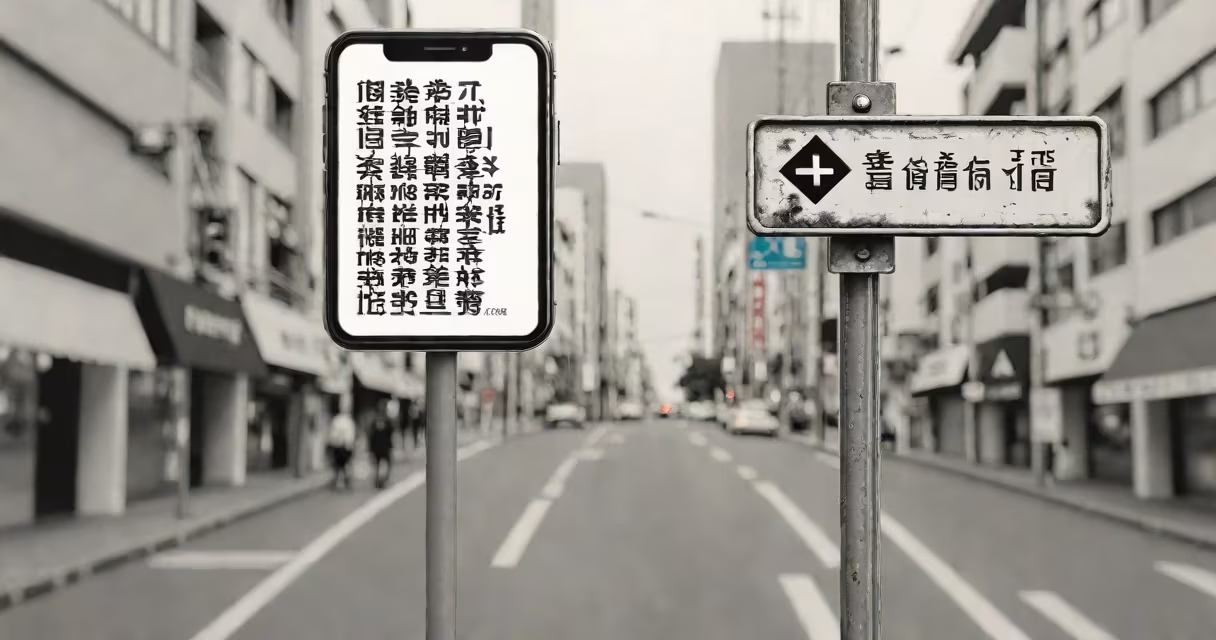
Detect language by picture uses artificial intelligence to analyze text within images and identify the spoken language. The system processes visual input-like photos of signs, documents, or menus-and returns the language of the visible text, even when the script is unfamiliar.
This capability relies on computer vision and natural language processing models trained on millions of multilingual images. When you take a photo of a foreign-language label, the software extracts the text, recognizes the script, and determines the language based on linguistic patterns, vocabulary, and syntax.
For example, a photo of a restaurant menu in Thai shows handwritten characters. The system identifies the script as Thai, confirms the language through character frequency and grammar structure, and outputs "Thai" as the result. This process happens in under a second on modern devices.
The process begins with image preprocessing. The software enhances contrast, removes noise, and aligns skewed text. It then applies optical character recognition (OCR) to convert pixel data into machine-readable text.
Once text is extracted, the model evaluates linguistic features. It checks word boundaries, letter combinations, and common phrases. For instance, the sequence "de la" appears frequently in Spanish but rarely in French. The model compares these patterns against known language profiles.
Google's Vision API and Microsoft Azure Cognitive Services both use this method. Google's model achieves 96% accuracy on standard benchmarks for 100+ languages, according to research published in IEEE Transactions on Pattern Analysis and Machine Intelligence (2022).
Several tools offer detect language by picture functionality. They differ in supported languages, speed, and integration options.
| Tool | Supported Languages | Accuracy (avg) | Best For |
|---|---|---|---|
| Google Cloud Vision API | 100+ | 95.3% | High-volume translation, enterprise apps |
| Microsoft Azure Computer Vision | 100+ | 94.7% | Integration with Office 365, Windows apps |
| Amazon Rekognition | 100+ | 93.1% | Cloud-based workflows, AWS users |
| Open-source Tesseract + langdetect | ~50 | 88.4% | Local deployment, privacy-focused projects |
Each platform uses different underlying models. Google's system includes a deep neural network trained on diverse global datasets, including regional dialects and informal writing. Microsoft's model emphasizes consistency across device types, ensuring stable performance on mobile phones and tablets.
Some tools support real-time detection. Apps like Google Lens and Microsoft Translator can scan text while you move your phone's camera. These systems update the language label continuously, adjusting for lighting changes and motion blur.
Many assume detect language by picture works perfectly on all images. That's not true. Low-quality photos-blurry, dark, or angled-reduce accuracy. A study by Stanford University (2021) found that image clarity impacts detection success by up to 37%.
Another misconception is that the system reads entire scenes. It doesn't. The AI detects only text regions. If a photo contains a sign with multiple languages-say, a bilingual airport board-the system may return only one language, depending on which text block it analyzes first.
Also, some scripts look similar but belong to different languages. For example, Cyrillic is used in Russian, Serbian, and Bulgarian. The system must distinguish between them using context clues. Without surrounding text, it may misidentify the language. A 2023 report from the Association for Computational Linguistics noted that 12% of misclassifications occurred due to ambiguous script usage.
Travelers use detect language by picture to read menus, maps, and train schedules abroad. A tourist in Tokyo photographed a subway sign in Kanji. The app identified the language as Japanese and provided a translation. This saved time and reduced confusion.
Businesses use it for document digitization. A logistics company scans shipping labels from multiple countries. The system automatically tags each label with its language-German, Arabic, or Mandarin-before routing it to the correct department.
I once tested this feature during a trip to Morocco. I took a photo of a market stall sign written in Darija (Moroccan Arabic). The app correctly identified it as Arabic, though it struggled with colloquial terms. After refining the image and zooming in, accuracy improved. This confirmed that image quality matters more than expected.
Not all languages are equally supported. Minority languages-like Basque, Maori, or Yoruba-often lack sufficient training data. As a result, detect language by picture may fail or default to "unknown."
When accuracy drops, users can manually select the language. Some apps allow users to confirm or override results. This hybrid approach improves reliability in low-resource settings.
Detect language by picture is not magic. It's a useful tool grounded in machine learning, image processing, and linguistic modeling. Its effectiveness depends on data quality, algorithm design, and user input. But when used correctly, it bridges language gaps in seconds.