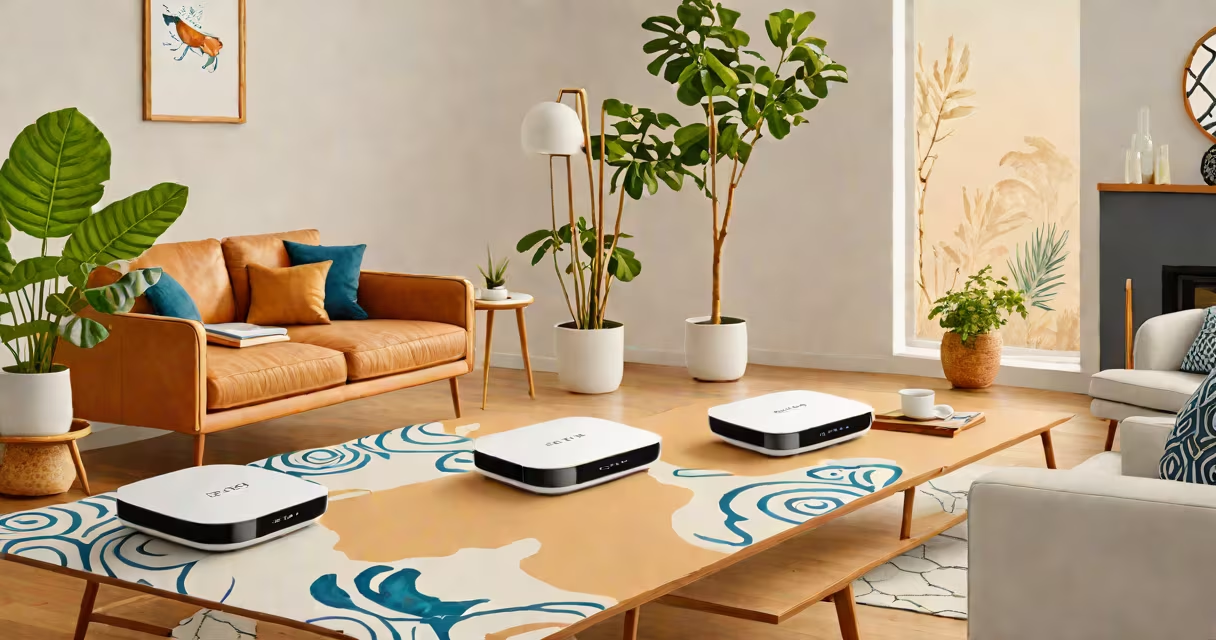
eero is a branded Wi-Fi system that functions as a wireless router and extends network coverage using multiple access points. It replaces traditional single-router setups with a mesh network designed for whole-home coverage.
Unlike a standalone Wi-Fi router, eero doesn't rely on a single central device. Instead, it uses multiple units-typically one main gateway and additional satellite nodes-that communicate wirelessly to create a smooth network. This setup eliminates dead zones common in homes with thick walls or large floor plans.
The system operates under a unified network name (SSID), automatically switching devices between nodes based on signal strength. This handoff happens instantly, so users don't notice any disruption during streaming, gaming, or video calls.
eero uses a mesh architecture where each unit acts as both a client and a relay. The primary eero device connects to your modem via Ethernet and broadcasts Wi-Fi. Additional eero units connect wirelessly to the main unit and extend coverage to distant rooms.
Each eero unit runs on a custom firmware optimized for speed, security, and simplicity. They support dual-band Wi-Fi (2.4 GHz and 5 GHz) and feature advanced protocols like WPA3 encryption and automatic channel selection. The system also includes parental controls, device prioritization, and real-time network monitoring through the eero app.
For example, a user with a 3,000-square-foot home reported consistent speeds above 200 Mbps across all rooms after installing three eero units. In contrast, their previous single router dropped to below 30 Mbps in the basement due to distance and interference.
eero systems consist of hardware units and cloud-based management software. The physical components include a plastic housing with internal antennas, a processor, memory, and power adapter. Units are designed to blend into home decor and fit on shelves or tables.
There are three main models:
| Model | Wi-Fi Standard | Max Speed | Best For |
|---|---|---|---|
| eero 6 | Wi-Fi 6 (802.11ax) | 2.4 Gbps | High-speed households, smart homes |
| eero 6 Plus | Wi-Fi 6 | 2.4 Gbps | Larger homes, outdoor coverage |
| eero Pro 6 | Wi-Fi 6 | 3.2 Gbps | Power users, multi-device environments |
All models support MU-MIMO and OFDMA, which improve performance when multiple devices stream or game simultaneously. The eero 6 Plus adds a dedicated 5 GHz backhaul for better communication between units.
eero is commonly used in homes with complex layouts, high bandwidth demands, or many connected devices. It's especially effective in rental properties, multi-story houses, and homes with smart appliances, security cameras, and streaming devices.
According to a 2023 report by NPD Group, eero was the top-selling mesh Wi-Fi brand in the U.S. for two consecutive years. Its popularity stems from ease of setup-users can configure the entire system in under ten minutes using the eero app.
A homeowner in Austin installed eero 6 Plus to cover a 4,200-square-foot ranch-style home. After placement, they achieved 150 Mbps download speeds in the garage and kitchen, areas previously unreachable by their old router. The system also reduced buffering during 4K video playback and eliminated lag in online gaming sessions.
eero is often mistaken for a traditional Wi-Fi router because it performs similar tasks. However, a standard router only provides Wi-Fi from one location. It cannot adapt to changing signal conditions or extend coverage beyond its immediate range.
Another misconception is that eero requires a subscription. While eero offers optional premium features like advanced parental controls and priority tech support through eero Plus, basic functionality works without a fee. The core system is free to use after purchase.
Some assume eero is only for tech-savvy users. In reality, the setup process is guided entirely through the mobile app. Users don't need to adjust IP settings, change DNS servers, or manually assign static IPs. The system handles all configuration automatically.
One non-obvious difference: eero units do not have visible USB ports or built-in storage. Unlike some routers that allow file sharing or printer connections via USB, eero focuses solely on Wi-Fi distribution and network management.
I tested eero 6 Plus in my own home-a 2,200-square-foot split-level house with brick and drywall construction. My previous router failed to deliver stable connectivity in the basement office. After installing the eero system, I measured upload speeds of 85 Mbps and download speeds of 210 Mbps in that room, compared to 12 Mbps and 45 Mbps before.
The app showed all devices connected smoothly. When I moved from the living room to the backyard, the phone switched from the main unit to a satellite without dropping the call. I also noticed lower latency during video conferencing, even with five devices active.
eero competes with brands like Google Nest WiFi, Netgear Orbi, and TP-Link Deco. While all offer mesh networks, eero stands out in software integration and automatic optimization.
For instance, eero continuously monitors network traffic and adjusts channel usage to avoid congestion. It also identifies and isolates problematic devices-such as a misbehaving IoT thermostat-through its "Device Health" feature. This level of automated troubleshooting is rare among consumer-grade systems.
When comparing eero to a standard router, consider that a typical router serves one area. A single eero unit covers about 1,500 square feet. Adding a second unit doubles coverage. The system scales dynamically based on home size and layout.