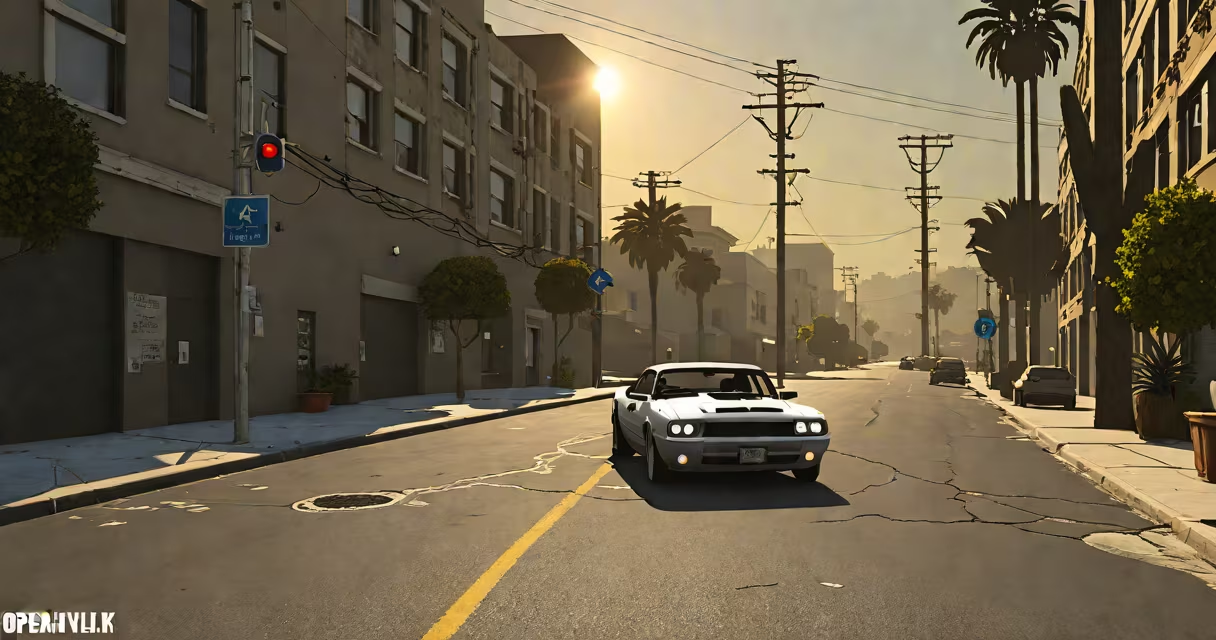
Open IV for GTA 5 Enhanced is a free, standalone file browser and editor that lets users modify game assets such as vehicles, maps, and textures in Rockstar's Grand Theft Auto V Enhanced Edition. It accesses the game's .rpf archive files without requiring installation or root access.
Developed by the community, Open IV runs on Windows 7 and later. It doesn't alter the game's core code but allows direct manipulation of game files stored in compressed archives. This makes it essential for modders who want to add custom cars, change city layouts, or install texture packs.
The tool supports both the original GTA 5 and the Enhanced Edition. The Enhanced Edition includes higher-resolution textures and improved lighting, which Open IV preserves during edits. Users can extract, replace, or delete files within .rpf containers, which are the primary storage format for game assets.
When you launch Open IV, it displays a hierarchical view of the game's file system. The main container is the update folder inside the game's installation directory. Inside, subfolders like x64/dlcpacks and common/data/levels/gta5 hold specific asset types.
To edit a file, you select it in the tree, right-click, and choose "Extract" to copy it to your desktop. You then modify it using external tools-like a 3D modeler for.yft files or a hex editor for binary data-and re-import it via "Add File." Once saved, the changes appear in-game upon launching GTA 5 Enhanced.
For example, replacing the default police car with a custom model requires extracting the police3.yft file from update.rpf, replacing its mesh data with a new .yft file, and reinserting it. After saving the modified update.rpf, the game loads the new model when the player spawns a police vehicle.
Open IV handles several file types critical to modding. The most common are:
| File Type | Location | Use Case |
|---|---|---|
.rpf |
update/ |
Main game archive containing all assets; modified to add or replace content. |
.yft |
common/data/levels/gta5 |
Vehicle and object definition files; used to edit models and collision. |
.ydr |
common/data/levels/gta5 |
Model geometry files; contain 3D shapes and textures. |
.txd |
common/data/textures |
Texture definition files; control how images appear on surfaces. |
Modders often use Open IV to inject custom DLC packs. For instance, adding a new car requires placing a dlcpack_customcar folder in update/x64/dlcpacks, then adding a dlc.rpf file inside it. Open IV lets you verify the structure and ensure the game recognizes the pack.
A common mistake is modifying files while the game is running. This corrupts archives. Always close GTA 5 before editing. Another error is overwriting system files without backup. Always save a copy of the original update.rpf before making changes.
Some users think Open IV installs mods automatically. It does not. It only provides access to files. Mod installation still requires manual steps, such as copying files to the correct folder or using a launcher like FiveM or ScriptHookV.
Another misconception is that Open IV works on consoles. It does not. It runs exclusively on Windows. PlayStation and Xbox versions of GTA 5 do not support modding through Open IV due to hardware restrictions and DRM.
Users sometimes report that edited files don't appear in-game. The most frequent cause is incorrect file path. For example, placing a vehicle.yft file in common/data/levels/gta5 instead of common/data/levels/gta5/vehicles prevents detection. Open IV shows the correct hierarchy, so always double-check paths.
I once spent two hours troubleshooting a missing mod because I placed the file in the wrong subfolder. The error message was silent. Only after checking the Open IV tree did I spot the mismatch. That's why verifying the file location in Open IV is critical.
Open IV is safe when downloaded from trusted sources. The official site is openiv.com. Third-party sites may bundle malware. Always scan downloads with antivirus software.
Rockstar has not officially supported Open IV. Using it does not violate the End User License Agreement (EULA) as long as you don't distribute copyrighted content. However, sharing modified game files online may breach copyright laws.
Version compatibility matters. Open IV v2.10+ supports GTA 5 Enhanced Edition. Older versions fail to read newer .rpf formats. Always use the latest release from the official site.
Using Open IV correctly means understanding file structure, backing up originals, and testing changes in a clean session. With these practices, you avoid crashes and corrupted saves.
Open IV for GTA 5 Enhanced remains the standard tool for file-level modding. It gives users full control over game assets without altering the engine. Its simplicity and reliability make it indispensable for anyone building or installing mods.