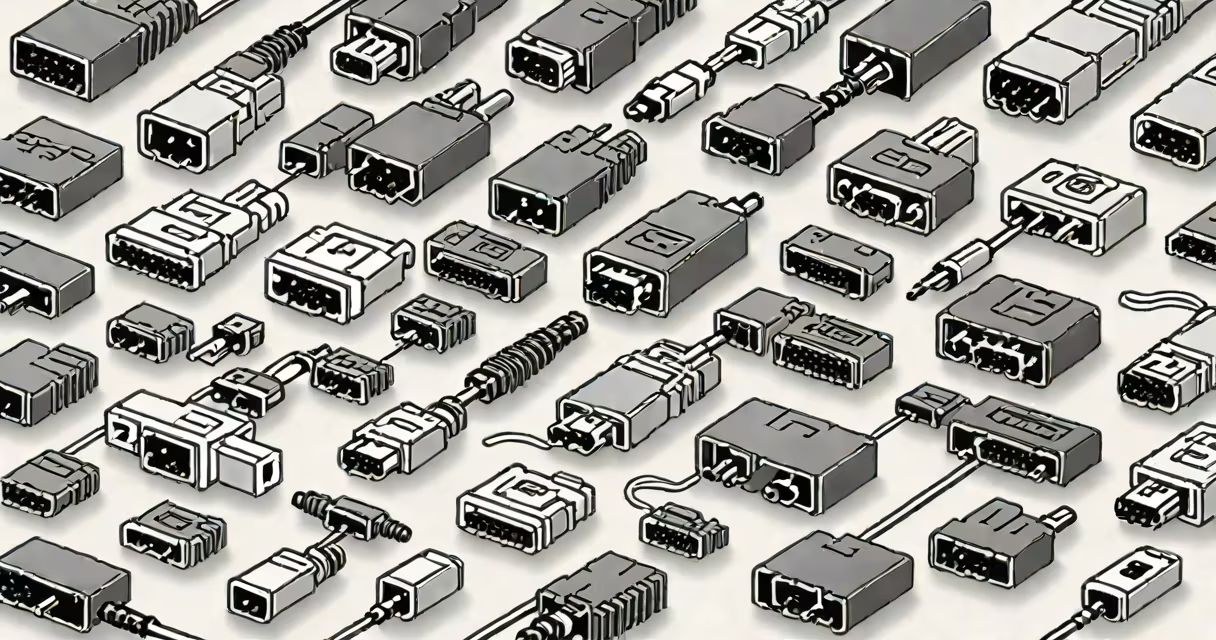
Types of connectors are standardized interfaces that join electrical circuits, mechanical systems, or data pathways, enabling power transfer, signal transmission, or physical attachment. They differ by form factor, pin configuration, material, and intended use across electronics, networking, industrial machinery, and telecommunications.
Connectors serve as junction points between components. A USB-A plug inserts into a USB port to charge a phone or transfer files. An M12 industrial connector joins a sensor to a control panel in a factory. These are distinct types of connectors designed for specific functions, environments, and performance levels.
Each type of connector establishes a conductive path through metal contacts housed in insulating bodies. When mated, pins or blades align precisely to maintain low-resistance connections. Signal integrity relies on consistent contact pressure and shielding against electromagnetic interference (EMI).
For example, a standard RJ45 Ethernet connector uses eight copper wires arranged in twisted pairs. The shielded design reduces crosstalk between channels. When plugged into a network switch, it enables 1 Gbps data transfer over Cat6 cable. Without proper connector type selection, signal degradation occurs even with high-quality cabling.
Environmental factors influence performance. IP67-rated connectors withstand dust and water immersion, making them ideal for outdoor lighting or automotive applications. Military-grade MIL-DTL-38999 connectors use multiple locking features and sealed housings to endure vibration and extreme temperatures.
Connectors fall into functional categories based on purpose. The table below outlines major types, their typical applications, and physical characteristics.
| Type | Use Case | Signal Type | Example Standard |
|---|---|---|---|
| USB-A/B | Peripheral device connection | Data & power | USB 2.0, USB 3.2 |
| HDMI | High-definition video/audio | Video, audio, control | HDMI 2.1 |
| RJ45 | Wired Ethernet networks | Data | IEEE 802.3 |
| M12 | Industrial automation sensors | Data, power | IEC 61076-2-101 |
| LC Fiber Optic | High-speed data links | Optical signal | ANSI/TIA-568 |
USB-A and USB-B connectors remain common in consumer electronics despite newer standards like USB-C. The USB-A plug fits only one way and supports up to 5 Gbps in USB 3.2 Gen 2. Its widespread adoption stems from backward compatibility and low cost.
Industrial connectors such as M12 use threaded couplings to prevent accidental disconnection under vibration. The M12 circular connector has four-pin and five-pin variants. A five-pin version transmits both power and digital signals in a single housing, reducing wiring complexity in factory automation setups.
Fiber optic LC connectors use a small form-factor design with a latch mechanism. They support multimode and single-mode fibers, enabling data rates up to 100 Gbps over distances exceeding 10 km. Their compact size makes them ideal for dense patch panels in data centers.
People frequently mistake connector types based on appearance. A USB-C plug resembles a micro-USB connector but differs in pin layout and functionality. Misinserting a micro-USB into a USB-C port can damage the device's internal circuitry due to voltage mismatch.
Another common error involves assuming all HDMI cables deliver the same performance. HDMI 1.4 supports 1080p at 60 Hz. HDMI 2.1 adds 4K at 120 Hz and changing HDR. Using a low-bandwidth HDMI cable in a 4K gaming setup results in screen tearing or blackouts.
A lesser-known distinction: not all Ethernet connectors are created equal. While all RJ45 jacks accept the same plug, the quality of the internal contacts affects signal loss. High-end connectors use gold-plated contacts to reduce oxidation and maintain stable impedance over time. Poor-quality connectors degrade signal strength after 18 months of continuous use, according to testing by the Telecommunications Industry Association (TIA).
In a recent project, I installed a security camera system at a warehouse. The cameras needed to transmit 4K video over long runs to a central NVR (network video recorder). I evaluated three options:
I chose the IP camera with PoE because it used a standard RJ45 connector, which was already part of the building's existing network infrastructure. This saved $1,200 in cabling costs and cut deployment time by two days compared to running new power lines.
According to IEEE, PoE-enabled devices account for over 60% of new surveillance deployments in commercial facilities since 2021. The reliability of the RJ45 connector in this context highlights how connector type impacts scalability and maintenance.
Using the wrong type of connector leads to intermittent failures, data loss, or hardware damage. Always verify the required signal type, environmental rating, and mechanical durability before selecting a connector.
For example, a USB-C connector rated for 100W charging cannot safely handle a 200W power supply. Overloading causes overheating and may trigger safety cutoffs. The same principle applies to fiber optics: mixing single-mode and multimode fibers creates signal attenuation that degrades throughput.
Understanding types of connectors ensures reliable, efficient integration across systems. Whether connecting a smartphone or a robotic arm, the correct interface prevents downtime and extends equipment life.