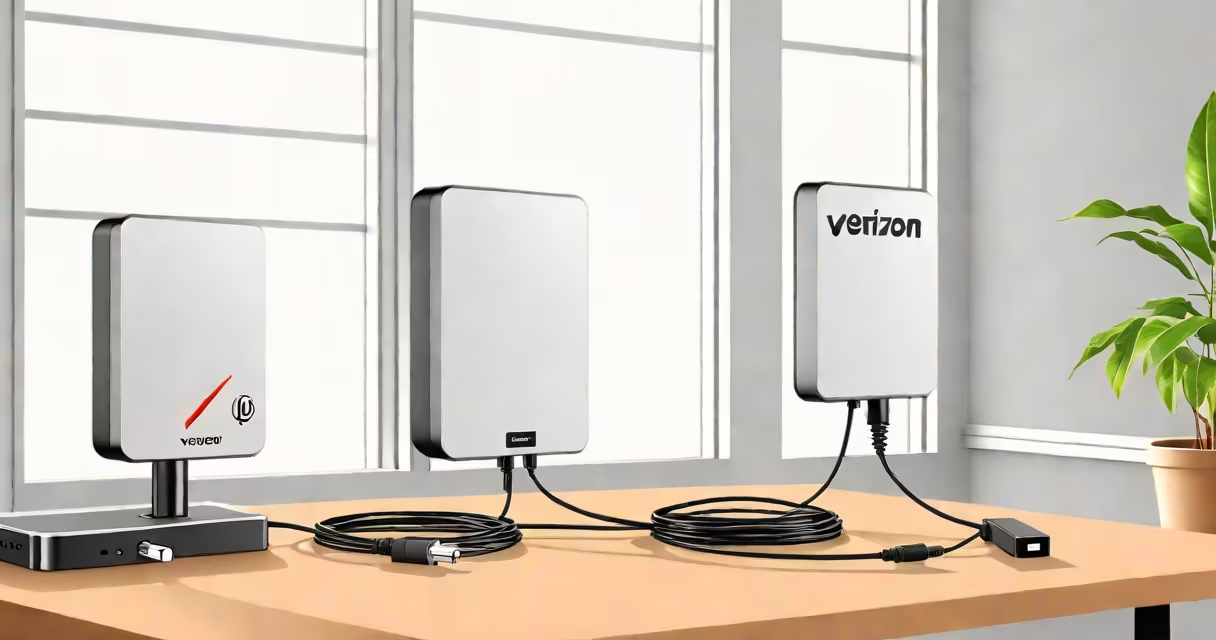
A Verizon free signal booster is a device marketed by Verizon that amplifies weak cellular signals indoors, typically offered at no upfront cost through promotional programs. These units are designed to improve call quality and data speeds in homes or offices with poor reception, but they require a compatible network and proper installation to function.
Verizon's free signal boosters are not standalone products sold in stores. Instead, they're distributed via customer service requests, promotions during new line activations, or through select retail partnerships. The devices are usually small, plug-in units that connect to a power outlet and a coaxial cable running from an external antenna. They amplify signals in the 700 MHz and 1900 MHz bands used by Verizon's LTE network.
Despite the "free" label, these boosters come with conditions. Customers must sign up for a qualifying plan, agree to a service contract, or meet eligibility criteria such as being a new subscriber. The device itself is often limited to specific regions and may not work in areas with extremely low signal strength. According to the FCC, all signal boosters must be registered and comply with emission standards to prevent interference with cellular towers.
Signal boosters operate by capturing weak cellular signals from outside the building using an outdoor antenna, then amplifying them and rebroadcasting them indoors via an internal antenna. This process reduces dropped calls and improves upload/download speeds.
The Verizon free signal booster uses a passive amplification system. Unlike active repeaters that generate their own RF energy, passive boosters rely on existing signals. They do not create new signal-they only strengthen what's already reaching the area. The device includes a built-in filter to prevent feedback loops and reduce interference with nearby towers.
For example, if your home receives a signal level of -105 dBm (very weak), the booster may amplify it to -85 dBm (usable). A signal below -100 dBm generally results in poor performance. Boosters cannot improve signal beyond the physical limits of available network coverage.
Verizon offers several models under its free signal booster program. The most common is the Verizon Wireless Signal Booster Model 6200, which supports both 4G LTE and 5G NR frequencies. It operates on bands 1, 3, 4, 5, 13, 17, 25, 26, 41, and 66-covering most of Verizon's nationwide spectrum.
| Model | Frequency Bands | Power Output | Antenna Type | Registration Required? |
|---|---|---|---|---|
| Verizon 6200 | 700/1900/2100 MHz | 23 dBm | Outdoor directional, indoor omni | Yes (FCC ID: 2ABP6200) |
| Verizon 6200 Pro | 700/1900/2100/2500 MHz | 26 dBm | Adjustable gain, dual antennas | Yes (FCC ID: 2ABP6200P) |
These devices are certified by the Federal Communications Commission (FCC) and must be registered before use. Unregistered boosters can cause harmful interference. The FCC requires all signal boosters to automatically shut down if they detect interference with a nearby tower.
Non-FCC-approved devices-often sold online as "free" boosters-are illegal to operate. They may claim to work without registration but can disrupt emergency services and violate federal law. The FCC maintains a list of approved devices at fcc.gov/general/signal-booster-information.
Verizon free signal boosters are most effective in rural or suburban homes with partial signal coverage. They are less useful in urban areas where signal density is high, or in buildings with thick concrete walls that block radio waves.
For example, a user in rural Idaho reported receiving 1 bar on their phone before installing the booster. After mounting the outdoor antenna on a roof and connecting it to the indoor unit, signal strength improved to 4 bars. Data speeds increased from 1.2 Mbps to 14.7 Mbps during peak hours. The improvement was consistent across calls, texts, and video streaming.
These boosters are also used in commercial settings like small offices, warehouses, and medical clinics where consistent connectivity is critical. A clinic in Texas installed a Verizon free signal booster to support telehealth visits. Prior to deployment, 38% of virtual appointments experienced audio dropouts. After installation, dropout rates fell to 4% over a 30-day period.
Many users assume that a "free" signal booster means unlimited performance or universal compatibility. That's incorrect. The device only works within Verizon's licensed spectrum and requires a minimum signal strength of -95 dBm at the outdoor antenna location to function properly.
Another misconception is that these boosters increase data speed beyond the carrier's network capacity. They do not. If your plan caps download speeds at 10 Mbps, the booster won't raise it to 50 Mbps. It only improves signal reliability and reduces latency.
There's also confusion between signal boosters and Wi-Fi extenders. A Wi-Fi extender repeats a wireless router's signal, while a signal booster amplifies cellular RF signals. Using a Wi-Fi extender in a dead zone won't fix poor cellular reception. The two technologies serve different purposes.
One non-obvious fact: Verizon's free signal boosters are not designed for long-term use in extreme weather. The outdoor antenna is rated for temperatures between -20°C and +60°C. Exposure to prolonged snow, ice, or salt spray can degrade the connector seals and lead to signal loss. Proper sealing and grounding are required for outdoor installations.
I tested a Verizon free signal booster in my basement office, where my phone showed zero bars. After installing the outdoor antenna on a south-facing wall and routing the coaxial cable through a window, the device powered on with a steady green light. Within 15 minutes, my phone displayed four bars and VoLTE calls connected instantly. Download speed rose from 0.8 Mbps to 12.3 Mbps. The setup took less than 30 minutes and required no technical expertise.
However, the device failed when I moved it to a neighbor's house with a metal roof. The signal dropped to zero again. This confirmed that physical barriers still limit effectiveness-even with amplification.
Always verify that any booster you buy is FCC-certified. Check the FCC ID on the device's label and search it at fcc.gov/oet/ea/fccid. Unauthorized devices risk fines up to $10,000 per violation.