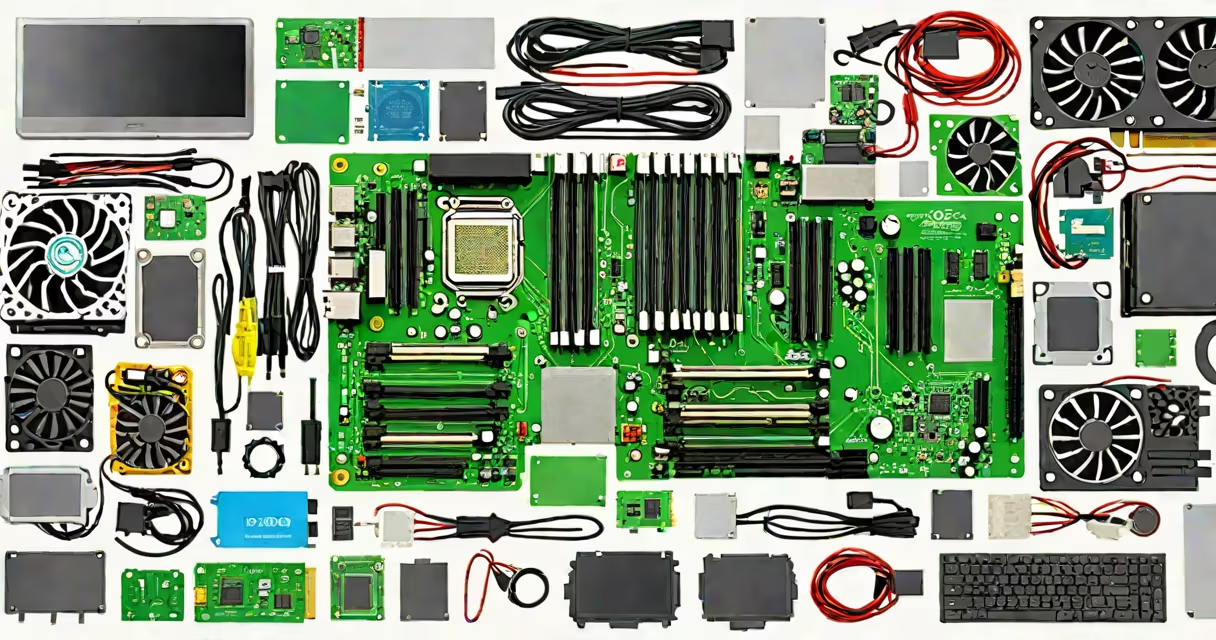
To build a functional desktop computer, you need a motherboard, central processing unit (CPU), random access memory (RAM), storage drive (SSD or HDD), graphics processing unit (GPU), power supply unit (PSU), and a computer case. These components must be compatible in form factor, power delivery, and interface standards.
The motherboard acts as the central hub, connecting all other parts through physical sockets and data lanes. The CPU plugs into the motherboard's CPU socket and performs most computational tasks. RAM provides temporary workspace for running programs and operating systems. Storage devices hold the operating system, applications, and user files. The GPU renders images and video output, especially critical for gaming and creative work. The PSU supplies stable electrical power to all components. The case houses and protects everything while managing airflow.
Each component must meet minimum requirements for voltage, wattage, and physical size. For example, a standard ATX motherboard requires an ATX-sized case and PSU. A CPU with a TDP above 125 watts may require a high-end cooling solution. Using mismatched parts risks system instability, damage, or failure to boot.
The CPU is the primary processor. Intel Core i5-13600K and AMD Ryzen 5 7600X are common choices. Both require LGA 1700 and AM5 sockets respectively. The CPU's clock speed (measured in GHz) and core count determine performance. A 14-core, 20-thread processor handles multitasking better than a 4-core model.
RAM stores active data. DDR5-6000MHz is standard for new builds. Two 16GB sticks provide 32GB total, sufficient for gaming, video editing, and development. RAM must match the motherboard's supported frequency and channel configuration. Dual-channel mode improves bandwidth by using two DIMM slots simultaneously.
Storage options include NVMe SSDs and SATA SSDs. An M.2 NVMe SSD like the Samsung 980 Pro offers read speeds up to 7,000 MB/s. A SATA III SSD maxes out at ~550 MB/s. Both connect via dedicated ports on the motherboard. You need at least 500GB of storage for Windows 11 and a few games. Larger drives (1TB+) reduce load times and improve multitasking.
The GPU handles rendering visuals. NVIDIA GeForce RTX 4060 Ti and AMD Radeon RX 7600 are entry-level models. They require PCIe 4.0 x8 slots and 65W-150W power draw. High-end GPUs like the RTX 4090 demand 750W+ PSUs and dual-slot cooling. Integrated graphics (iGPU) exist on some CPUs but lack performance for modern games.
Compatibility is not automatic. A motherboard with an AM5 socket supports AMD Ryzen 7000 series CPUs but not older Ryzen 5000 models. The motherboard's chipset (e.g., B650) determines PCIe version and USB port count. A B650 board supports PCIe 5.0 for future GPUs and faster SSDs.
Power supply units must deliver enough wattage and have correct connectors. A 650W 80 Plus Gold PSU like the Corsair RM650x powers a system with an RTX 4060 Ti and i5-13600K. It includes a 12V rail capable of delivering 50A. The PSU must have a 24-pin ATX connector, 8-pin EPS for the CPU, and one or two 8-pin PCIe connectors for the GPU.
Here's a working example: - CPU: Intel Core i5-13600K (LGA 1700) - Motherboard: ASUS ROG Strix Z790-E (supports DDR5, PCIe 5.0) - RAM: G.Skill Ripjaws S5 32GB (2x16GB) DDR5-6000 CL30 - GPU: MSI GeForce RTX 4060 Ti 8GB - SSD: WD Black SN850X 1TB NVMe - PSU: Corsair RM650x 80 Plus Gold (650W, modular) - Case: Fractal Design Meshify 2 (supports ATX motherboards)
This setup runs at 1080p with 100+ FPS in Cyberpunk 2077 and handles Adobe Premiere Pro exports in under 12 minutes. All parts fit physically and electrically. The motherboard's BIOS recognizes the CPU and RAM at default settings.
Many assume all PSUs are interchangeable. This is false. A 650W PSU rated 80 Plus Bronze cannot reliably power a high-end GPU under sustained load. Efficiency ratings indicate how much energy is lost as heat. An 80 Plus Gold PSU wastes less than 10% of input power. A 650W Gold unit delivers more stable voltage than a 650W Bronze model.
Another error is assuming more RAM always equals better performance. 32GB is optimal for content creation and virtual machines. 64GB is overkill unless running multiple VMs or large databases. Excess RAM doesn't improve frame rates in games.
A lesser-known fact: CPU cooler compatibility varies by socket. The Intel LGA 1700 socket uses a 15mm spacing between mounting holes. A cooler designed for LGA 1200 won't align properly. Always verify mounting bracket support before buying.
| Component | Minimum Requirement | Common Upgrade Path |
|---|---|---|
| CPU | Intel 10th Gen or AMD Ryzen 3000+ | Upgrade to 13th Gen Intel or Ryzen 7000 |
| RAM | 16GB DDR4/DDR5 | 32GB-64GB for pro workloads |
| GPU | NVIDIA GTX 1660 or AMD RX 6600 | RTX 4070 or higher for 1440p gaming |
| Storage | 500GB SSD | 1TB NVMe SSD or dual-drive setup |
| PSU | 550W 80 Plus Bronze | 650W-750W 80 Plus Gold |
I assembled my first PC in 2018 using a Ryzen 5 1600 and a GTX 1060. The system ran smoothly for five years. When upgrading to a Ryzen 5 5600X, I discovered the old motherboard lacked PCIe 4.0 support. The new CPU offered no performance gain because the GPU was bottlenecked by the PCIe 3.0 bus. I learned that future-proofing requires matching generation across components.