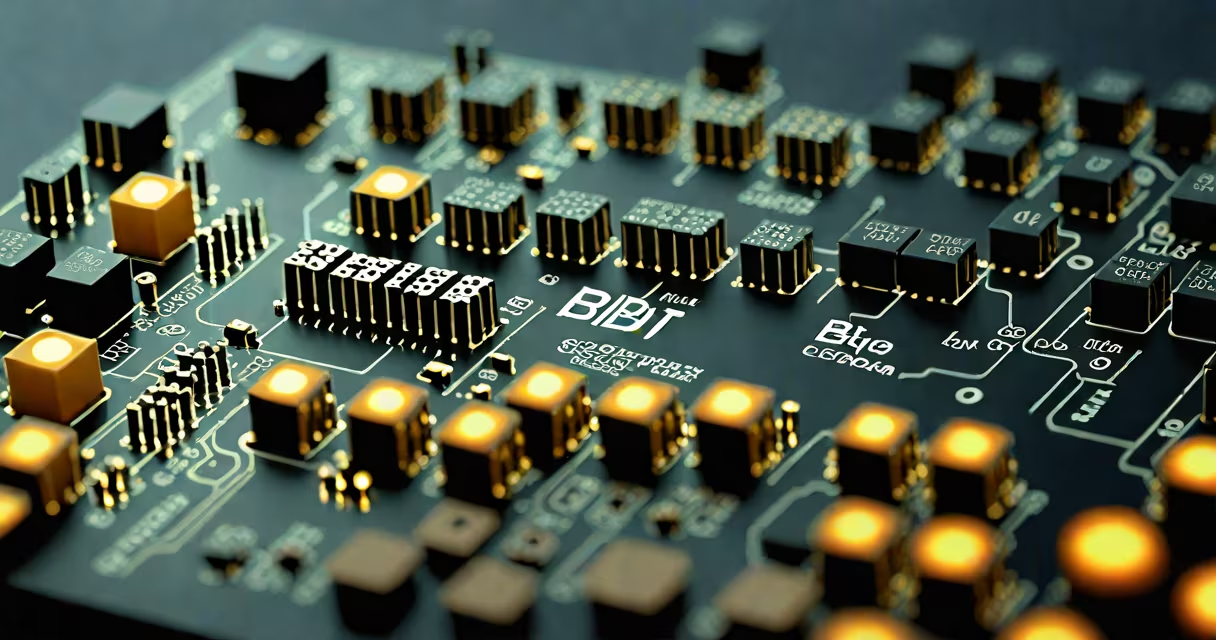
The micro bit is a small programmable computer developed by the BBC to teach coding and electronics in schools. It features a 25-LED display, two programmable buttons, an accelerometer, a magnetometer, Bluetooth connectivity, and input/output pins. Users write code to control its behavior, such as displaying messages, responding to motion, or communicating wirelessly.
When powered, the micro bit executes code stored in its flash memory. It can react to tilt, rotation, and magnetic fields using onboard sensors. For example, holding it sideways triggers a game to detect which way it's facing. The device connects to computers via USB or communicates wirelessly through Bluetooth with smartphones or other micro bits.
Programs are written using online tools like MakeCode, which supports block-based coding for beginners and JavaScript or Python for advanced users. Once compiled, the code downloads as a .hex file and appears as a removable drive on a computer. Dragging the file onto the micro bit's drive installs the program instantly.
The micro bit runs on a Nordic nRF52833 ARM Cortex-M4 processor. This chip handles all processing tasks, including interpreting code, reading sensor inputs, and managing outputs. The system boots automatically when power is applied, then begins executing the last uploaded program.
Sensor data flows through the micro bit's microcontroller. When you shake it, the accelerometer detects movement changes and sends signals to the processor. The processor then updates the LED matrix to show a pattern, like a bouncing ball animation. Similarly, the magnetometer measures Earth's magnetic field, enabling compass functionality.
Communication happens through a built-in Bluetooth Low Energy (BLE) module. A smartphone app can send commands to the micro bit, or two micro bits can exchange data directly. This allows for peer-to-peer projects like a wireless messaging system between students' devices during a classroom activity.
The micro bit includes several key hardware elements that define its capabilities:
| Component | Function | Typical Use Case |
|---|---|---|
| 25-LED Matrix | Displays patterns, animations, or text | Showing a smiley face when button A is pressed |
| Two Buttons (A/B) | Input triggers for user interaction | Starting a countdown timer or toggling a mode |
| Accelerometer | Detects motion and orientation | Playing a game that responds to tilting |
| Magnetometer | Measures magnetic fields | Creating a digital compass or detecting nearby metal |
| Bluetooth LE | Wireless communication | Connecting to a phone app or syncing with another micro bit |
| Edge Connector Pins | External input/output | Controlling a servo motor or reading a temperature sensor |
Each component operates independently but can be combined in code. For example, a project might use the accelerometer to detect a shake, then trigger the LED matrix to show a random emoji while sending a Bluetooth signal to a paired device.
Teachers use the micro bit to introduce computational thinking. Students build simple games, like a reaction-time tester where they press a button when a light turns on. The device tracks response time and displays the result on the LED screen.
A common classroom exercise involves creating a weather station. Using a temperature sensor connected via the edge connector, the micro bit logs readings every minute and transmits them to a tablet. Over time, students observe trends and discuss climate patterns.
One project I built involved turning the micro bit into a digital pet. When shaken, it displayed a happy face. After five seconds of inactivity, it showed a sad face. Pressing both buttons reset it. The logic was written in MakeCode using conditional statements and loops. The simplicity of the interface made it easy for middle schoolers to grasp control flow concepts.
The micro bit is not a full desktop computer. It lacks a keyboard, screen beyond the LED range, and storage capacity for large files. It cannot run complex software like web browsers or video editors.
It is also not a standalone robot controller. While it can drive motors through its pins, it lacks the power output needed for high-torque applications. Connecting a micro bit directly to a DC motor may damage the board due to current draw exceeding safe limits.
Many confuse it with Arduino boards. Both are programmable microcontrollers, but the micro bit is optimized for education. It has a simpler setup process and integrates directly with web-based IDEs. Arduino requires installing software and managing libraries manually. The micro bit's design reduces friction for beginners.
MakeCode is the primary development environment. It offers a visual block editor where users drag and drop code blocks. For example, "on shake" → "show icon" → "heart" creates a sequence that plays when the device is moved. This approach lowers the barrier to entry for young learners.
For more advanced users, MakeCode supports JavaScript and Python. A simple Python script can read the accelerometer and print values to the serial console. This enables deeper exploration of sensor data and algorithmic thinking.
As a practical example, consider a program that counts steps. The code uses the accelerometer to detect motion pulses above a threshold. Each pulse increments a counter variable. When the count reaches 100, the micro bit displays "100 steps!" on the LED matrix and sends a Bluetooth notification to a paired phone.
Research from the University of Cambridge shows that students who use physical computing tools like the micro bit demonstrate stronger retention of programming concepts compared to those using only simulation software. The tangible feedback loop-seeing lights change, hearing sounds, feeling vibrations-reinforces cause-and-effect relationships in code.
According to the BBC's official documentation, over 1 million micro bits were distributed to UK schools between 2016 and 2018. The device has since expanded globally, with adoption in countries like Japan, Canada, and South Africa. Its low cost ($15-$20 USD) makes it accessible for under-resourced classrooms.
What does micro bit do? It turns abstract programming ideas into visible, interactive experiences. It teaches logic, debugging, and problem-solving through hands-on creation. From blinking LEDs to building smart devices, the micro bit bridges the gap between theory and practice in STEM education.