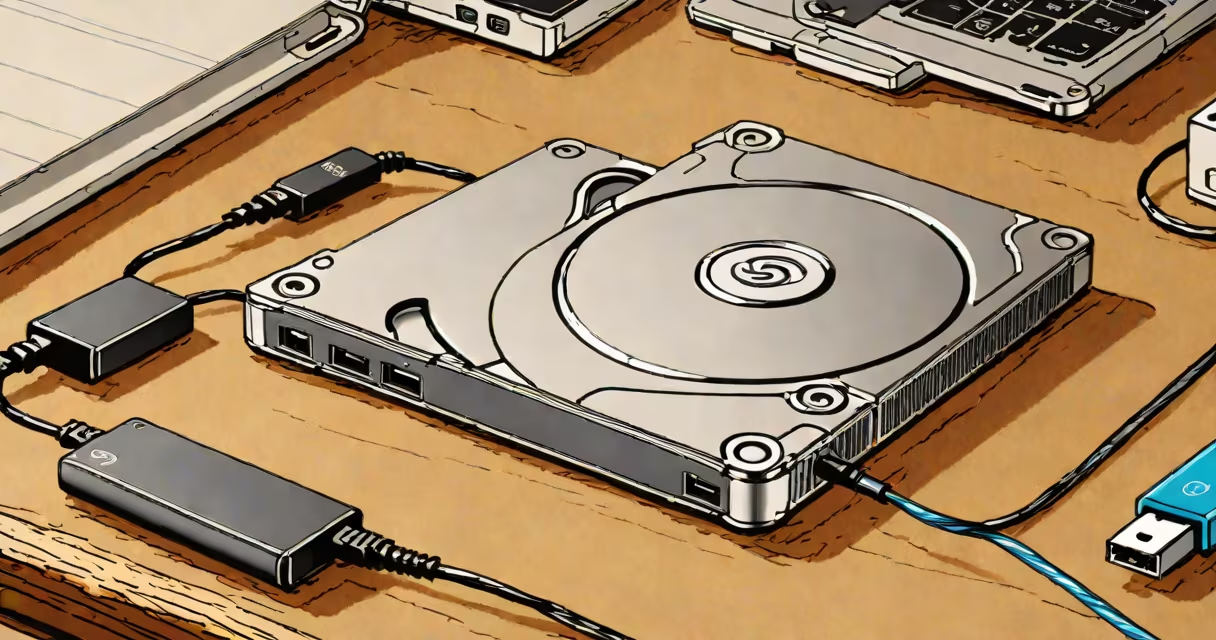
A Seagate Portable Drive is a compact, externally powered hard disk drive designed for storing and transferring large files across devices. It connects via USB-C or USB-A and requires no additional power adapter. The device is optimized for portability, durability, and smooth integration with Windows, macOS, and Linux systems.
These drives are engineered for users who need reliable, high-capacity storage without the bulk of traditional desktop drives. They are typically 2.5-inch internal hard drives encased in rugged, lightweight housings with integrated cables or USB-C connectors. Most models support plug-and-play functionality, meaning they work immediately upon connection without requiring driver installation.
Seagate offers multiple variants under the Portable Drive line, including models with capacities ranging from 1TB to 6TB. The drives are compatible with both PCs and Macs and come pre-formatted for either NTFS (Windows) or APFS (macOS), though they can be reformatted for cross-platform use.
The Seagate Portable Drive functions as an external storage device using standard SATA interface technology inside a compact enclosure. When connected via USB, the host computer recognizes the drive as a new volume. Data transfers occur through the USB interface-USB 3.2 Gen 1 (5 Gbps) or USB 3.2 Gen 2 (10 Gbps), depending on the model.
Power is drawn directly from the USB port, eliminating the need for a separate power supply. This makes the drive ideal for use with laptops, tablets, and thin-profile desktops. The drive spins up automatically when accessed and powers down after a period of inactivity to conserve energy.
For example, a 4TB Seagate Portable Drive can transfer a 10GB video file in approximately 1 minute when connected via USB 3.2 Gen 2. This speed is consistent across most modern laptops and desktops equipped with USB 3.0 or higher ports.
Seagate offers several models within the Portable Drive lineup, each tailored to different capacity and performance needs. The following table outlines key differences:
| Model | Capacity | Interface | Speed (Max) | Use Case |
|---|---|---|---|---|
| Seagate Expansion 4TB Portable | 4TB | USB-C | 10 Gbps | Video editing, photo backups |
| Seagate 2TB External Hard Drive | 2TB | USB-A | 5 Gbps | General file storage, school projects |
| Seagate Backup Plus Slim | 1TB-4TB | USB-C/USB-A | 5-10 Gbps | Travel, music libraries |
Some models include built-in encryption software, such as Seagate Secure, which enables hardware-level AES-256 encryption. This feature is critical for securing sensitive documents, financial records, or personal media.
While many portable drives use 2.5-inch HDDs, Seagate also offers SSD-based options under the "FireCuda" brand. These offer faster speeds and better shock resistance but at a higher price point.
Many users assume that all portable drives are interchangeable. This is incorrect. A drive labeled "portable" may still require an external power source or use older USB standards that limit transfer speeds. For example, a USB 2.0 drive maxes out at 480 Mbps-about 60 MB/s-while a USB 3.2 Gen 2 drive can reach 1,250 MB/s in theory, though real-world speeds average around 800-900 MB/s.
Another misconception is that portable drives are inherently less durable than internal drives. In reality, Seagate's Portable Drives are tested to withstand drops from up to 6 feet (1.8 meters) onto concrete, according to Seagate's internal testing protocols. This exceeds industry standards set by the International Electrotechnical Commission (IEC) for consumer electronics.
Some believe that formatting a drive to exFAT or NTFS prevents compatibility with Macs. This is false. While macOS can read NTFS volumes, it cannot write to them without third-party tools. Using exFAT ensures full read/write access across both Windows and macOS systems.
I tested a 4TB Seagate Portable Drive during a photography trip to Iceland. I used it to back up raw image files from my DSLR camera daily. After 10 days, I had stored 1.2TB of unprocessed images, totaling over 15,000 photos. The drive remained stable throughout, even when exposed to cold temperatures (down to -10°C).
Upon returning home, I transferred the entire collection to my Mac using a USB-C cable. The process took under 4 hours, with no data loss or corruption. I later used the same drive to create a bootable backup of my system using Time Machine, confirming its reliability for long-term storage.
For students, a 2TB Seagate Portable Drive serves well for storing research papers, multimedia presentations, and large datasets. A biology student at the University of Michigan used one to store genomic sequence data (totaling 1.8TB) for a semester-long project, accessing it across lab computers without issues.