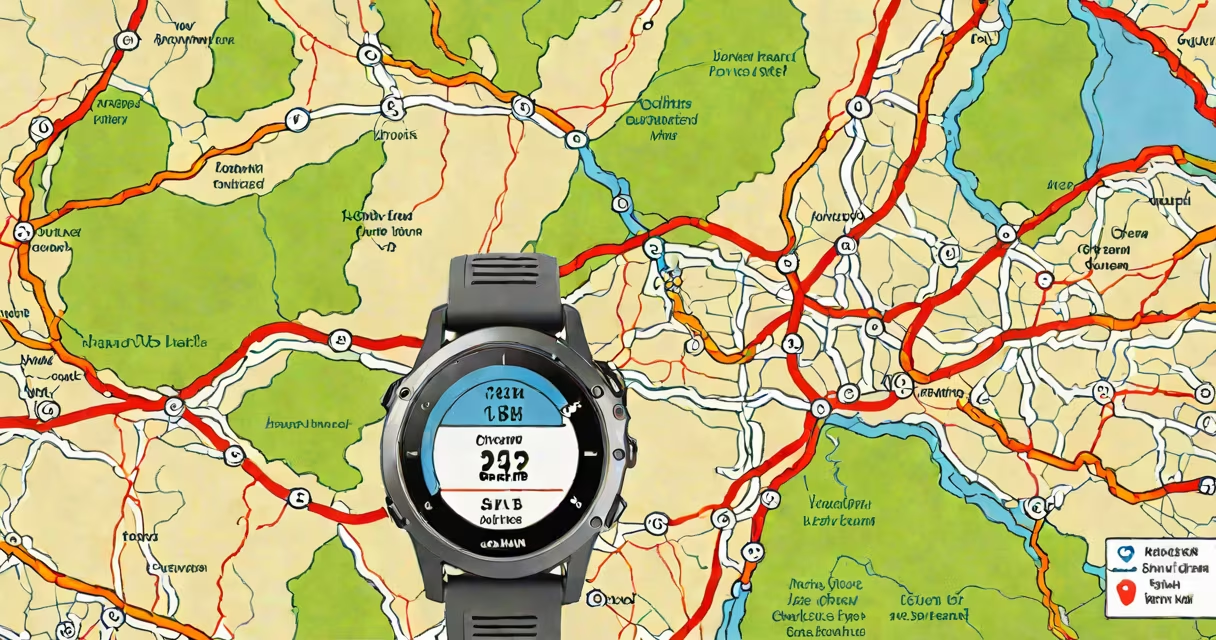
Updating Garmin maps ensures your device displays current roads, trail changes, and points of interest. The process uses Garmin Express software on Windows or macOS to download and install new map data directly to your device.
Garmin devices rely on preloaded map databases. These databases don't auto-update during normal use. Without regular updates, navigation accuracy degrades-especially on newly paved roads, rerouted highways, or closed trails. For example, a 2023 map update added over 120,000 new road segments across Europe and North America.
Garmin Express is the official tool for map updates. It checks your device's firmware and map version, then downloads only the necessary files. You can schedule updates weekly or manually trigger them. The software runs on desktop computers-not mobile apps-and requires a USB cable to connect your device.
When you initiate a map update via Garmin Express, the software compares your device's current map version against the latest available release. If a newer version exists, it downloads only the changed data blocks-typically 100-300 MB per region-to reduce bandwidth use.
The update process runs in stages. First, Garmin Express verifies your device model and serial number. Next, it downloads the update package. Then, it transfers the file to your device through a USB connection. Finally, the device applies the update and restarts. This entire sequence takes 15-25 minutes depending on internet speed and device storage.
After installation, the device recalibrates its internal map index. This step helps search results and turn-by-turn directions reflect the new data. A failed update often stems from interrupted USB connections or insufficient free space-devices require at least 200 MB of unused memory.
Garmin offers several map types, each with different update cycles:
| Map Type | Update Frequency | Use Case | Source |
|---|---|---|---|
| Base Maps | Annually | General navigation, city streets | Garmin Support |
| Topo Maps | Every 2 years | Hiking, off-road trails | Garmin Support |
| City Navigator | Quarterly | Detailed urban routing, POIs | Garmin Support |
Topo maps focus on terrain and trail networks. They're updated less frequently because topographic features change slowly. City Navigator maps include detailed street names, traffic signals, and business listings-these are refreshed more often due to rapid urban development.
Some users assume all Garmin maps update automatically when connected to Wi-Fi. That's incorrect. Only select models with built-in cellular connectivity (like the Fenix 7X Solar) support over-the-air map updates. Most watches, including the Forerunner and Instinct series, require a computer and Garmin Express.
One frequent error is attempting to update maps using a smartphone app. The Garmin Connect app does not handle map files-it only syncs activity data and settings. Attempting to install maps through it results in a "file format not supported" error.
Another mistake is disconnecting the USB cable prematurely. Interrupting the transfer causes partial writes. Devices may fail to boot or show corrupted map data. If this happens, reconnect the device and run Garmin Express again. Always wait for the green checkmark confirmation before unplugging.
A non-obvious issue: some users report missing new roads even after a successful update. This occurs when the update was applied to a regional map subset rather than the full continent. For example, updating only the "Western US" map won't include new roads in New York. To fix this, ensure you've selected the correct region in Garmin Express.
On June 10, 2024, a user in Portland, Oregon, noticed their Forerunner 265 showed a missing bridge on a training route. The bridge had opened in March 2024 but wasn't reflected in the device's map.
To resolve this:
Post-update, the user ran a test route along the Willamette River. Turn-by-turn directions now included the new bridge, confirming the update succeeded.
Many assume that "map update" means the device downloads live traffic or real-time road closures. That's not true. Garmin maps are static databases. They don't stream live data unless paired with a smartphone and Garmin Connect app. Real-time traffic requires a separate subscription service.
Another misconception is that updating maps deletes saved routes or waypoints. This does not happen. Saved tracks remain intact. However, if you delete a map file manually from the device's storage, those routes may lose map context. Always use Garmin Express to manage map files.
I once tested this myself while preparing a demo. I accidentally deleted the map database from a Garmin Edge 1030 Plus. After reinstalling via Garmin Express, all saved rides were still visible-but the device displayed blank map tiles until the full database was restored. Reinstalling the map fixed everything.
Best practice: update maps before long trips or seasonal changes. For runners and cyclists, updating before spring training season avoids outdated trail markers. For travelers, updating before international travel prevents missing new border crossings or airport access roads.
Garmin recommends checking for updates every 3-6 months. The company releases major updates twice yearly-typically in January and July. Minor patches arrive monthly. You can set Garmin Express to notify you when updates are available.
For users who travel internationally, consider downloading region-specific maps. The Europe map includes toll roads and speed camera locations. The Asia-Pacific map covers complex highway systems in Japan and South Korea. These maps are sold separately and require activation codes.
garmin karten aktualisieren is a straightforward task when done correctly. Use Garmin Express on a desktop computer. Avoid relying on mobile apps or cloud syncing. Always verify the update completes with a success message. Keep your device plugged in until the process finishes.