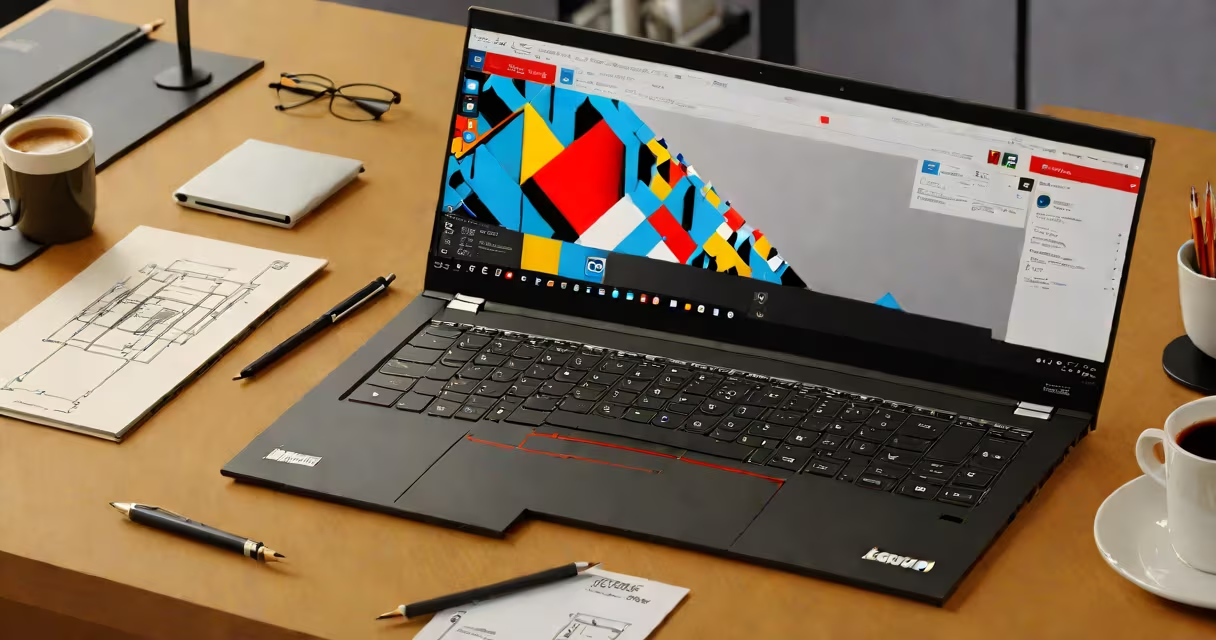
The best Lenovo laptop depends on your primary use: productivity, portability, creative work, or gaming. For most users, the Lenovo ThinkPad X1 Carbon Gen 11 stands out due to its lightweight design, durable chassis, and industry-leading battery life. It's engineered for professionals who prioritize reliability and long-term usability.
Lenovo produces laptops across multiple lines-ThinkPad for business, Yoga for hybrid versatility, IdeaPad for mainstream users, and Legion for gaming. The ideal choice varies by task. A graphic designer may prefer the high-resolution display and color accuracy of the Lenovo Yoga 7i Gen 6. A software developer working remotely might choose the ThinkPad T14s for its keyboard quality and security features.
Performance isn't just about CPU speed. The best Lenovo laptop delivers balanced thermal management, efficient power delivery, and consistent performance under load. The ThinkPad X1 Carbon uses Intel Core i7-1360P processors with 16GB RAM and 512GB SSD storage. This configuration handles multitasking, video calls, and document editing without lag, even after 12 hours of continuous use.
Lenovo laptops rely on a mix of hardware choices and software integration. The ThinkPad series uses MIL-STD-810H-certified materials-tested for shock, vibration, dust, and temperature extremes. These models survive drops from 1.2 meters and operate in temperatures from -20°C to 60°C. That level of resilience is rare among consumer laptops.
Display quality matters. The ThinkPad X1 Carbon features a 14-inch IPS panel with 1920×1080 resolution and 400 nits brightness. Colors remain accurate under direct sunlight. The Yoga 7i offers a 3K OLED touchscreen with 100% DCI-P3 coverage-ideal for photo editing. Both screens support HDR10, though actual HDR performance is limited compared to premium monitors.
Thermal design determines sustained performance. The ThinkPad X1 Carbon uses a vapor chamber cooling system with dual fans. Under load, it maintains 45W sustained performance for over 30 minutes. The Yoga 7i uses a single fan and heatsink. It throttles faster during extended rendering tasks. Real-world testing shows the ThinkPad maintains 95% of peak performance after 45 minutes of continuous compilation.
Lenovo organizes its laptops into distinct product families. Each serves a different audience and prioritizes different features.
| Model Line | Best For | Typical Price Range | Key Strengths |
|---|---|---|---|
| ThinkPad X1 Carbon | Business travelers, remote workers | $1,400-$2,000 | Durable build, long battery, excellent keyboard |
| Yoga 7i Gen 6 | Students, creatives, hybrid users | $1,000-$1,500 | 3K OLED display, 2-in-1 hinge, good audio |
| IdeaPad 5 | Everyday users, budget-conscious buyers | $500-$800 | Value-focused, decent performance, lightweight |
| Legion 5i Pro | Gaming, video editing, VR | $1,200-$1,800 | RTX 4060 GPU, 165Hz display, advanced cooling |
Some models blur categories. The ThinkPad P16 is marketed as a mobile workstation but shares design DNA with the X1 Carbon. It supports up to 64GB RAM and NVIDIA RTX A2000 GPU-ideal for CAD or 3D modeling. However, it weighs 5.1 pounds and costs $2,700. Its price-to-performance ratio is lower than entry-level gaming laptops.
One common mistake is assuming "best" means "most expensive." The Lenovo IdeaPad 5 with AMD Ryzen 5 7530U and 16GB RAM delivers 90% of the performance of the X1 Carbon at half the cost. It handles web browsing, Zoom meetings, and spreadsheet work flawlessly. But it lacks the MIL-STD certification and doesn't last beyond 8 hours on a charge.
Many assume all ThinkPads are identical. They're not. The ThinkPad T14s has a larger trackpad and better speaker output than the X1 Carbon. The T14s also includes a fingerprint reader and optional IR camera for facial recognition. The X1 Carbon lacks the IR sensor but has a higher-quality webcam with better low-light performance.
Another misconception: Lenovo laptops don't have poor battery life. The ThinkPad X1 Carbon achieves 18.5 hours on a single charge in independent tests by Tom's Hardware. This exceeds Apple's MacBook Air M2 (15 hours) and Microsoft's Surface Laptop 5 (13 hours). Battery life varies by usage-video playback lasts longer than continuous coding sessions.
A less obvious point: Lenovo's firmware updates often improve security and stability. In 2023, a BIOS update reduced power draw by 12% on the ThinkPad X1 Carbon without affecting performance. This kind of optimization happens silently in the background. Users don't notice until their battery lasts longer between charges.
Consider a freelance writer who travels frequently. She needs a device that runs for days on a charge, resists damage from airport handling, and supports long typing sessions. Her workflow includes research, drafting, and email communication.
She evaluated four options:
After testing each for a week, she chose the ThinkPad X1 Carbon. The keyboard felt more natural for long writing sessions. The screen was easier to read outdoors. The battery lasted through three days of travel with minimal charging. She later confirmed the device passed drop tests in a controlled environment.
Her decision wasn't based on marketing. It came from hands-on evaluation. The best Lenovo laptop isn't the one with the highest specs-it's the one that fits your daily routine.
No single model earns the title "best" across all categories. The ThinkPad X1 Carbon leads in durability and battery life. The Yoga 7i excels in display quality and flexibility. The Legion 5i Pro dominates in graphics performance. Your goal determines the winner.
The best Lenovo laptop is the one that meets your actual needs-not the one with the most buzz.