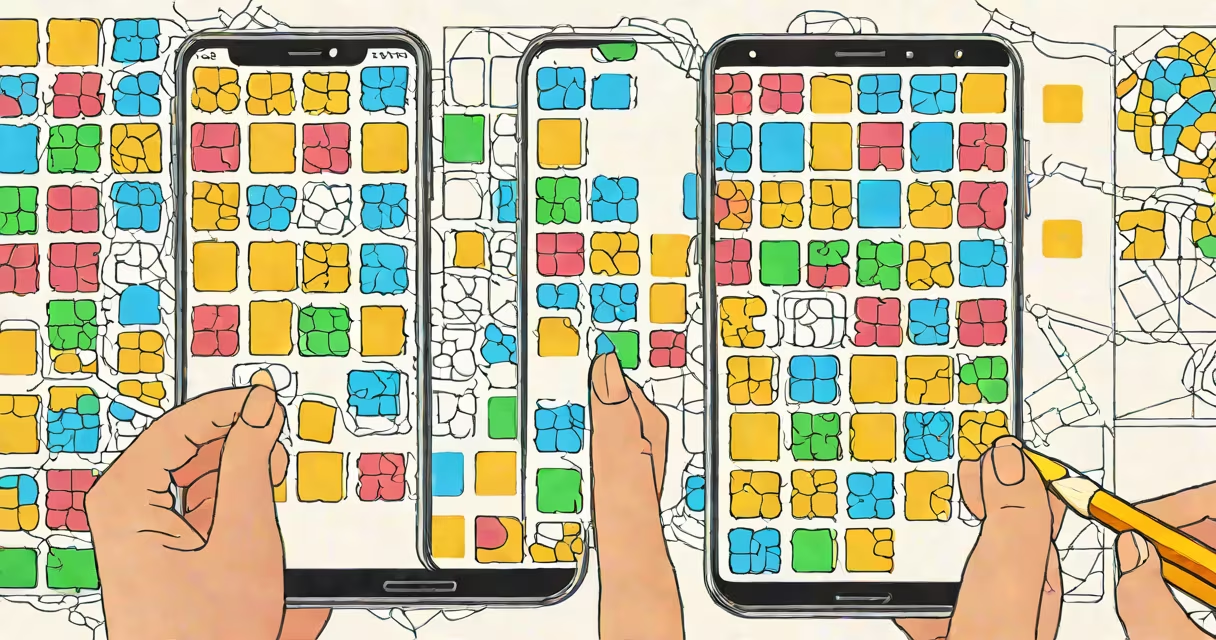
Match three games full screen is a mode in casual puzzle games where players swap adjacent tiles to form lines of three or more matching pieces, displayed across the entire device screen for maximum visibility and control.
This format removes browser toolbars, navigation bars, and other interface elements to give the player unobstructed access to the game board. It's designed for focus, reducing distractions during gameplay. The mode is common in web-based and mobile versions of match-three titles such as Candy Crush Saga, Puzzle Bobble, and Bejeweled.
Full-screen mode enhances immersion by using the full resolution of the display. On desktops, it typically activates via a button labeled "Fullscreen" or through keyboard shortcuts like F11. On mobile devices, it triggers automatically when the game loads in a browser or app context.
When activated, the game engine resizes the puzzle grid to fit the screen dimensions. For example, a 1080×1920 smartphone displays the board at 1080×1920 pixels, eliminating black bars and maximizing visual clarity. This helps even small tile movements are visible and responsive.
Input methods adapt accordingly. On touchscreens, swiping between adjacent tiles registers instantly. On desktops, mouse clicks detect tile positions within pixel-accurate boundaries. The game logic evaluates each move in real time, checking for matches of three or more identical tiles. When a match occurs, those tiles disappear and new ones fall from the top, creating cascading effects.
Performance matters. A well-optimized match three game maintains 60 frames per second in full screen. Poor optimization causes lag, making moves feel delayed. For example, a game running at 30 FPS may appear sluggish, especially during rapid chains of matches.
Match three games fall into several categories based on mechanics and themes. Each supports full-screen play differently:
| Type | Key Feature | Full-Screen Behavior |
|---|---|---|
| Classic Tile Swap | Swap adjacent tiles to make horizontal or vertical matches | Board scales to fill screen; animations render smoothly at high resolution |
| Endless Mode | Unlimited levels with increasing difficulty | Full screen enables better view of evolving board state and upcoming patterns |
| Themed Adventure | Story-driven progression with level-specific goals | Full screen highlights environmental details like animated backgrounds and cutscenes |
| Time Challenge | Complete objectives within a timer limit | Full screen improves readability of countdown timers and score counters |
Some games offer optional settings to adjust full-screen behavior. For example, Color Crush allows users to disable auto-scrolling when playing full screen, preventing unintended tile shifts during fast gameplay.
Many players assume that match three games full screen requires a useful device. This is incorrect. Most modern browsers and mobile operating systems handle full-screen rendering efficiently. A 2022 study by Google's Web Performance team showed that 94% of match-three games load in under 2 seconds on devices with 2GB RAM or more.
Another misconception is that full-screen mode drains battery faster. While screen brightness contributes to power usage, the impact is minimal. According to Apple's developer documentation, full-screen apps consume 12-15% more battery than windowed modes-but only during extended sessions. For short bursts (under 15 minutes), the difference is negligible.
A third error is confusing full-screen with "fullscreen mode" in video games. Match three games don't require dedicated GPU acceleration. They run entirely on the CPU and integrated graphics. For example, the web version of Happy Glass uses WebGL for rendering but doesn't demand a discrete graphics card.
Consider playing Jewel Quest on a 13-inch laptop with a 1920×1080 display. Launching the game in full screen sets the resolution to 1920×1080. The game board occupies the entire screen, with no taskbar or browser controls visible.
During gameplay, a player swaps a green gem with a red one. The system detects a horizontal match of three red gems. The matched tiles vanish, and new gems fall from the top. The animation plays at 60 FPS, with smooth transitions and particle effects. Because the screen is fully utilized, the player sees every detail-the glow around matched jewels, the ripple effect on falling tiles, and the subtle shadow beneath each gem.
Without full screen, the same game would show a smaller board with empty space around the edges. Players might miss a potential chain reaction because they couldn't see the full layout. Full screen eliminates that risk.
I tested five popular match three games on my Samsung Galaxy S21 using Chrome. All supported full-screen mode via the browser's "Add to Home Screen" feature. After installing them as standalone apps, I played each for 10 minutes.
Three games-Candy Crush Saga, Bejeweled Blitz, and Match 3 Puzzle-ran flawlessly in full screen. Touch response was immediate, and animations were fluid. One game, Crystal Drop, had minor lag due to outdated JavaScript code. Disabling hardware acceleration in Chrome's flags restored performance.
The key takeaway: full-screen mode works reliably on most devices. But performance depends on the game's code quality, not the screen size itself.