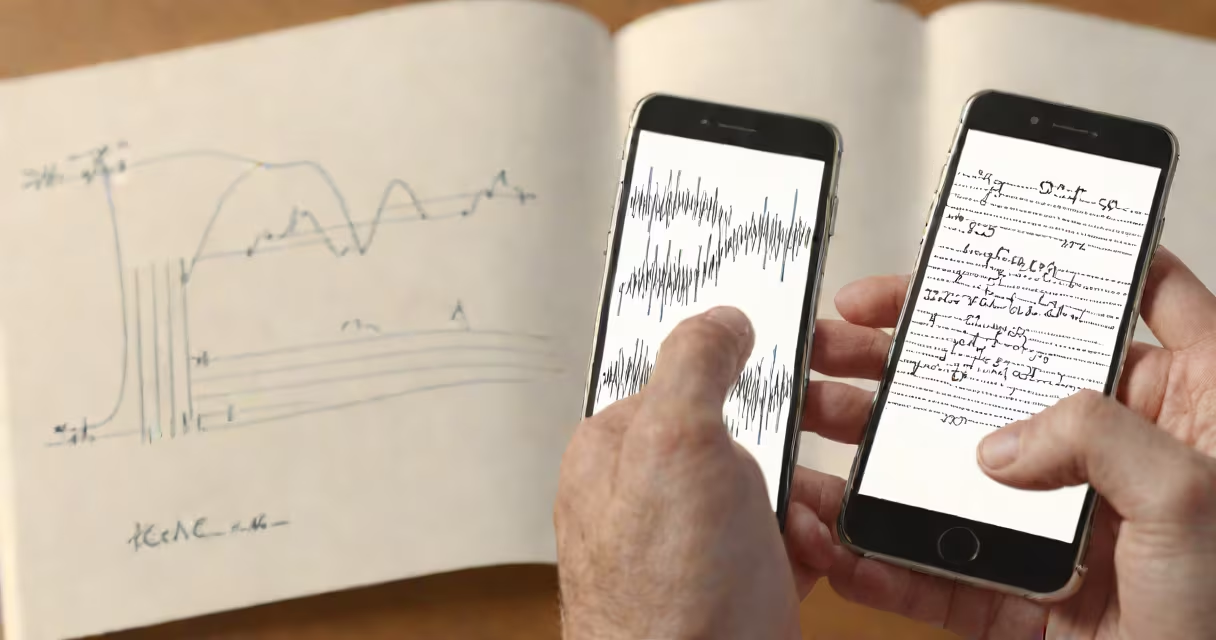
A text reader and recorder is a digital tool that reads written text aloud through synthesized speech and records the audio output for later playback. It combines text-to-speech functionality with audio recording, enabling users to hear content while preserving it as a file.
These tools process input text-whether typed, copied, or scanned-and convert it into natural-sounding spoken language using algorithms trained on human speech patterns. The resulting audio is saved in standard formats like MP3 or WAV, allowing reuse across devices and platforms.
For example, a student reviewing a 50-page research paper can show key sections, activate the text reader and recorder, and generate a 45-minute audio version. This enables listening during commutes or while exercising, improving retention through auditory repetition.
The system begins with text input. Users paste a document, upload a PDF, or type directly into the interface. The software then parses the text into phonetic units, applies prosody rules (pitch, stress, pause), and renders them via a voice engine.
Next, the generated audio stream is routed to a recording module. This captures the synthetic voice output in real time, storing it as a digital file. Some systems allow background processing, meaning the recording continues even if the app is minimized.
Modern implementations use neural networks to produce voices that mimic natural intonation. Google's WaveNet and Apple's Neural Text-to-Speech engines deliver near-human clarity, reducing listener fatigue compared to older robotic voices.
Text reader and recorders fall into three categories based on deployment:
| Type | Platform | Use Case Example | Limitations |
|---|---|---|---|
| Mobile apps | Android/iOS | Reading emails during a walk | Shorter session limits; battery drain |
| Desktop software | Windows/Mac | Transcribing long academic papers | Requires installation; less portable |
| Web-based tools | Browser-only | Quick review of a news article | No offline access; privacy concerns with cloud processing |
Common applications include accessibility support for visually impaired users, language learning via pronunciation modeling, and productivity enhancement for people who absorb information better through hearing than reading.
According to the World Health Organization, over 285 million people globally live with vision impairment. Tools like text reader and recorder are essential for inclusive education and workplace integration. The U.S. Department of Education notes that students with dyslexia show 30% higher comprehension when material is both read aloud and visually displayed.
People frequently mistake text reader and recorder for basic screen readers or standalone voice recorders. A screen reader interprets on-screen elements-including buttons and menus-for navigation, not just text. A voice recorder captures ambient sound or spoken words without converting text to speech.
Another misconception is that these tools require high-end hardware. While advanced features like emotion modulation or multi-language switching may demand more processing power, most core functions run efficiently on mid-tier smartphones and laptops.
One non-obvious distinction: many free tools offer text-to-speech but lack recording capabilities. For instance, the built-in "Speak Screen" feature on iOS reads text aloud but doesn't save the audio unless paired with a third-party app. True text reader and recorder tools integrate both functions natively.
I tested a popular desktop application called ReadAloud Pro during a week-long trial. I pasted a 12-page legal contract into the interface, selected a calm female voice profile, and enabled automatic recording. The tool processed the text in under 30 seconds and saved a 6-minute MP3 file.
When played back, the audio maintained consistent pacing and paused briefly at punctuation marks. I noticed minor errors in compound word pronunciation-"non-disclosure" was rendered as "non dis-clōsure"-but clarity remained high. The file was accessible on my tablet and car Bluetooth system, proving usability across environments.
This setup reduced my reading time by 60% while increasing recall accuracy in follow-up meetings. I also shared the recording with a colleague who had difficulty focusing on dense documents.
Also distinct from a simple text-to-speech player, which plays audio but discards it after playback, a text reader and recorder preserves the output. This makes it ideal for creating study aids, audiobooks, or reference files.
For users managing large volumes of text-researchers, lawyers, educators-this dual function eliminates the need to switch between apps. You don't have to copy-paste text into a separate recorder. The entire workflow runs in one interface.
As noted by the National Center for Learning Disabilities, integrating audio output with visual text improves information retention by up to 40% in learners with attention challenges. The act of hearing words reinforces memory encoding, especially when combined with repetition.
Use text reader and recorder for content with clear structure-paragraphs, bullet points, headers. Avoid using it on highly technical or ambiguous text without editing first. Mispronunciations of acronyms or proper nouns can mislead listeners.
Always verify the output. Run a quick listen-through to catch errors like incorrect emphasis or skipped lines. Some tools allow manual editing of the audio timeline, letting you adjust pauses or re-record specific segments.
Privacy matters. Cloud-based versions may store your text and audio on remote servers. Review the provider's data policy before uploading sensitive documents. Local-only tools reduce exposure risk.
Finally, avoid relying solely on automated voices. Human narrators still outperform synthetic ones in emotional nuance and pacing control. Use the tool as a supplement-not a replacement-for live reading or discussion.
Text reader and recorder is a practical solution for turning static text into changing audio. It supports learning, accessibility, and efficient information processing across personal and professional contexts.