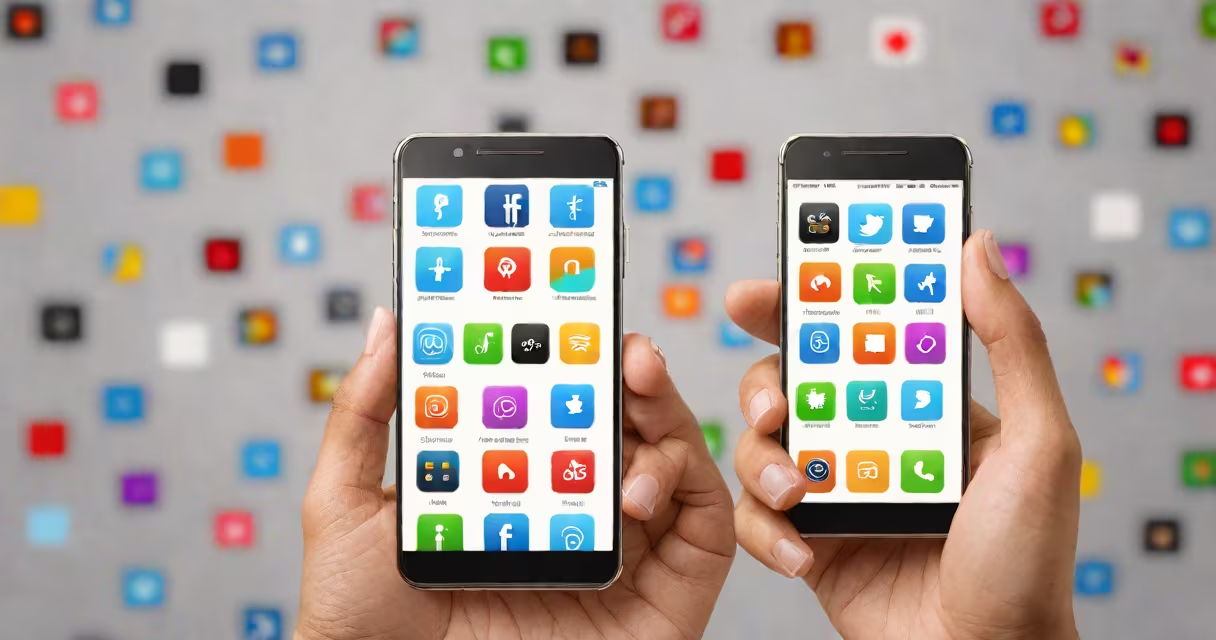
A smartphone is a portable computing device that combines phone functionality with internet access, multimedia tools, and app-based services. It runs on an operating system like Android or iOS and supports tasks ranging from communication and navigation to banking and fitness monitoring.
Smartphones function through integrated hardware and software. Core components include a processor, memory, touchscreen display, camera, GPS, microphone, speaker, and wireless connectivity (Wi-Fi, Bluetooth, cellular). These elements work together under an OS to run apps and process inputs.
Applications are the primary interface for most smartphone functions. Apps handle everything from social media and email to photo editing and language translation. The App Store (iOS) and Google Play (Android) host millions of downloadable programs tailored to specific needs.
Smartphones enable immediate access to information and services. You can check weather forecasts, read news, search for restaurant reviews, or look up definitions-all within seconds. For example, typing "best sushi near me" into Google Maps pulls up nearby options with ratings, photos, and directions.
Communication goes far beyond voice calls. Messaging apps like WhatsApp, iMessage, and Telegram allow text, voice, video, and file sharing across continents. A single tap sends a 10-minute video call to someone in Tokyo while you're in Chicago, with end-to-end encryption ensuring privacy.
Navigation relies on GPS and real-time traffic data. Google Maps calculates routes based on current congestion and suggests alternate paths. During a road trip, it updates travel time every few minutes, adjusting for accidents or construction.
Many users don't realize their smartphone can replace physical keys. With NFC (Near Field Communication), you can enable doors, pay for groceries, or board public transit using just a tap. A smartphone with NFC can store digital transit passes and even serve as a digital ID card in select cities.
Health monitoring is another growing function. Apple Watch and Fitbit sync with smartphones to track heart rate, sleep quality, and steps taken. The iPhone's Health app logs data over time and alerts users to irregular patterns-such as elevated resting heart rate-based on clinical benchmarks from the American Heart Association.
Augmented reality (AR) enhances real-world experiences. Pokémon GO uses GPS and camera input to overlay virtual creatures onto live street views. Similarly, IKEA Place lets users visualize furniture in their homes via AR, reducing returns due to size mismatches.
Some assume smartphones are just upgraded feature phones. But unlike basic mobile devices, smartphones run full operating systems, support multitasking, and allow sideloading of apps. A Samsung Galaxy S23 can run multiple apps simultaneously, switch between them instantly, and install software from third-party sources-capabilities absent in older flip phones.
Another misconception is that all smartphone features require high-end models. While flagship devices offer faster processors and better cameras, core functions like messaging, web browsing, and maps work reliably on budget phones. The Google Pixel 6a, priced under $400, delivers full Android features including secure biometric login and regular OS updates.
Privacy concerns often stem from misunderstanding permissions. When an app requests location access, it's not always spying-it may need it for navigation or local recommendations. Users can review and revoke permissions anytime in Settings. According to the Electronic Frontier Foundation, 85% of Android users adjust app permissions manually after initial setup.
Consider a typical morning routine using a smartphone:
This sequence demonstrates how a smartphone integrates into daily life-not as a single tool, but as a hub for dozens of interconnected functions.
Functions fall into four categories based on purpose and complexity:
| Function Type | Examples | Typical Use Case |
|---|---|---|
| Communication | Phone calls, SMS, video chat, messaging | Staying in touch with family, remote work coordination |
| Information Access | Web browsing, news apps, search engines | Researching topics, checking sports scores |
| Productivity | Email, calendars, document editing, task managers | Managing schedules, drafting reports on the go |
| Lifestyle & Entertainment | Music streaming, gaming, video watching, AR apps | Relaxation, learning new skills, social engagement |
Each category includes both basic and advanced features. For instance, productivity tools range from simple notes apps to full office suites like Microsoft Word and Excel.
I once used my smartphone during a hiking trip in Colorado. My GPS failed due to poor signal, but I had downloaded offline maps via Google Maps earlier. I used the compass app to orient myself, checked trail difficulty levels, and recorded audio notes about wildlife sightings. Later, I shared photos with friends using a direct link generated by the Photos app-no internet required during upload.
This experience confirmed that smartphones aren't just for city dwellers. They provide critical support in remote environments when properly prepared.
What can you do on your smartphone? More than just make calls and send texts. From managing finances with mobile banking to tracking fitness goals with built-in sensors, smartphones act as personal assistants, entertainment centers, and emergency tools. They integrate smoothly into routines across education, travel, work, and health.
Understanding the full scope of smartphone capabilities helps avoid underutilization. Many people still use their devices for only 30% of available functions. Learning to use all features-like setting up digital wallets or enabling accessibility tools-improves efficiency and safety.