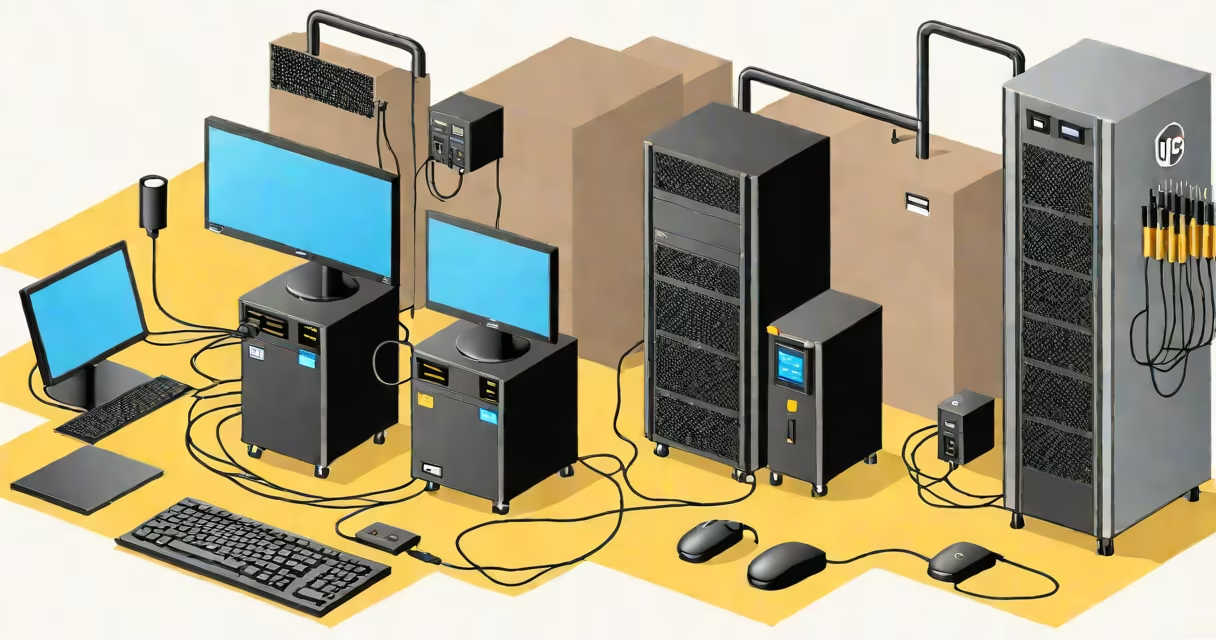
A UPS system for computer is a device that provides immediate battery backup and surge protection during power interruptions, ensuring uninterrupted operation and safe shutdown of connected equipment. It acts as a buffer between the wall outlet and your computer, stabilizing voltage and supplying power during outages.
When the main power fails, a UPS instantly switches to battery power, giving you time to save work and shut down systems properly. It also filters electrical noise and corrects voltage spikes, protecting sensitive components like motherboards, hard drives, and GPUs from damage.
For home offices, small businesses, and data centers, a UPS prevents sudden crashes, corrupts files, and costly repairs. A typical 600VA UPS can sustain a desktop computer and monitor for 10-15 minutes under load, enough to complete a graceful shutdown.
A UPS system operates in three modes: line interactive, online double-conversion, and standby. Most consumer-grade units use line interactive design, which monitors incoming voltage and switches to battery power within milliseconds when a drop is detected.
Inside the unit, a rectifier converts AC power from the wall into DC to charge the internal battery. When power fails, an inverter converts the battery's DC output back into clean AC power for the connected devices. This process happens automatically and without delay.
Modern UPS systems include smart features such as USB or serial communication with computers. Software like APC PowerChute detects low battery levels and triggers an automated shutdown sequence. This prevents data corruption during extended outages.
Three primary types serve different needs based on reliability and cost:
| Type | How It Works | Best For | Example Use Case |
|---|---|---|---|
| Standby (Offline) | Switches to battery only when power drops below threshold. | Home users, basic office setups. | Running a single desktop with monitor and printer. |
| Line Interactive | Regulates voltage without switching to battery; uses automatic voltage regulation (AVR). | Small businesses, servers with moderate uptime needs. | Protecting a network router and a workstation during brownouts. |
| Online Double-Conversion | Constantly converts AC to DC and back, isolating the load from input fluctuations. | Data centers, medical equipment, critical infrastructure. | Powering a database server with zero tolerance for downtime. |
Line interactive UPS systems offer the best balance of cost and performance for most personal and small business applications. They handle common voltage sags and surges without engaging the battery, extending battery life and reducing wear.
A UPS is not the same as a surge protector. While both defend against voltage spikes, a surge protector only diverts excess energy and offers no battery backup. A standard surge suppressor may fail during a prolonged outage, leaving your system vulnerable.
Many people assume a UPS can run a computer indefinitely. In reality, runtime depends on load and battery capacity. A 600VA UPS powering a 300W system lasts about 8 minutes. Overloading reduces runtime.
Another misconception is that UPS systems eliminate the need for backups. They do not. A UPS protects against power failure, but data loss still occurs if a drive fails or a file is corrupted. Always maintain offsite or cloud backups alongside a UPS.
Consider a home-based graphic designer using a high-end desktop with a 32-inch monitor, external SSD, and audio interface. The system draws about 400 watts under load.
They install a 1000VA line interactive UPS with AVR and USB connectivity. During a storm, the power flickers and drops to 90 volts. The UPS detects the drop, stabilizes output via AVR, and continues supplying clean power without switching to battery.
When the outage lasts 12 minutes, the UPS switches to battery mode. The designer saves their project, closes Adobe Photoshop, and shuts down the system safely. The UPS software logs the event and sends a notification to their phone.
Without the UPS, the sudden power loss would have caused a kernel panic, corrupted the project file, and required a lengthy recovery. The UPS prevented data loss and protected hardware from voltage stress.
I once witnessed a server rack crash during a thunderstorm due to a power spike. The facility had surge protectors but no UPS. The motherboard fried, and three drives failed during reboot attempts. Recovery took 36 hours and cost $2,200 in parts and labor.
After that, I installed a 2kVA online UPS with remote monitoring. Since then, we've weathered six major outages. The system maintained uptime through battery backup, and logs confirmed stable voltage throughout.
One non-obvious fact: battery degradation in UPS units begins after 3 years, even with infrequent use. Replacing the battery every 3-5 years ensures reliability. Many users overlook this until a failure occurs during a real emergency.
A UPS system complements the four core components of a computer system: input, processing, storage, and output. By safeguarding the power supply, it ensures consistent availability of the processing and storage elements.
For example, a Linux server running on a UPS can execute a graceful shutdown script when battery levels fall below 20%. This preserves file integrity and avoids journal corruption, which could otherwise require manual fsck repair.
A UPS system for computer is essential for protecting hardware, preserving data, and enabling safe shutdowns during power disruptions. It delivers battery backup and voltage regulation, acting as a shield against outages and surges. Choose a model with sufficient VA rating, AVR support, and software integration for your setup.