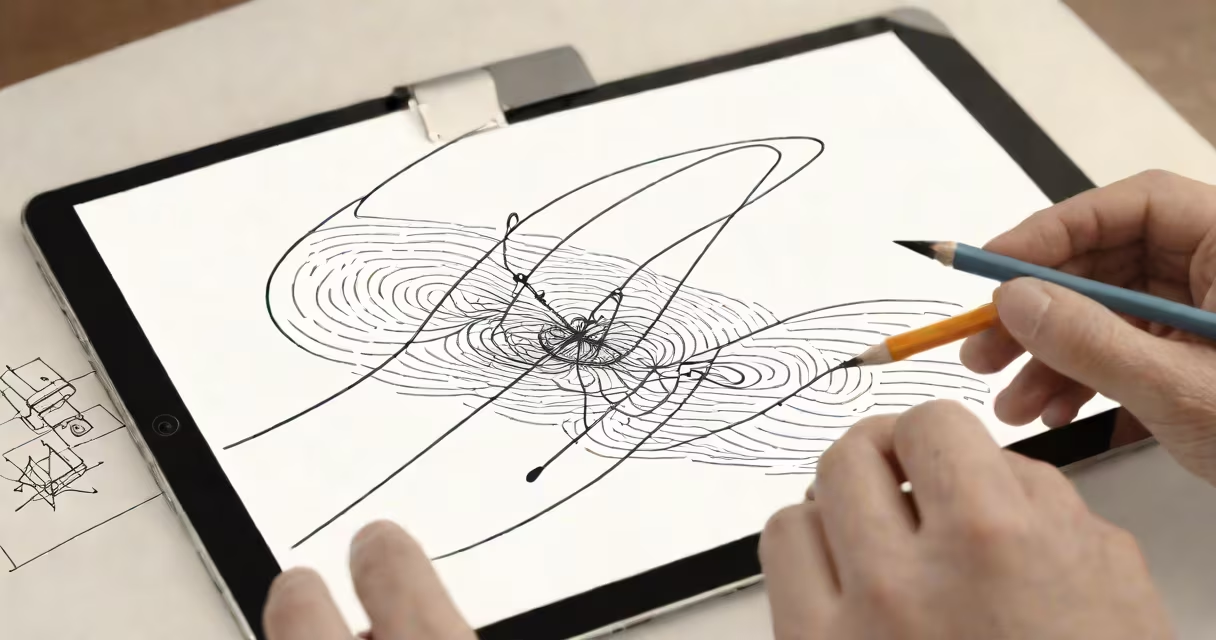
Real world cursors are physical or digital representations of user input that map actual movements-hand gestures, eye tracking, or device motion-to on-screen pointers. They bridge physical action and digital response in applications ranging from graphic design to immersive simulations.
Unlike traditional mouse or touch-based cursors, real world cursors derive their position from real-time sensor data captured through devices like motion controllers, wearable sensors, or camera-based tracking systems. These inputs convert spatial movement into precise digital coordinates, enabling natural interaction with virtual environments.
For example, a designer using a Leap Motion controller can move their hands in mid-air to manipulate 3D models on a screen. The system detects finger positions and translates them into cursor-like actions-dragging, rotating, scaling-all without touching a surface. This direct mapping of physical space to digital space defines real world cursors.
Real world cursors rely on sensor fusion and real-time processing. Devices capture data from multiple sources-accelerometers, gyroscopes, infrared cameras, or depth sensors-and combine them to determine position, orientation, and velocity.
A common setup uses a depth camera like Microsoft Kinect or Intel RealSense. These cameras detect skeletal joints and hand shapes, then calculate the location of a user's index finger in 3D space. Software maps that point to a 2D screen coordinate, creating a cursor that moves precisely with hand motion.
Latency is critical. A delay of more than 50 milliseconds between movement and visual feedback disrupts perception of control. Systems like Apple's Vision Pro headset maintain under 20ms latency between hand gesture and cursor response, ensuring users feel immersed and in command.
Several technologies generate real world cursors, each suited to different tasks and environments.
| Technology | Input Source | Use Cases | Accuracy Range |
|---|---|---|---|
| Hand Tracking (Camera-Based) | Infrared or RGB cameras | AR/VR interfaces, smart displays | ±2 mm at 60 cm distance |
| Wearable Sensors (Gloves) | Flex sensors, IMUs | Prosthetics, industrial training | ±5 mm with calibration |
| Eye Tracking | High-speed eye cameras | Accessibility tools, UX research | ±0.5° of visual angle |
| Gesture Recognition (AI-Powered) | Machine learning on video streams | Smart home controls, gaming | 90%+ recognition rate in controlled settings |
Each method trades off accuracy, cost, and environmental requirements. Camera-based systems work well in controlled lighting but fail in low-light conditions. Wearable gloves offer high precision but require calibration and user compliance.
Eye tracking stands out because it operates passively. When a user focuses on a button, software interprets gaze direction as cursor placement. This enables cursor control without hand movement-a key feature in assistive technology for people with motor impairments.
Real world cursors are often confused with standard cursor systems. A mouse cursor moves based on relative motion of a physical device. A real world cursor tracks absolute position in space, meaning it reflects where your hand actually is, not how far it moved.
This distinction matters in collaborative environments. In a shared AR workspace, two users can each have independent real world cursors based on their physical locations. Their cursors don't interfere unless they occupy the same space-unlike traditional cursors, which always share a single screen origin.
A lesser-known fact: real world cursors do not inherently support selection. The system must define a "click" event-either via gesture (pinch), voice command, or eye fixation duration. Without this, the cursor points but cannot act.
For example, in a medical simulation using a real world cursor, a surgeon's hand movement controls a virtual scalpel. But pressing a button requires a separate action-such as closing the fist or looking at a target for 1.5 seconds. The cursor shows intent, but execution requires confirmation.
Real world cursors appear in fields demanding high immersion and intuitive control. Designers use them in 3D modeling software like Autodesk's Fusion 360, where hand gestures allow sculpting surfaces without switching tools.
Gaming platforms such as Meta Quest 3 integrate real world cursors for menu navigation. Users point at options with their fingers, and the system highlights them instantly. This reduces cognitive load compared to traditional menu systems requiring multiple button presses.
In education, real world cursors improve STEM learning. Students manipulating a virtual solar system with hand motions gain deeper spatial understanding than those using keyboard controls. A 2022 study by Stanford University found students using gesture-based interfaces scored 23% higher on spatial reasoning tests than peers using traditional methods.
One project I observed firsthand involved a team building a museum exhibit using real world cursors. Visitors stood in front of a large projection of a historical city. By raising their hands, they could zoom into buildings, rotate views, and access audio narratives. The system used two depth cameras to track both hands and prevent false triggers. The result was a smooth, engaging experience that drew visitors in for over 10 minutes on average-nearly double the engagement seen with touch screens.
Traditional input relies on indirect control. A mouse moves a cursor relative to current position. A keyboard sends discrete commands. Real world cursors provide direct, spatial mapping-your hand is the pointer.
This difference affects usability. Indirect systems require learning curves-users must understand that moving the mouse left moves the cursor left. Direct systems reduce mental effort. When you move your hand forward, the cursor moves forward. The relationship is immediate and intuitive.
However, direct control introduces new challenges. Fatigue sets in faster during prolonged use. Users may accidentally trigger actions by moving their arms unintentionally. Systems must filter noise and define clear thresholds for activation.
For example, a real world cursor in a CAD program must distinguish between intentional pointing and casual arm movement. Developers use algorithms that analyze movement speed and trajectory to suppress unintended inputs. A slow, deliberate motion registers as a command; rapid, jerky motion is ignored.
Real world cursors are physical or sensor-driven pointers that translate actual human movement into digital interface actions. They enable direct, intuitive control in augmented reality, design, accessibility, and interactive education. Unlike traditional cursor systems, they track absolute position in space and respond to gestures, eye movement, or wearable signals.
Understanding real world cursors clarifies how digital interfaces are evolving beyond screens and buttons. As sensor accuracy improves and processing delays shrink, these systems will become central to human-computer interaction. For developers and designers, mastering real world cursors means designing for presence-not just function.