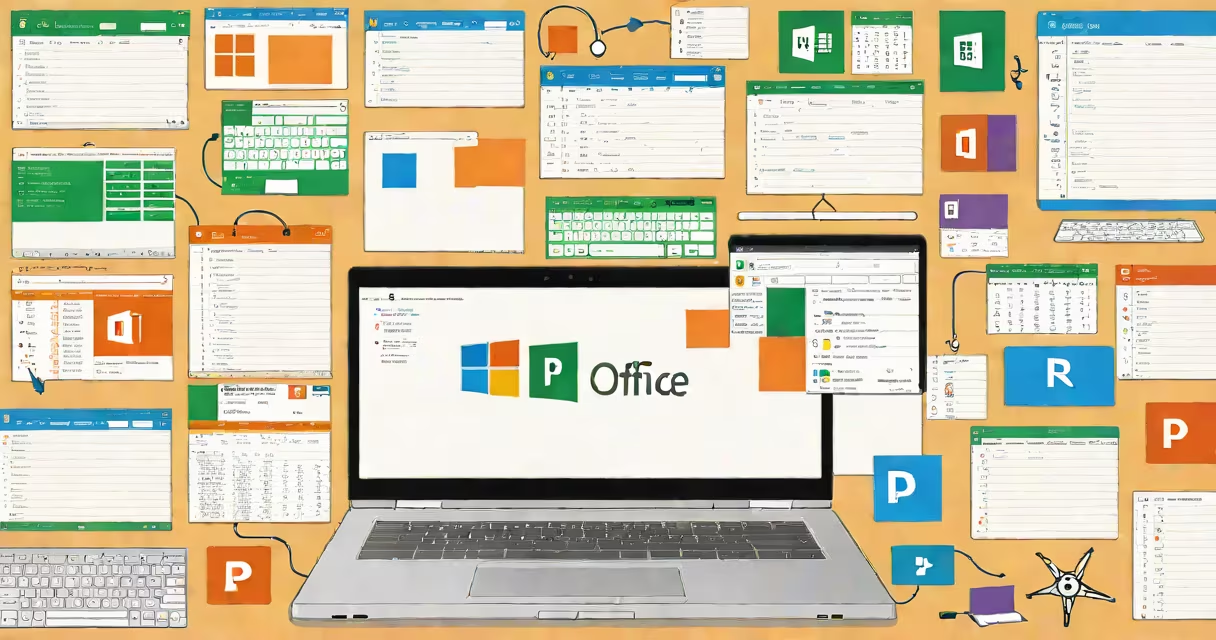
Microsoft Office is a collection of desktop and web-based productivity applications designed for document creation, data analysis, presentation, email management, and note-taking. The core set includes Word, Excel, PowerPoint, Outlook, and OneNote, each serving a distinct purpose in personal, academic, and professional environments.
These applications run on Windows, macOS, iOS, and Android, with cloud integration via Microsoft 365. They share consistent design language, file formats (.docx,.xlsx,.pptx), and authentication through a Microsoft account. The set is available through subscription (Microsoft 365) or one-time purchase (Office Home & Student, Office Professional).
The five primary programs in Microsoft Office are engineered for specific tasks. Word handles text editing and document formatting. Excel manages spreadsheets, formulas, charts, and large datasets. PowerPoint creates visual presentations with animations and slide transitions. Outlook organizes emails, calendars, contacts, and tasks. OneNote functions as a digital notebook for freeform note-taking and idea organization.
Each app uses a ribbon interface with tabs for common actions. For example, in Excel, the "Formulas" tab contains functions like SUM, VLOOKUP, and IF. In PowerPoint, the "Transitions" tab controls animation effects between slides. These interfaces reduce learning curves and improve workflow efficiency across users.
| Application | Purpose | Common File Extension | Primary User Type |
|---|---|---|---|
| Word | Writing reports, resumes, letters | .docx | Students, professionals, writers |
| Excel | Financial modeling, budgeting, data tracking | .xlsx | Accountants, analysts, project managers |
| PowerPoint | Creating slideshows for meetings, pitches, lectures | .pptx | Presenters, educators, marketers |
| Outlook | Managing email, scheduling, contact lists | .pst (local), .ost (cached) | Office workers, administrators |
| OneNote | Organizing research, meeting notes, class materials | .one | Students, researchers, creatives |
Applications within Microsoft Office integrate through shared file formats and cloud services. A financial report created in Excel can be embedded into a Word document using the "Insert Object" feature. The same data can be visualized in a PowerPoint slide with live updates when the source Excel file changes.
For example, a marketing team preparing a quarterly review might build a sales forecast in Excel, export a chart to PowerPoint, and insert it into a presentation. They then send the full deck via Outlook with a calendar invite. All files sync to OneDrive, allowing team members to access them from any device.
When using Microsoft 365, collaboration features like co-authoring allow multiple people to edit a Word document simultaneously. Changes appear in real time, and version history tracks edits. This functionality reduces delays in feedback loops and improves team coordination.
Many assume that Microsoft Office includes every tool under the Microsoft brand. This is incorrect. Apps like Teams, SharePoint, and Access are part of the broader Microsoft 365 system but are not included in the standard Office set. Access, for instance, is a standalone database application available only in certain Office licenses.
Another misconception is that all Office apps are free. While basic versions exist online (via Office.com), full desktop functionality requires a license. Free access to Word, Excel, and PowerPoint is available through browser-based versions, but advanced features like macros, pivot tables, and custom templates require the installed desktop apps.
A key distinction: Microsoft Office is not the same as Microsoft 365. Office refers to the software set. Microsoft 365 is a subscription service that includes Office apps plus cloud storage (OneDrive), video conferencing (Teams), security tools, and regular updates. You can have Office without 365, but not vice versa.
In a small business, the owner uses Word to draft a client proposal. They insert a financial projection from Excel, formatted with conditional colors and trend lines. The entire document is saved to OneDrive and shared via Outlook with a link. The client opens it in their browser, reviews it, and sends feedback through the commenting feature in Word.
Later, the team holds a meeting using Teams. The presentation is opened in PowerPoint, and the presenter shares their screen. During the session, they use the "Pen" tool in PowerPoint to show key points. Afterward, meeting notes are captured in OneNote and linked to the original proposal.
This workflow demonstrates how the components of Microsoft Office function independently yet interconnect smoothly. No single app replaces another-their strength lies in interoperability.
I built a similar system for a nonprofit's grant reporting process. Using Excel for budget tracking, Word for narrative sections, and PowerPoint for executive summaries, we reduced report preparation time by 40%. The consistency of file formats and shared templates ensured accuracy across teams.
Microsoft offers several licensing options. Office Home & Student includes Word, Excel, PowerPoint, and OneNote for home use. Office Professional adds Outlook and supports advanced features like macros and database integration. Both are available as one-time purchases.
For ongoing access, Microsoft 365 subscriptions provide full Office apps, 1TB of OneDrive storage, and live support. Subscriptions are billed monthly or annually and include automatic updates. Students and educators may qualify for free or discounted access through institutional programs.