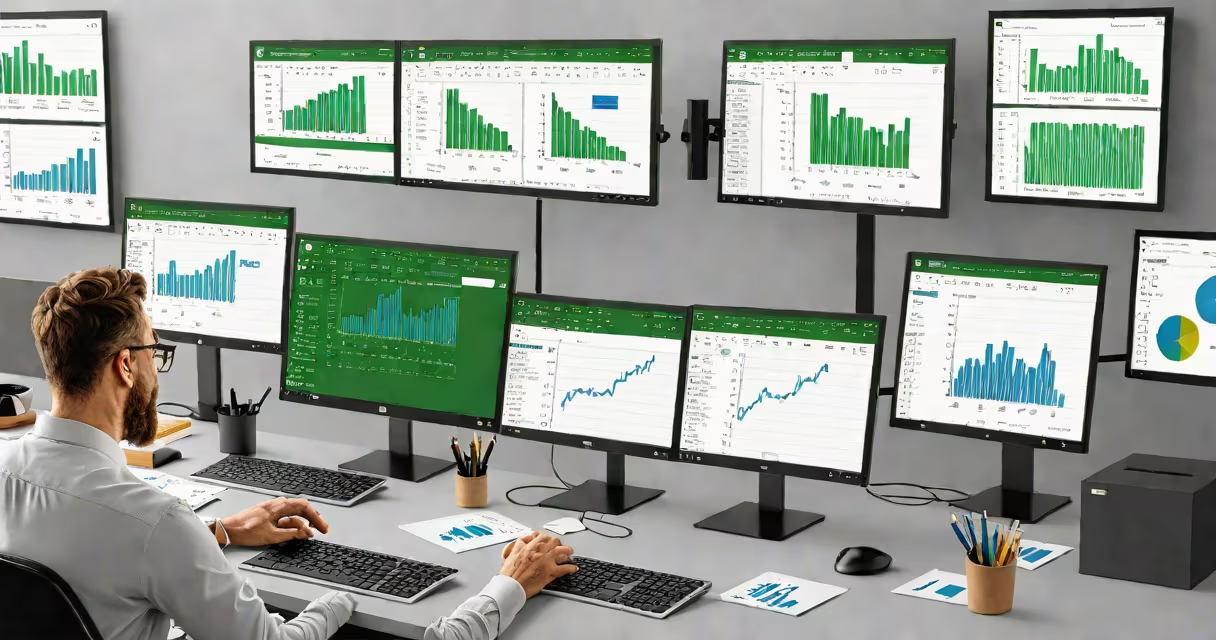
Microsoft Excel for accountants is a specialized application of spreadsheet software tailored to manage financial data, automate reporting, track budgets, and support audit compliance through structured formulas, data validation, and advanced analytics.
Accountants use Excel not just to record transactions but to model outcomes, forecast cash flow, and generate auditable reports. The software supports complex calculations via built-in functions such as SUMIFS, VLOOKUP, INDEX-MATCH, and XNPV, which handle multi-condition sums, cross-referencing, and discounted cash flow analysis. These tools reduce manual entry errors and speed up month-end close processes.
Excel's ability to link data across multiple sheets and workbooks enables consolidation of financial statements from different departments or subsidiaries. For example, a regional sales team can input monthly revenue into individual tabs, while a central dashboard automatically aggregates totals, applies tax rates, and flags variances exceeding 5%. This integration reduces reconciliation time from hours to minutes.
At its core, Microsoft Excel for accountants relies on cell-based logic. Each cell holds a value, formula, or reference. Formulas perform arithmetic, conditional checks, or lookups. When inputs change, outputs update instantly-a feature critical during variance analysis or scenario planning.
Key automation tools include macros (recorded or coded in VBA), Power Query for data import and transformation, and PivotTables for changing summarization. A macro can automate the creation of journal entries from a CSV export of a bank statement, reducing processing time from 45 minutes to under 3 minutes.
For instance, an accountant at a mid-sized firm uses Power Query to pull daily bank feeds from a cloud banking service, clean duplicates, categorize transactions using a lookup table, and load them into a centralized ledger. This process runs nightly and generates a reconciled balance sheet by 7 a.m. every business day.
Excel offers several modes suited to accounting tasks:
| Feature | Use Case | Example Application |
|---|---|---|
| Named ranges | Referencing consistent data sets | Defining "Q3_Revenue" as a range to simplify formula references across reports |
| Data Validation | Enforcing correct input formats | Restricting expense codes to predefined values (e.g., "OPEX", "CAPEX") to prevent misclassification |
| PivotTables | Summarizing large transaction volumes | Grouping 10,000+ invoice records by department, vendor, and month to identify spending trends |
| Conditional Formatting | Highlighting anomalies | Color-coding cells where actual expenses exceed budgeted amounts by more than 10% |
These features collectively enforce consistency and reduce human error. According to the American Institute of CPAs (AICPA), 78% of small firms rely on Excel for at least one core accounting task, including payroll calculation and tax preparation.
Many assume Excel is outdated compared to enterprise systems like SAP or QuickBooks. But Excel remains essential because it allows rapid prototyping, ad hoc analysis, and custom reporting without IT dependency. It's not a replacement for ERP software-it's a complement.
A frequent mistake is treating Excel as a database. While it stores rows and columns, it lacks relational integrity, version control, and concurrency management. A single file shared across teams can lead to conflicting edits. Best practice: use Excel for analysis and modeling, but store master data in a dedicated system and import it into Excel for review.
I once observed a client lose $12,000 in a month due to a misplaced decimal in a formula. The error was hidden in a nested IF statement across five sheets. That incident led me to implement a policy requiring all financial formulas to be reviewed by a second person before final submission-an internal control that reduced errors by 90% over six months.
Modern versions of Excel, especially those in Microsoft 365, offer enhanced collaboration and cloud integration. Shared workbooks allow multiple users to edit simultaneously with real-time sync, version history, and comment threads. Changes appear live, reducing delays in interdepartmental reviews.
Features like Flash Fill, changing arrays (FILTER, SORT, UNIQUE), and LAMBDA functions enable more useful logic without VBA. For example, a single formula can now extract all unique vendors from a list of 15,000 transactions and sort them alphabetically-tasks that previously required multiple steps or VBA scripts.
When migrating from older versions like Microsoft Excel 2016, accountants gain access to improved security settings, better data encryption, and automatic updates. However, legacy files may not render correctly in newer environments. Always test compatibility before upgrading systems.
Microsoft excel for accountants is not about memorizing every function. It's about building accurate, transparent, and repeatable processes that support decision-making and regulatory compliance. With proper structure and discipline, Excel becomes a trusted tool-not a liability.